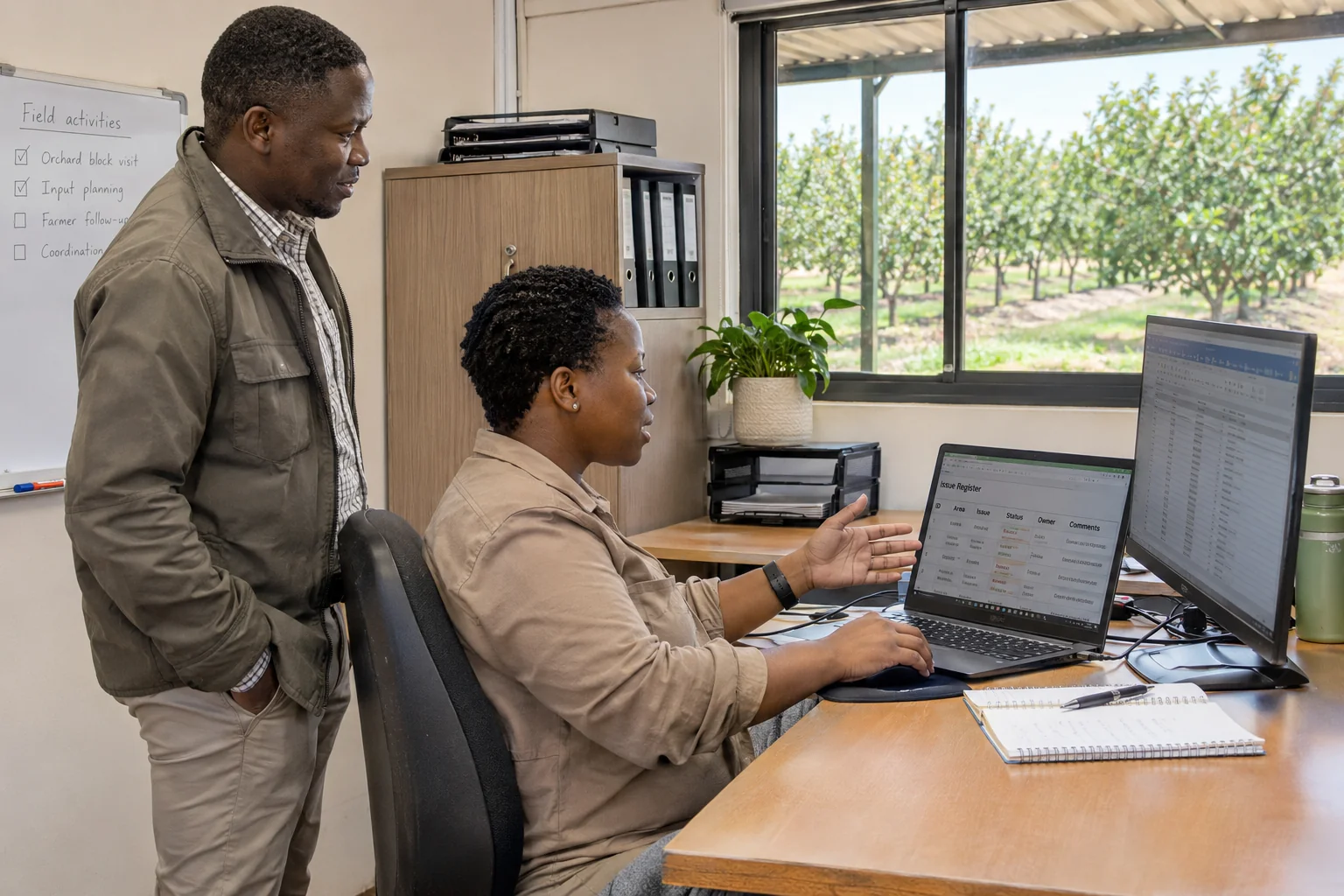
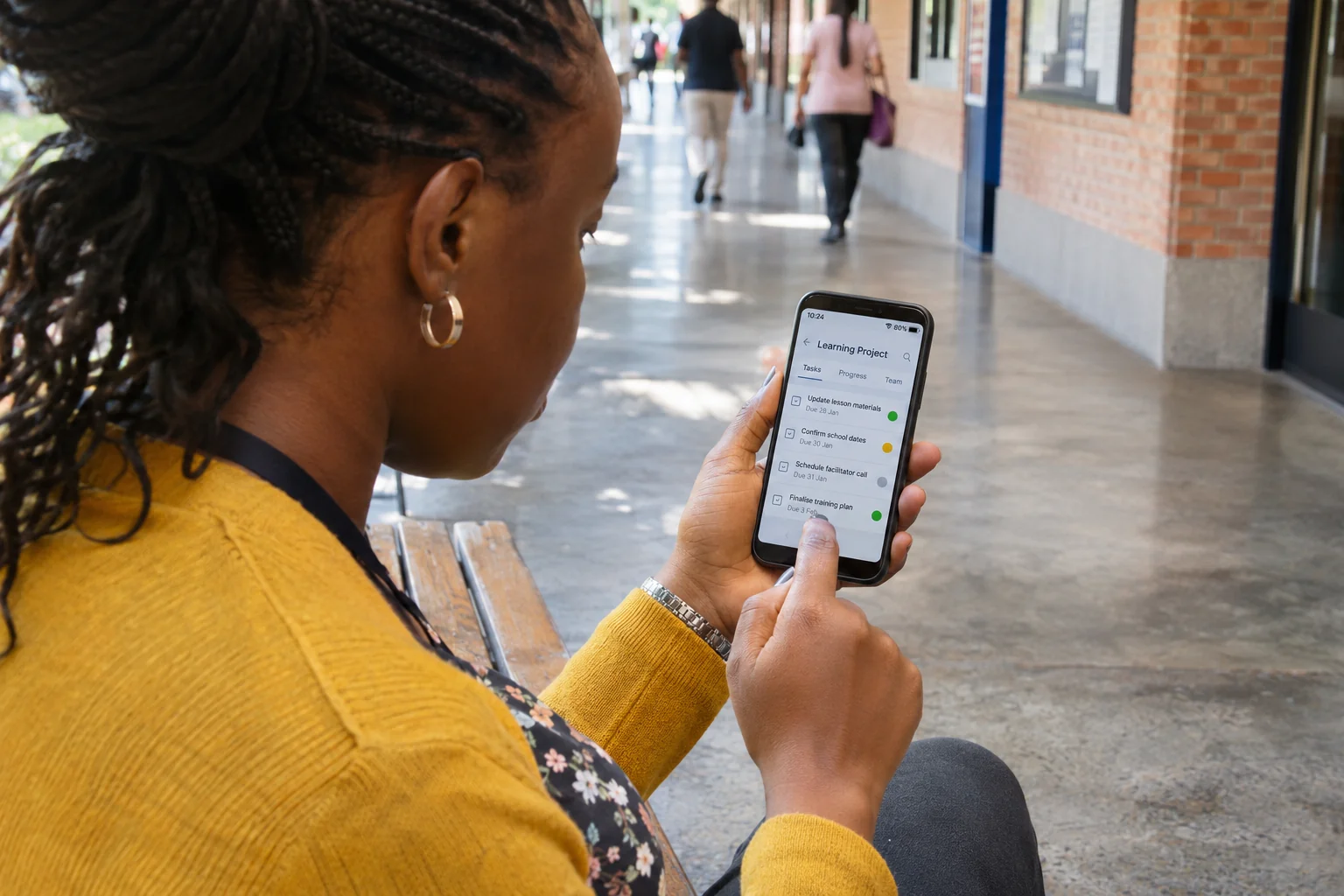
A demonstration can run perfectly for its creator and still leave a learner unsure what to do. The presenter knows where the next button is, which account has access and what the example is meant to teach. The learner may have none of that context.
When coordinating an edtech demonstration, I would begin with a task rather than a recording. What should the intended learner be able to attempt after watching? That question connects the script, the interface and the delivery environment. It also gives the review team something more useful to assess than whether the video looks polished.
My example is a fictional learning portal with a short lesson, a practice activity and a submission step. It is not a description of a real platform or a claim that a particular teaching method produces better results.
I write the task before the screen sequence
For this example, the intended task might be to find the practice activity, complete a sample response and confirm that the response has been submitted. I would write those actions in the brief and identify what the learner needs before starting.
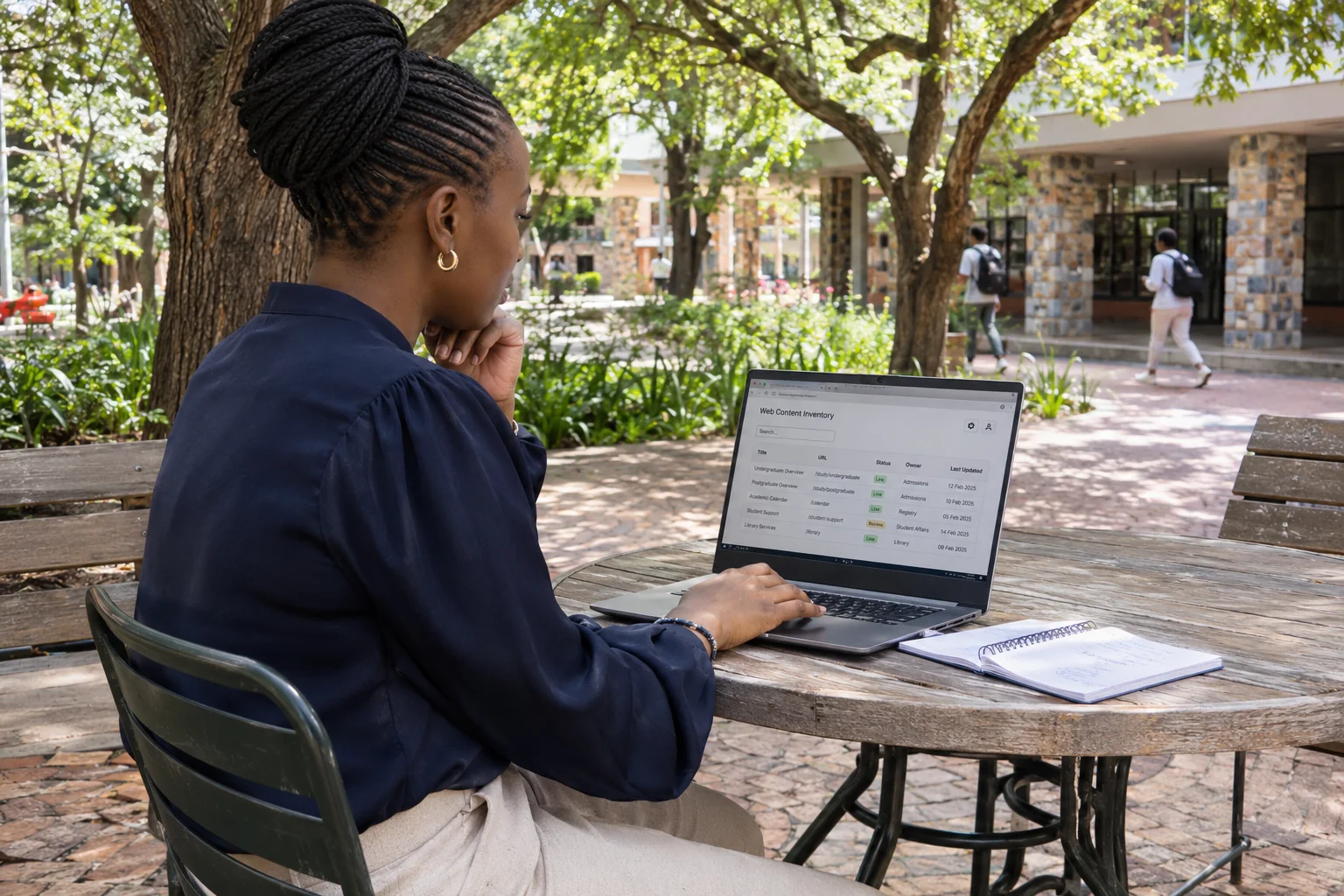
The production plan would record the account type, sample material, required permissions and expected starting page. A presenter using an administrator account may see controls that learners cannot access. That difference should be resolved before the team records a confident but unusable sequence.
I would ask the learning owner to confirm that the sample response and explanation are suitable for the intended audience. My role is to coordinate that acceptance and its connection to the production, not to assume subject expertise from being able to operate the software.
I walk the route with the intended permissions
Before filming, I would attempt the task using an authorised test account that represents the learner's access. I would record the environment and the steps taken so that another reviewer can reproduce the journey.
I would pay particular attention to the transition between the lesson and the practice activity. Does the learner have a clear next action? Does the relevant link open the expected destination? If the session expires, does the person know how to return to the task?
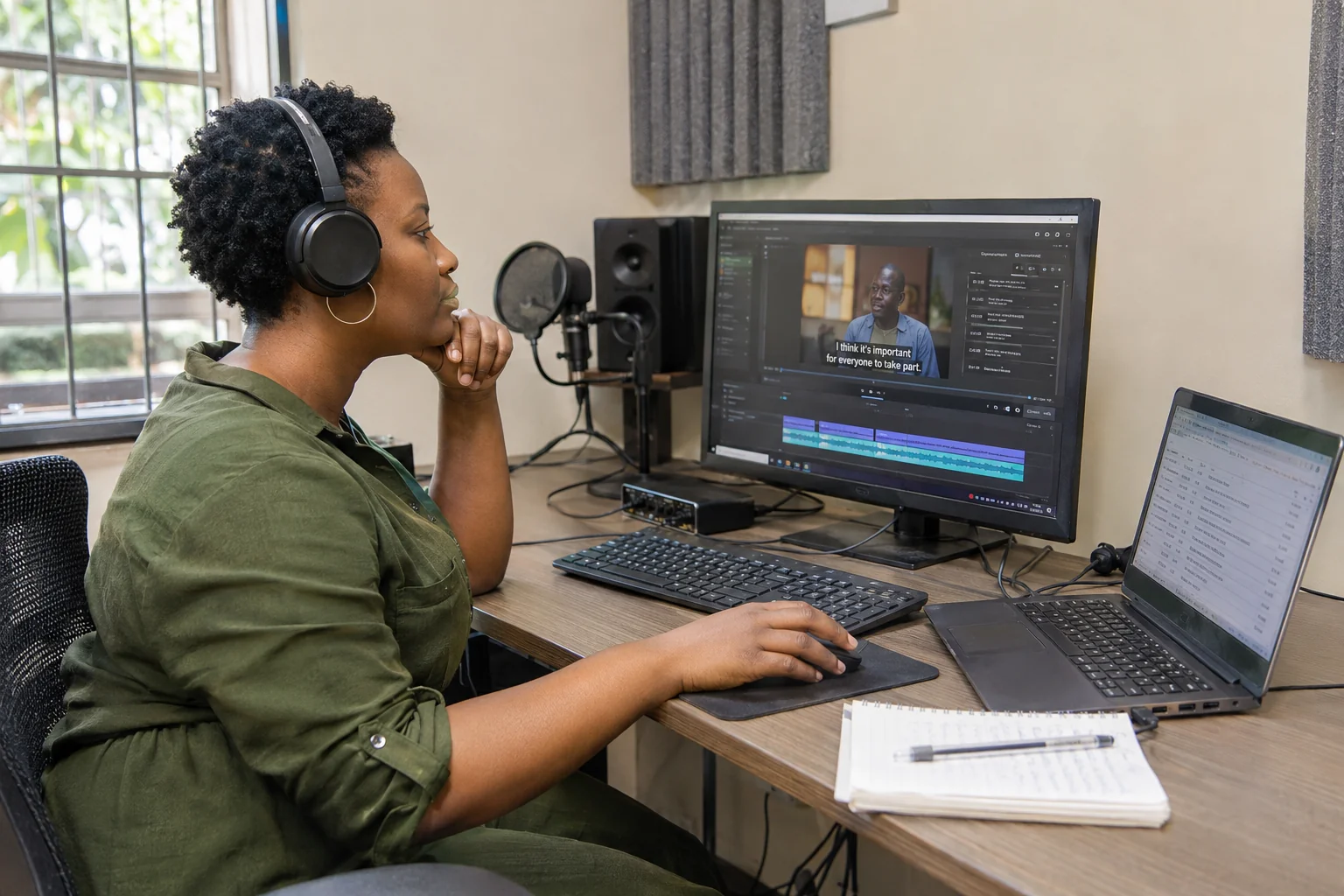
These checks are about the actual journey. A screenshot showing the correct destination does not establish that the route to it works. If I find a defect, I would give the platform owner a precise report: starting state, action, observed result and expected result.
I keep the recording faithful to the available interface
During production, I would avoid editing out a meaningful step simply to make the demonstration look faster. A necessary confirmation, an important choice or a visible loading state may need explanation rather than removal.
I would also check whether the recorded labels match the interface learners will use. If a product update changes the menu, the team needs to assess whether the demonstration remains understandable. The source recording, interface version and review date belong in the project record.
For the fictional submission task, I would show how the learner recognises the result. Clicking a button is an action; seeing an appropriate confirmation is evidence of what happened next. I would avoid claiming that a submission succeeded solely because the cursor moved over the right control.
I check access to the explanation as well as the task
The W3C's Easy Checks guidance includes initial checks for keyboard focus, zoom, captions and form labels. It explicitly describes these as a limited first review, not a complete accessibility assessment. I would use that distinction when defining the production checks and identifying where further expertise is needed. W3C Easy Checks.
In my coordination record, I would separate the video's accessibility requirements from the platform's requirements. Accurate captions cannot repair an inaccessible submission form, and a usable form cannot make an unreadable screen recording clear.
I would ask reviewers to inspect the actual exported video at its intended display size. A label that appears clear on a large editing monitor may be difficult to follow when the video sits inside a small lesson panel. The team may need a closer view or a more deliberate explanation, rather than merely increasing the export resolution.
I test the delivered package in context
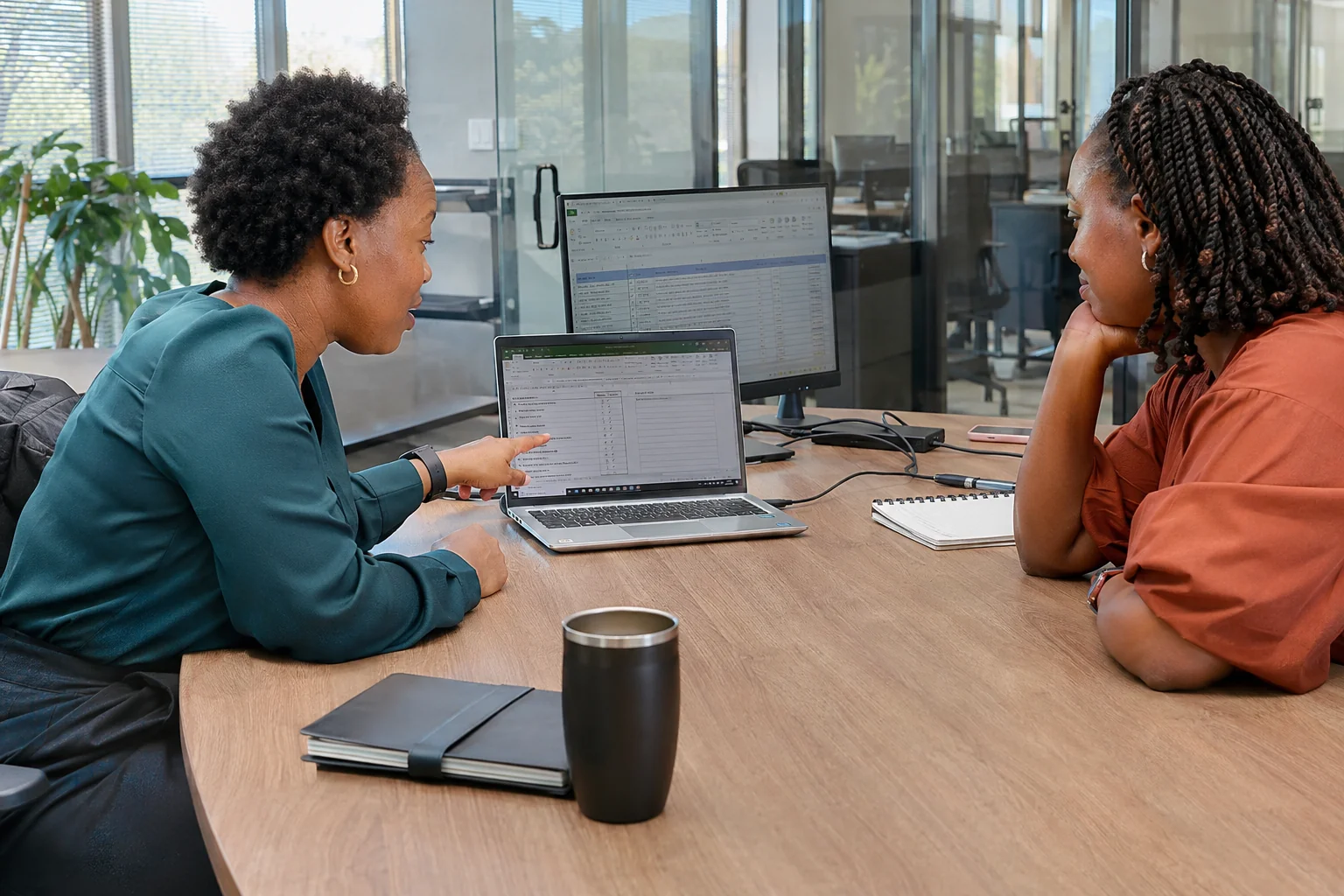
The handover test would use the intended player or learning environment, not only the editor's local file. I would check that the video opens, the controls work, the captions are available and the links lead to the agreed resources.
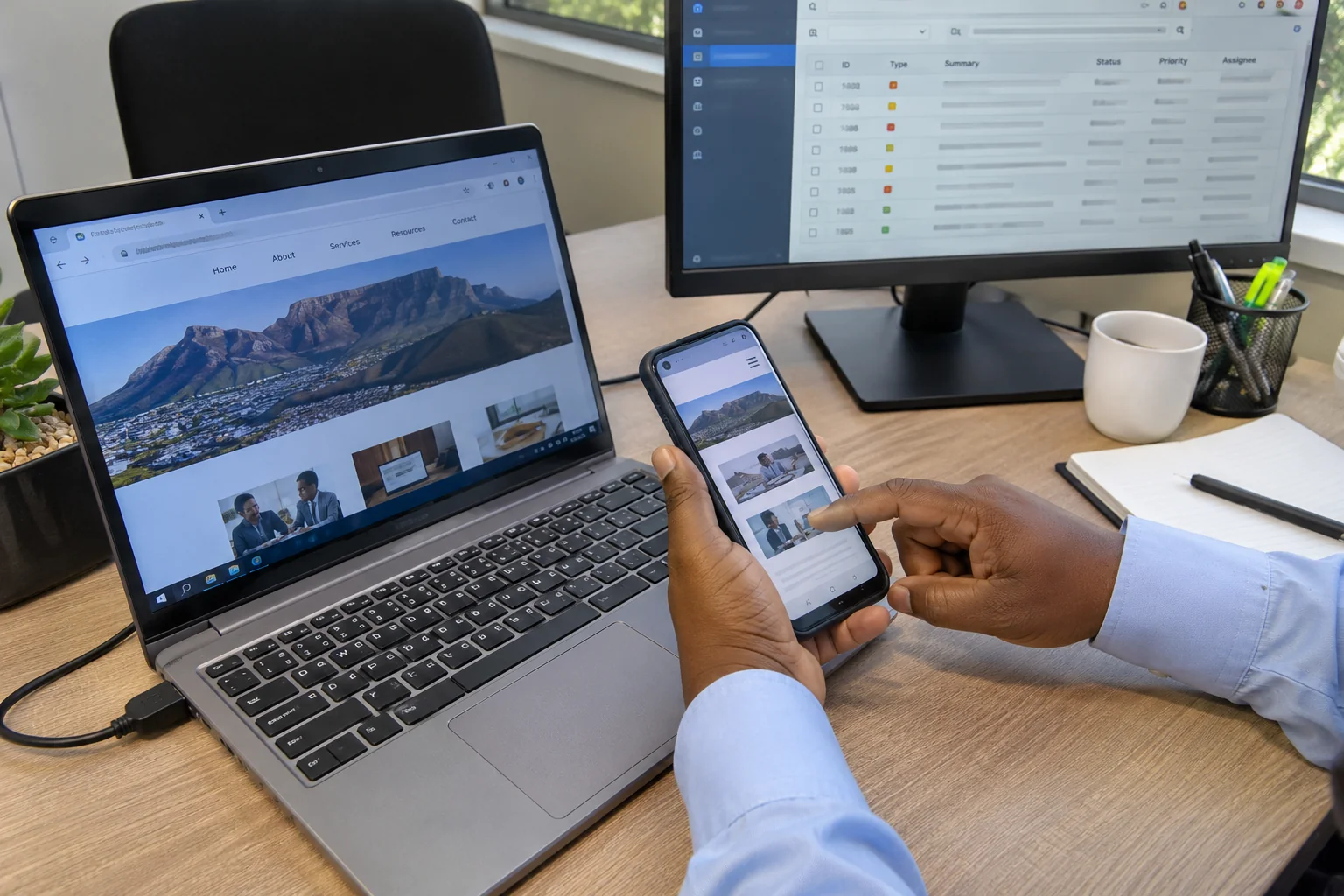
I would record which device and browser were used. A successful test on one desktop is useful evidence, but it is not proof that every learner environment works. The owner and technical team need to agree the supported coverage and the route for unresolved issues.
Where a download or supporting file is part of the lesson, I would check that item separately. The recording may be excellent while the accompanying worksheet requires access that the learner does not have. Each dependency belongs in the acceptance list.
I distinguish completion from learning evidence
A video play, a completed progress bar and a submitted practice response are different observations. I would not present any one of them as proof that the learner understands the subject.
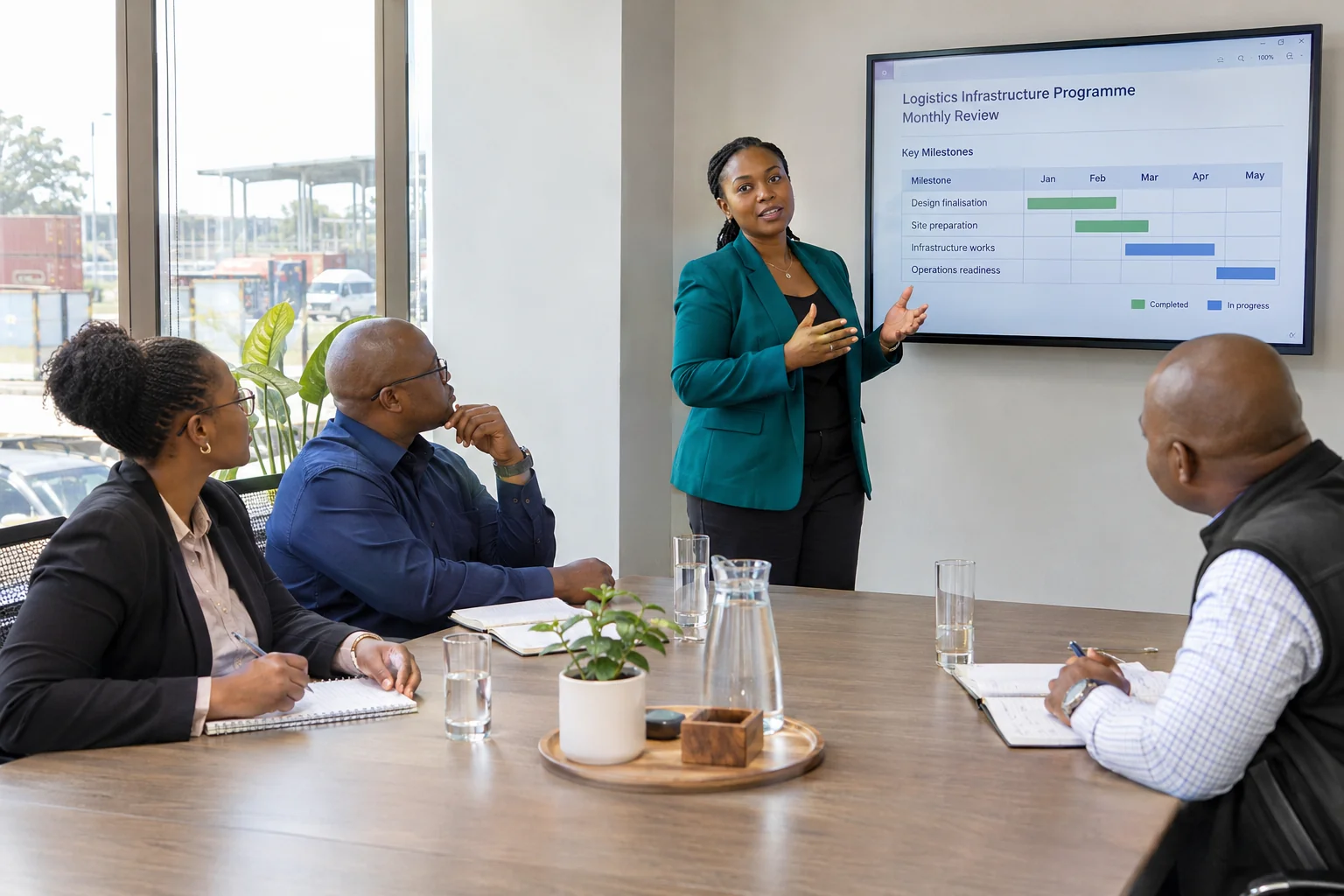
The learning owner should define the evidence appropriate to the task. My production record can show what was delivered, what was tested and which review decisions were accepted. It should not manufacture educational outcomes from a view count.
I would leave a named owner for the demonstration after release, with the interface version, source files and next review trigger. A changed button label may require a small correction; a changed task may require a new explanation. Keeping those dependencies visible makes future updates more manageable.
For me, the useful demonstration is the one that supports a real learner task in its actual setting. The recording, platform and supporting material need to work together, and the evidence should say exactly what was checked.
Research and example note
Prepared on 3 November 2026 for the 8 November slot. The cited W3C draft guidance is dated March 2024 and is used for fewer than 100 words of initial-check context. The portal and task are fictional. This article does not claim a complete accessibility evaluation or measured learning outcomes.