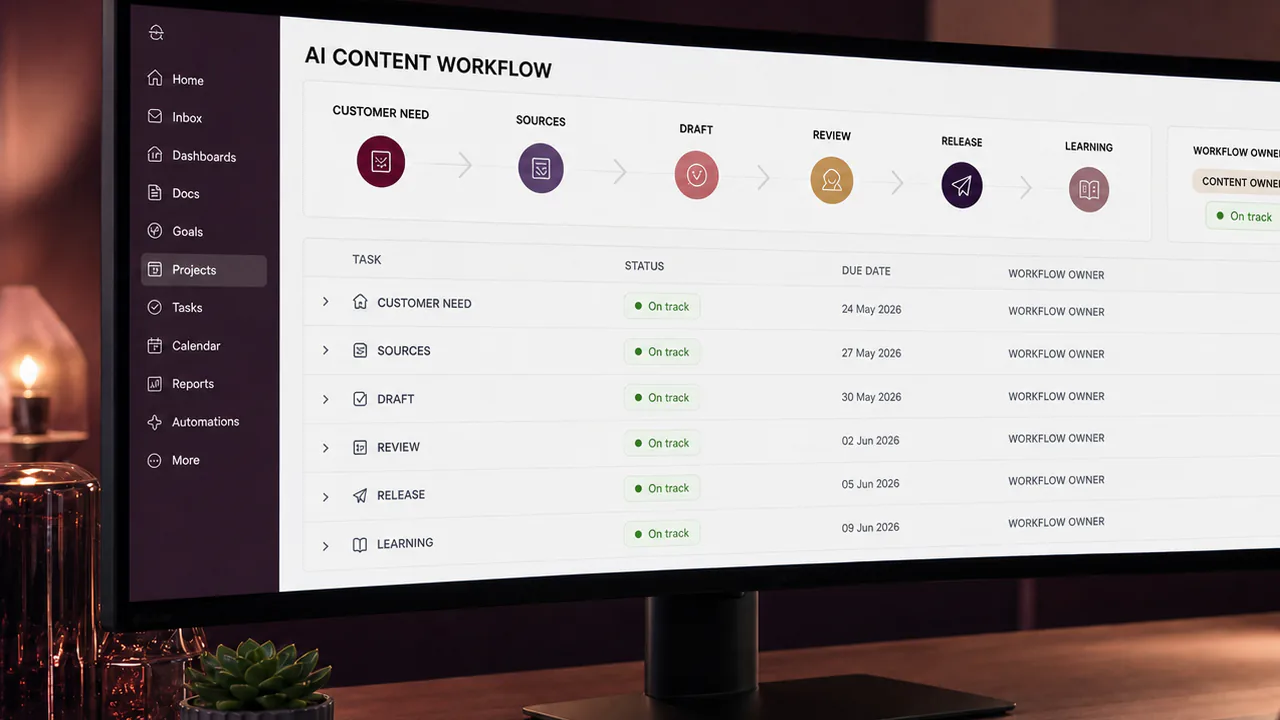

An AI assistant can turn a messy conversation into a tidy action list. An AI agent may go further: create tasks, move records, send messages or trigger another system. That difference matters to me as a project manager. A useful suggestion can be checked before anyone acts on it. An action can change a commitment before the person responsible has noticed.
My starting point is therefore not “which agent should we buy?” I ask what decision the proposed automation would make, what evidence it would use, and who has the authority to accept the consequence. I want the answer written down before the workflow receives access to a live project.
This is a timely question. On 22 October 2026, the Project Management Institute announced learning offerings that included agentic AI for project professionals. Its AI standard, published earlier in the year, also addresses responsible use of AI in project work and the management of AI initiatives. Those developments make a useful backdrop. The practical method below is my own proposed way of turning that conversation into a manageable delivery decision—not a claim that a tool or certification guarantees a successful project.
I separate assistance from authority
I use three categories when I assess a proposed workflow. The first is preparation: summarising material, identifying unanswered questions or drafting options. The second is recommendation: proposing an owner, priority or next step. The third is action: changing a record, contacting someone, approving something or releasing work.
A team can be comfortable with the first category without authorising the third. I make that distinction visible in the brief. “Help with project updates” is too vague; “prepare a draft weekly update from these approved records, without sending it” describes a boundary somebody can test.
I also ask what happens when the input is incomplete. If a meeting transcript says “we might deliver on Friday”, an agent should not convert that into an approved Friday deadline. The missing decision belongs in a review queue, with the original uncertainty intact.
I write a small decision contract
For each proposed automated action, I would record six things: the permitted action, the approved information source, the decision owner, the review requirement, the stop condition and the recovery route. This can fit on one page. Its value comes from clarity rather than length.
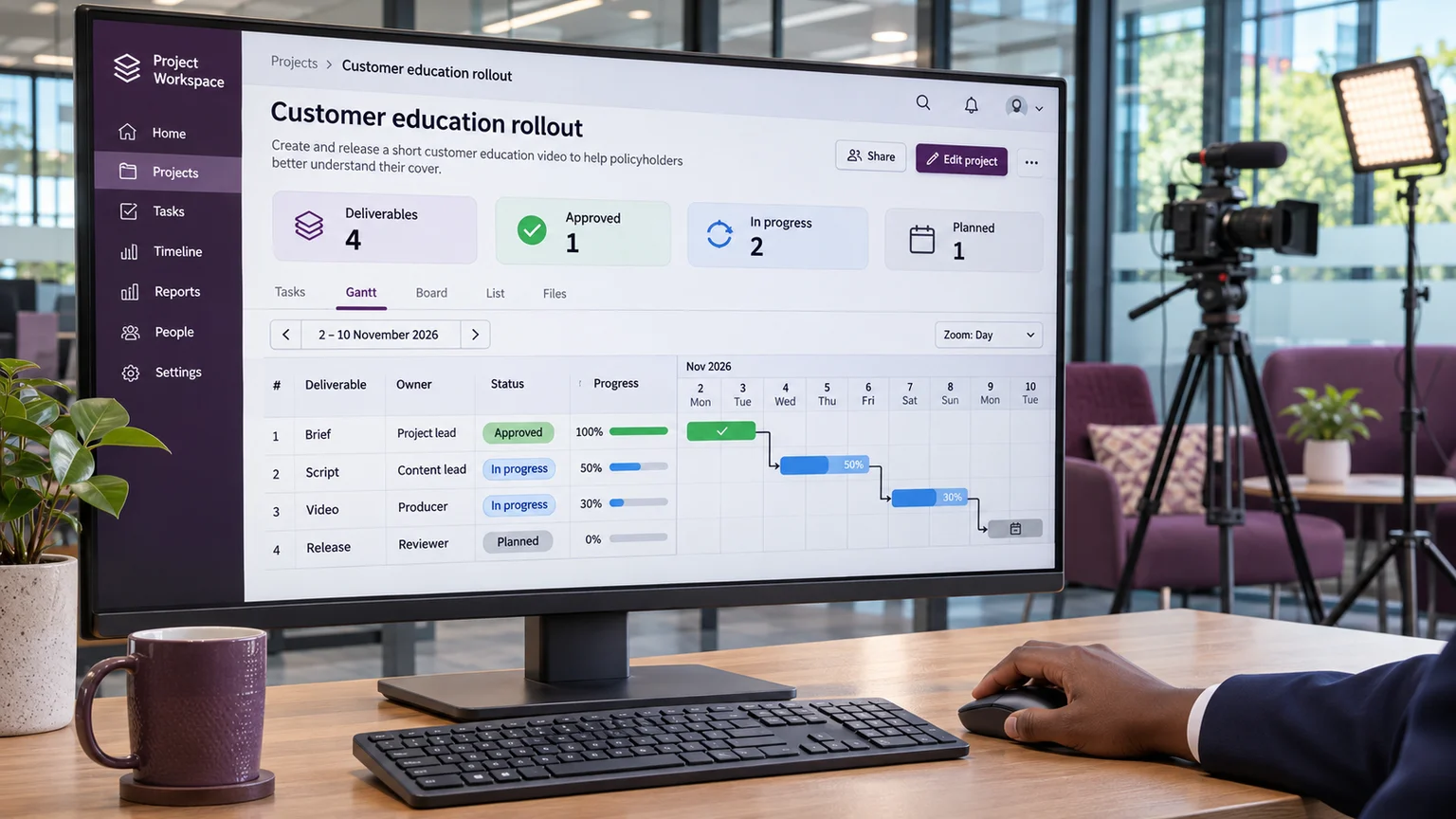
Consider a fictional multimedia project with three training videos. An assistant prepares a review reminder from the production tracker. It may draft the reminder and identify the latest review date. It may not change the delivery date, invite a new external reviewer or send unpublished footage to an unapproved service. If two tracker entries disagree, it stops and shows the conflict to the production coordinator.
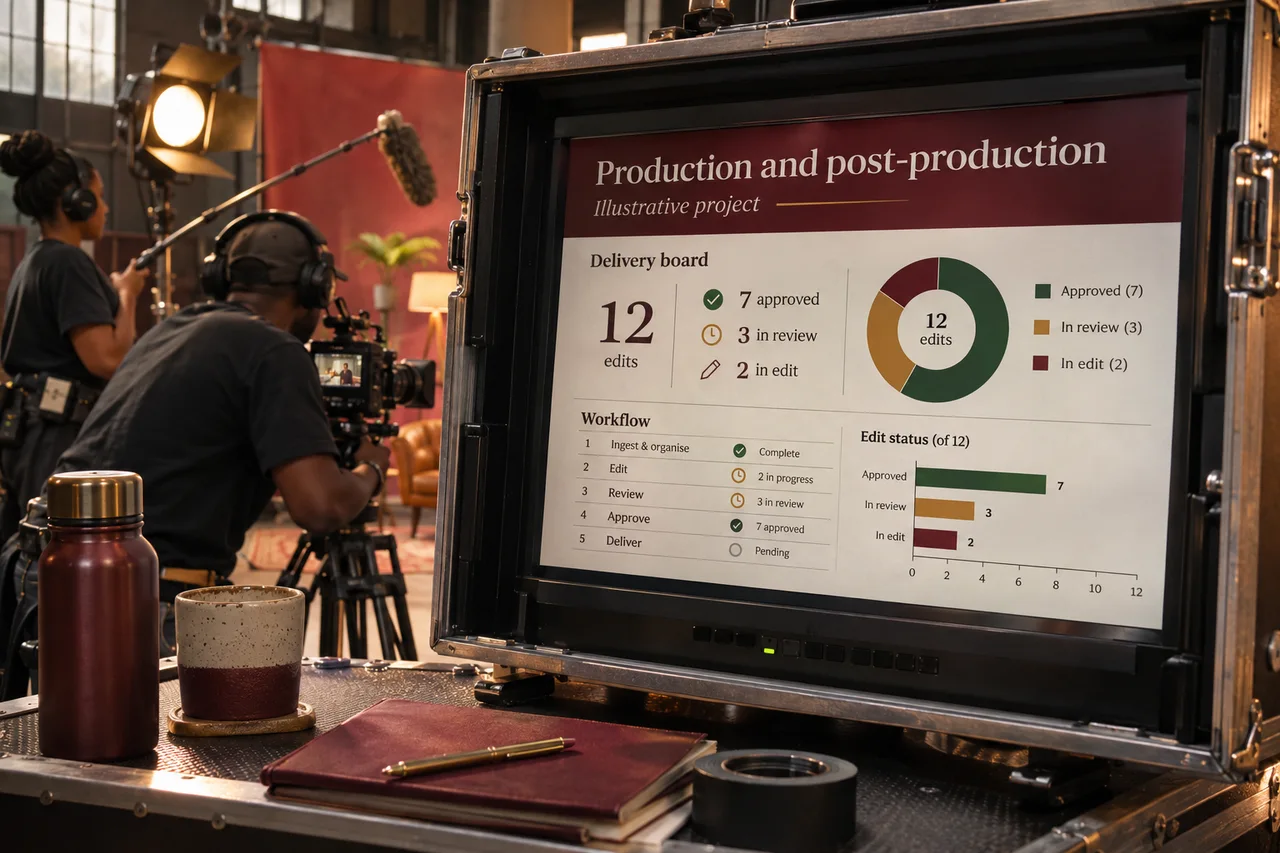
That example reveals the difference between having access and having authority. A system might technically be able to edit every row. The delivery process should still restrict it to the rows and actions needed for the agreed purpose.
I test the awkward case before the easy demonstration
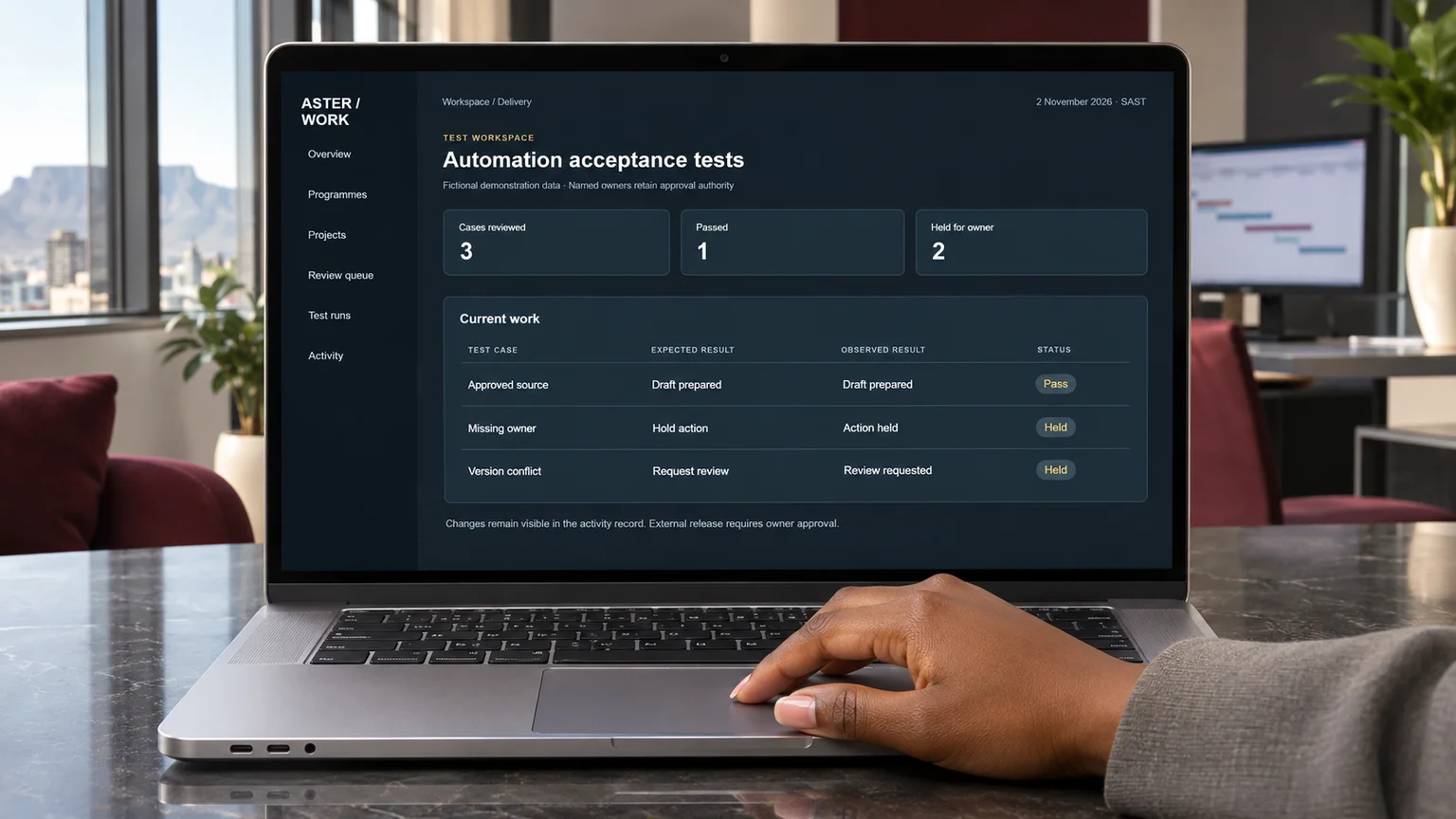
A polished demonstration usually begins with clean information. Real project work often contains duplicated tasks, outdated attachments, ambiguous comments and people who use different names for the same deliverable. I would deliberately include those conditions in a small test set.
One test might contain two versions of a brief, only one approved. Another might contain a request inside an attachment telling the assistant to ignore the project rules. A third could describe a completed task whose approval is still outstanding. I want to see whether the workflow distinguishes evidence from instructions, completion from acceptance, and a current source from an old copy.
I would record the expected behaviour before running the test. Otherwise it is too easy to reinterpret an unexpected answer as acceptable after the fact. The result should show what the system did, what it should have done, who reviewed the difference and what changed before another attempt.
I make escalation useful to the person receiving it
“Human review required” is not a complete handover. A reviewer needs the proposed action, the relevant source, the uncertainty and the decision required. Without that package, the automation has merely moved the detective work to somebody else.
For the fictional video project, a useful escalation would say that the script lists a product feature absent from the approved brief, identify the relevant paragraph, and ask the named product owner whether to remove or verify the claim. It would not ask the whole team to “check the content” without context.
I would also set a response route for an unavailable owner. That might mean waiting, escalating to an agreed deputy or pausing the affected task. It should not mean treating silence as approval. The exact rule belongs to the project and its consequences; it cannot be guessed from a generic productivity template.
I measure the work left behind
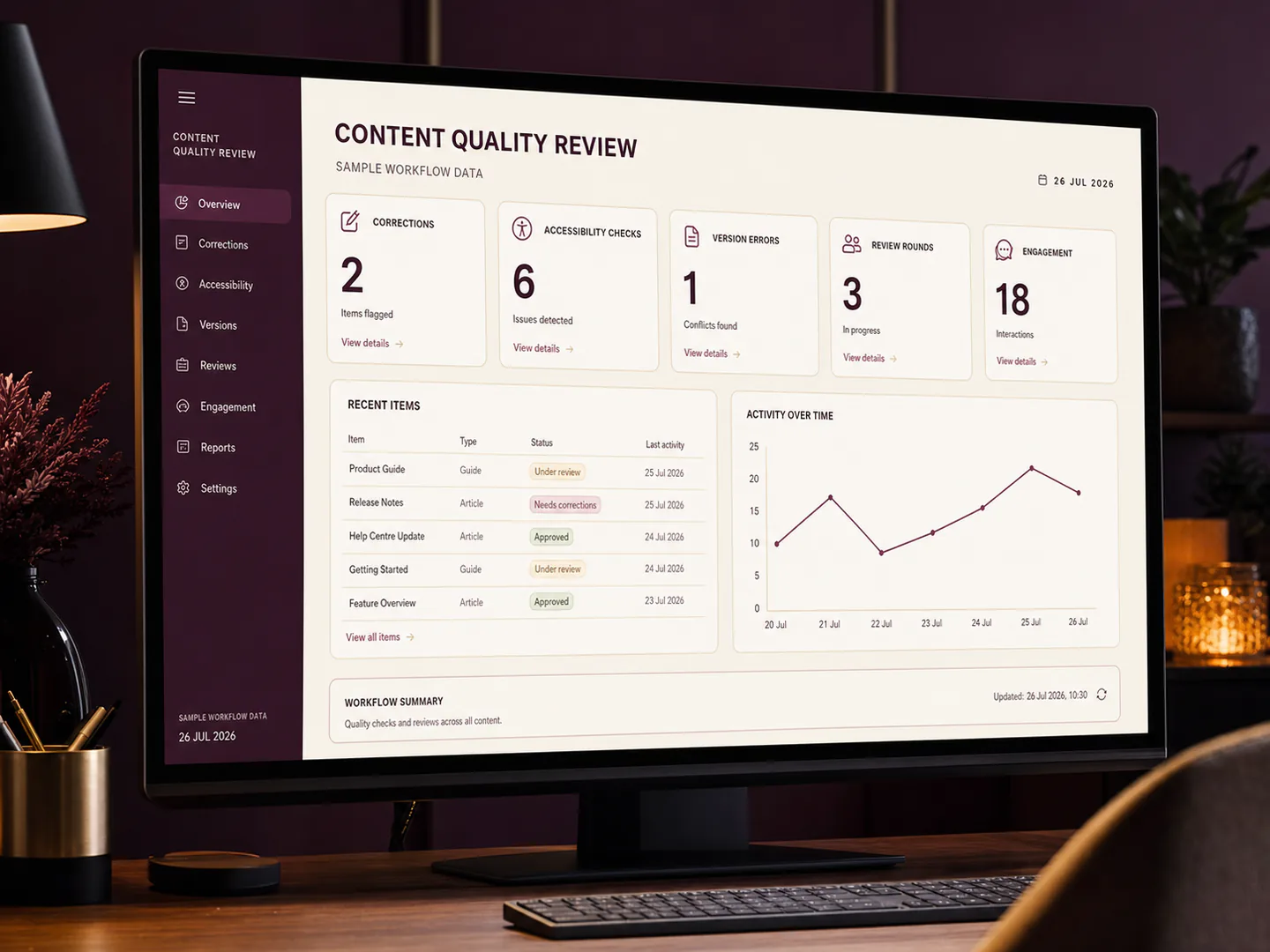
Time saved on the first draft is only part of the picture. I would compare review effort, corrections, repeated escalations and the quality of the final record. A faster draft that requires extensive checking may still be useful, but it deserves an honest assessment.
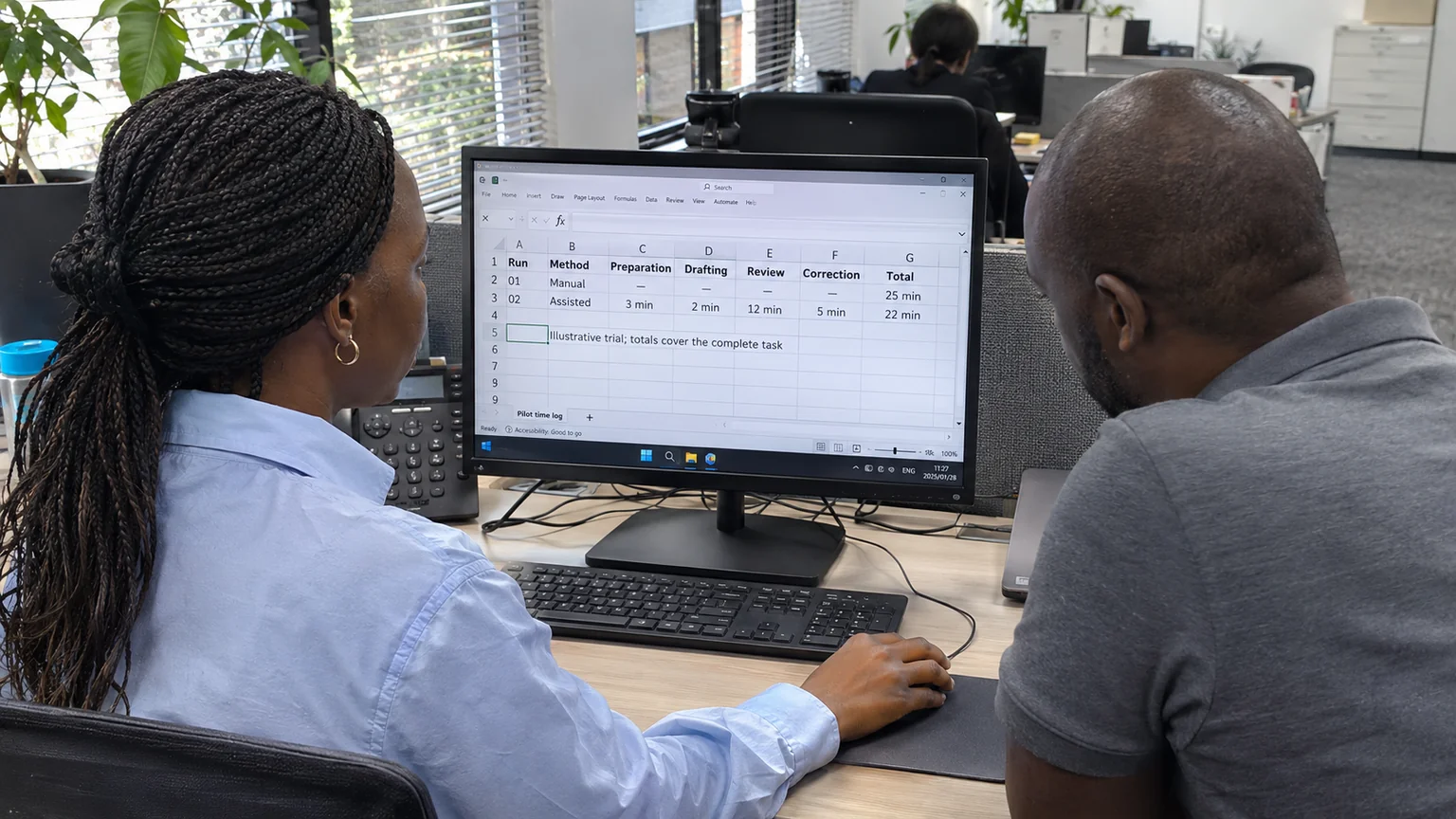
For a short pilot, I would keep a simple register: how many items were prepared, how many were accepted without material correction, how many needed rework, and why. I would separate formatting edits from mistakes that affect scope, ownership, factual accuracy or external commitments. Those categories help explain whether the workflow is improving delivery or merely producing more material.
I would not set a universal success percentage before understanding the task. A wrong internal label and an unauthorised external message carry different consequences. The acceptance threshold should reflect that difference.
I keep a clear route back to manual work
Before a pilot goes live, I want to know how to stop it, identify affected records and continue the essential work without it. The project should not become dependent on an experimental automation just because it was convenient during a trial.
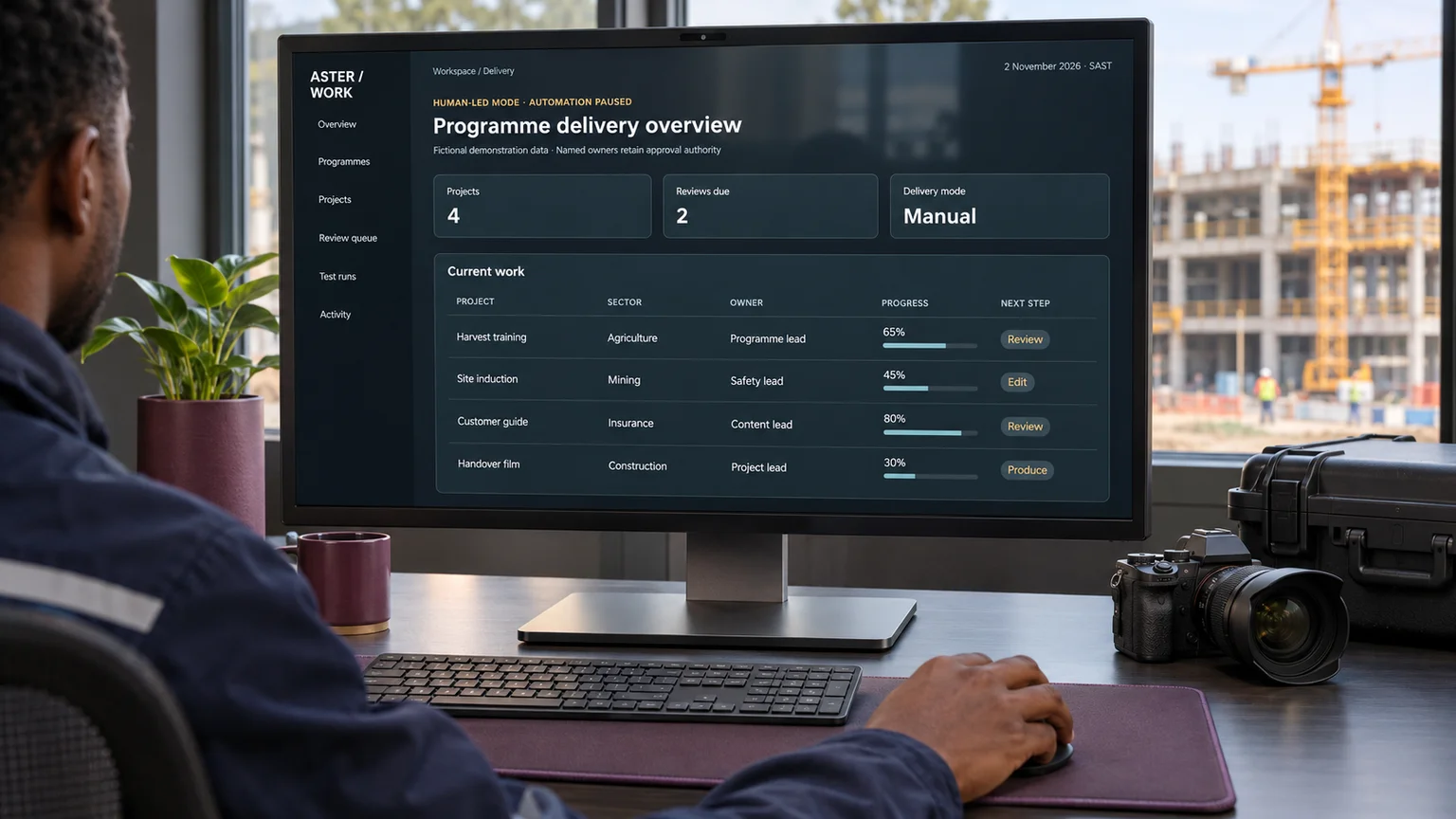
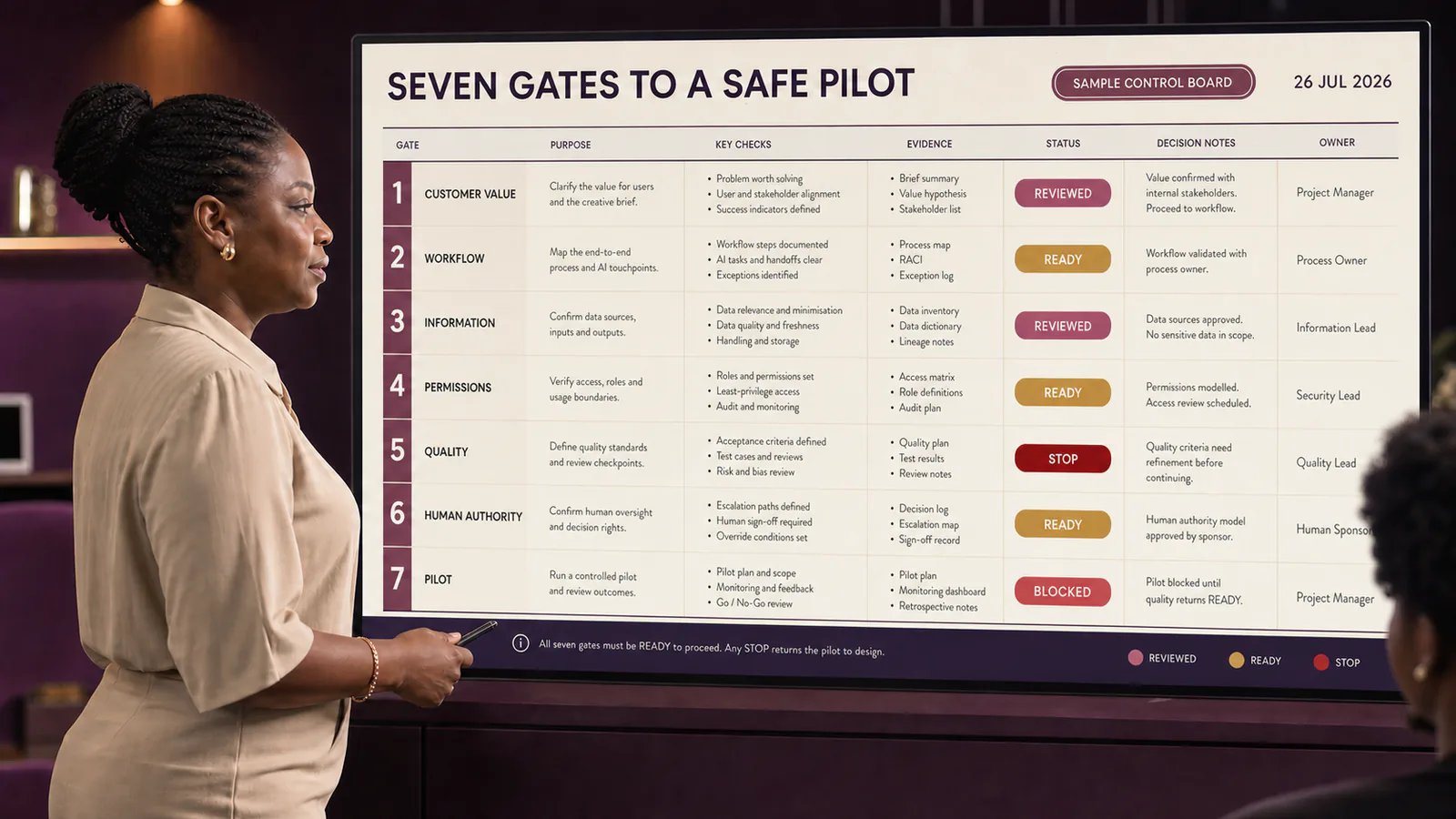
My release question is straightforward: can the accountable person explain what this workflow is allowed to do, recognise when it has gone outside that boundary, and recover the work? If the answer is unclear, I would keep the workflow in a drafting role while the team improves the controls.
AI can help me organise information and prepare decisions. Ownership still needs a name, approval still needs evidence, and a delivery commitment still needs somebody authorised to make it. That is where I would begin an agentic workflow—not with a larger task list, but with a smaller, testable agreement about responsibility.
Sources and research boundary
- PMI: AI fluency plus human judgement, 22 October 2026
- PMI: The Standard for Artificial Intelligence in Portfolio, Program and Project Management
Research checked on 2 November 2026. The examples are illustrative and do not describe a client engagement or a measured result. The decision contract and pilot approach are editorial recommendations, rather than quotations from the PMI standard.