Workflow Design and Automation · 2026-04-13 · 6 min read
Automation should remove avoidable friction. It should not accelerate an unclear process, hide a decision or make the customer absorb the organisation’s internal disorder.
Teams often ask what can be automated before they have described how the work currently reaches a customer. The visible task may be repetitive, but the surrounding process contains judgement, exceptions, approvals and information that are not captured in a procedure.
Automating that incomplete picture can move the problem rather than solve it. A form is submitted faster, but the wrong person receives it. A draft appears instantly, but nobody knows which source was approved. A reminder is sent automatically, but the customer has already provided the information through another channel.
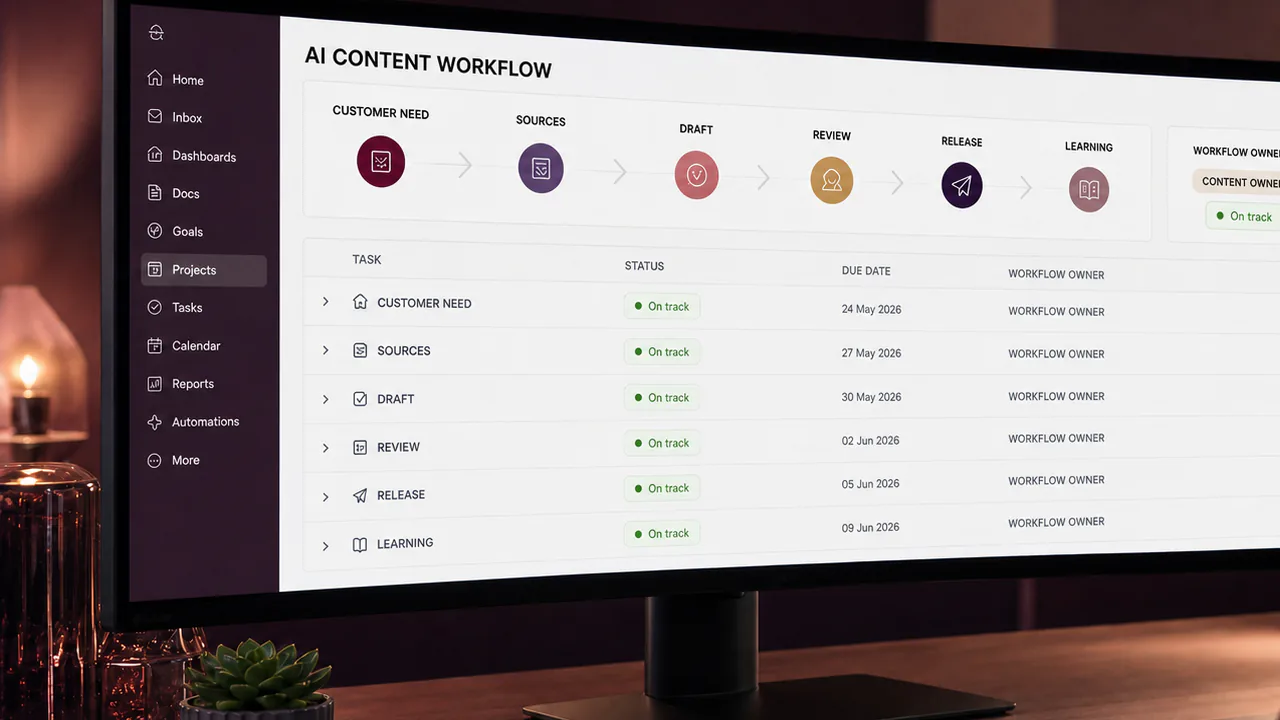
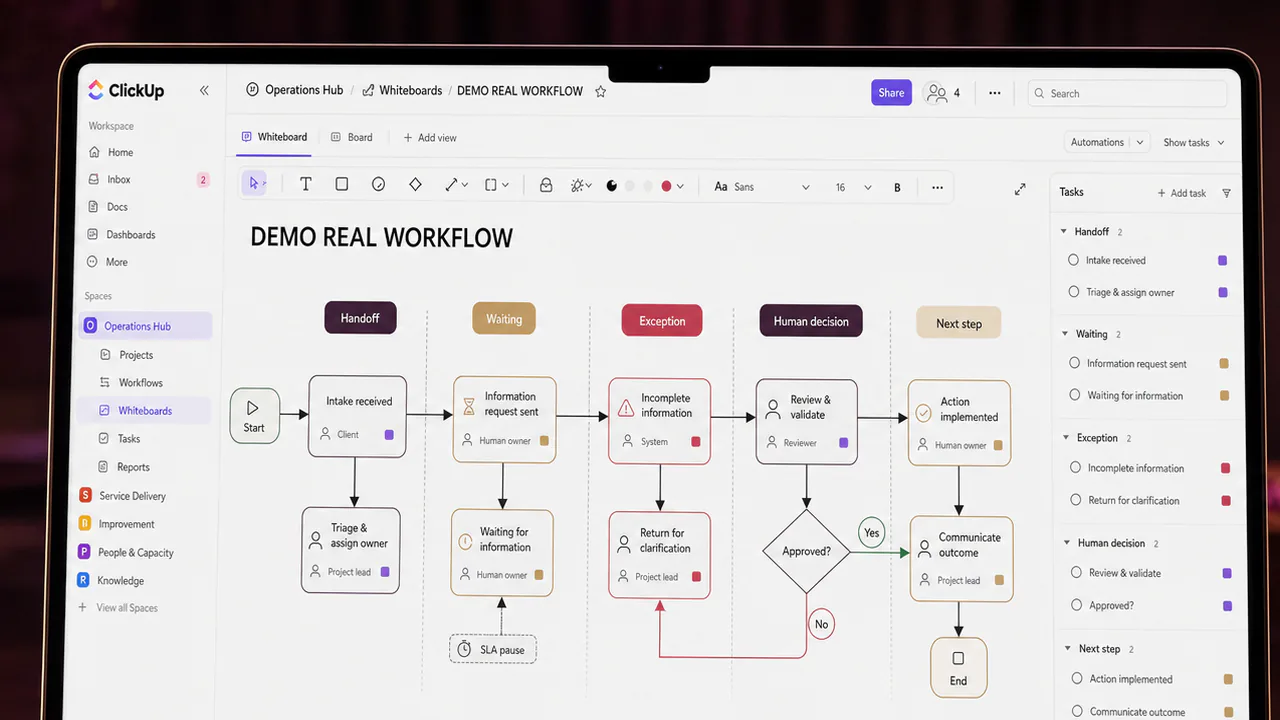
I map the real work first. That means following the request, people, information, decisions and exceptions from the customer’s need to the final handover. Only then can the team decide what should be automated, assisted, simplified or deliberately kept human.
Key takeaways
- Start with the customer journey and the final usable outcome.
- Observe the actual workflow, not only the written procedure.
- Handoffs and exceptions usually contain more risk than routine steps.
- Decision rights, personal information and approval limits must be explicit.
- Pilot one bounded workflow and measure customer and delivery outcomes together.
Section 01
I trace the customer request from beginning to end
I begin with one real scenario: who asks for what, through which channel, with which information and by when. I follow that request until the customer receives the final result or a clear resolution.
This view exposes delays that internal task lists often miss, including repeated requests for information, unclear ownership, disconnected channels and work waiting for an invisible decision.
Section 02
I compare the documented process with the actual process
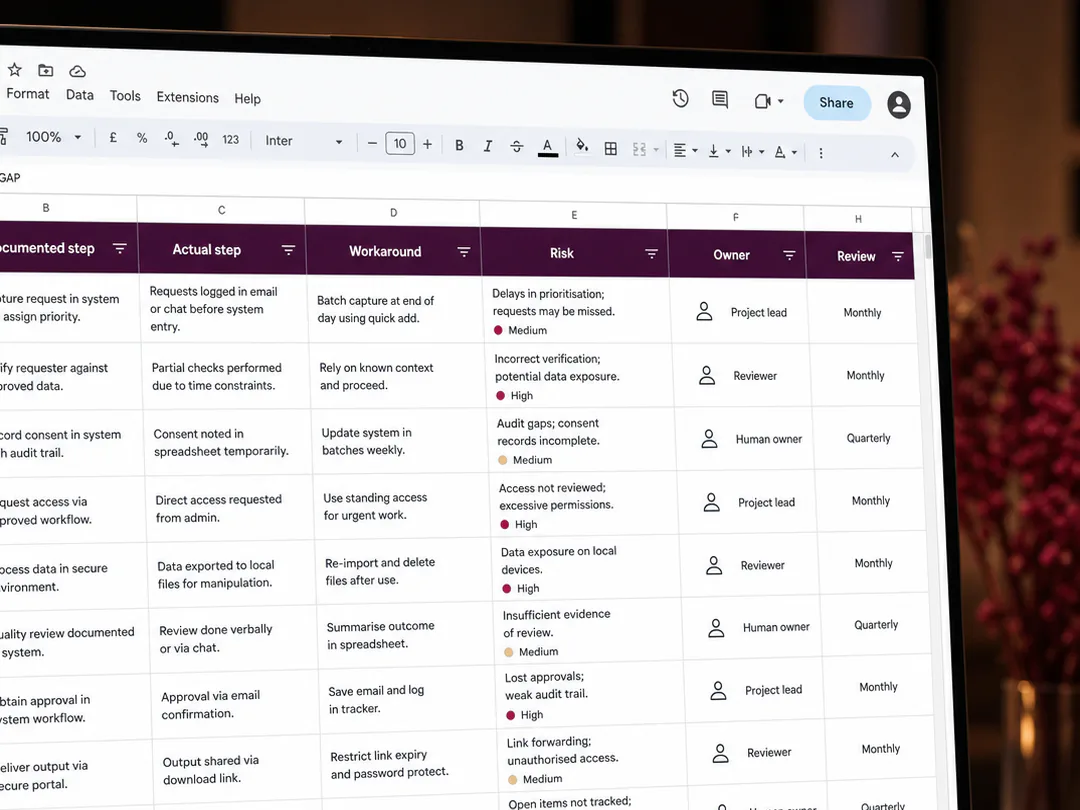
People frequently use workarounds because the official workflow does not reflect current tools, customer expectations or team capacity. I speak to the people doing the work and record the files, messages, spreadsheets and judgement they rely on.
The purpose is not to criticise informal practice. It is to understand which steps carry real value and which exist only because the process has not been redesigned.
Section 03
I mark every handoff and waiting point
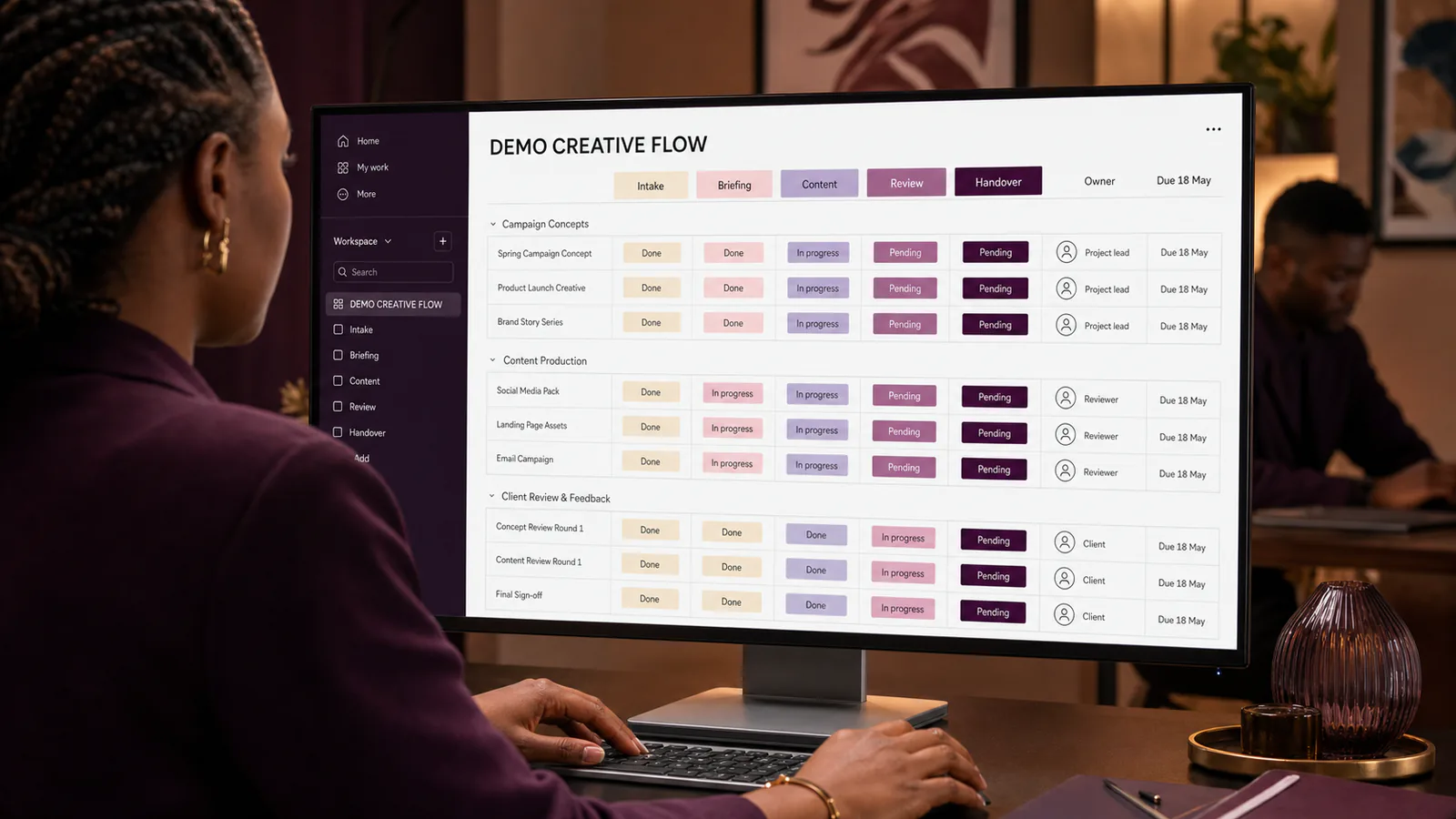
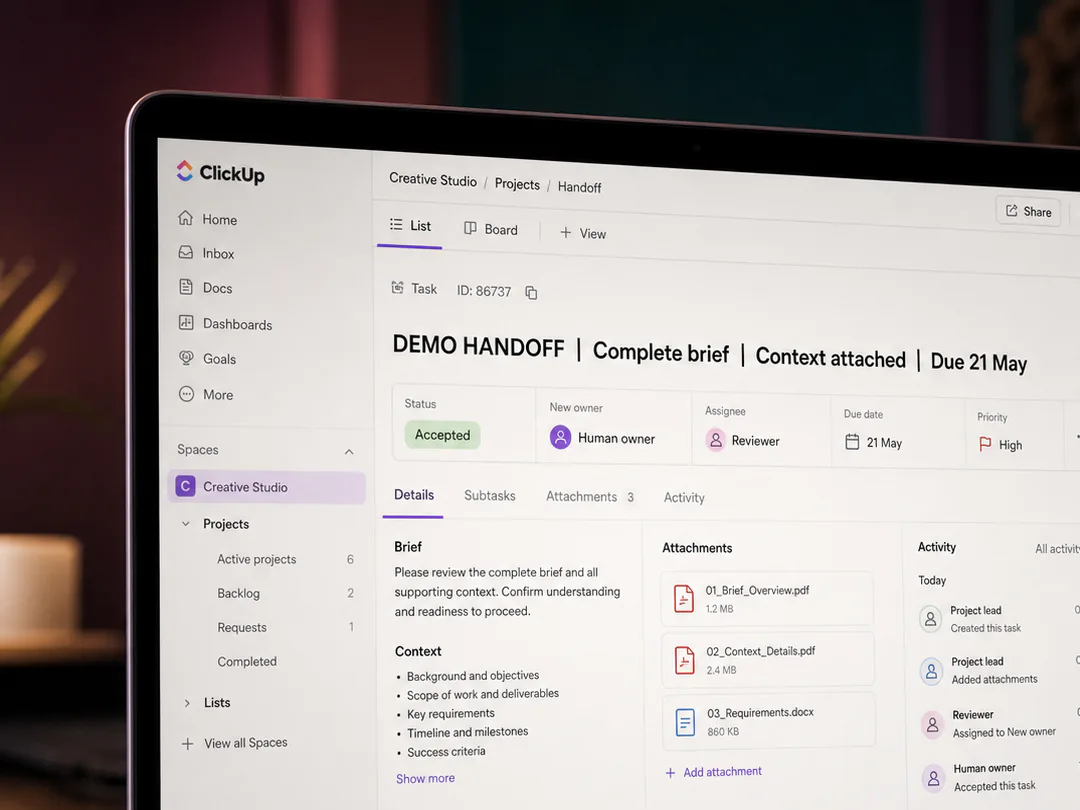
Work becomes fragile when it crosses from customer to service team, project manager to contributor, contributor to reviewer or one system to another. At each handoff I record the required information, format, owner, response expectation and fallback route.
A useful automation should strengthen the handoff by preserving context. It should not force the next person to reconstruct the story.
Bring the moving parts into one delivery process.
I can facilitate a practical workflow-mapping session, document the current state, identify handoffs and exceptions, define decision and data boundaries, and prepare a controlled pilot brief for your automation or technical team.
Section 04
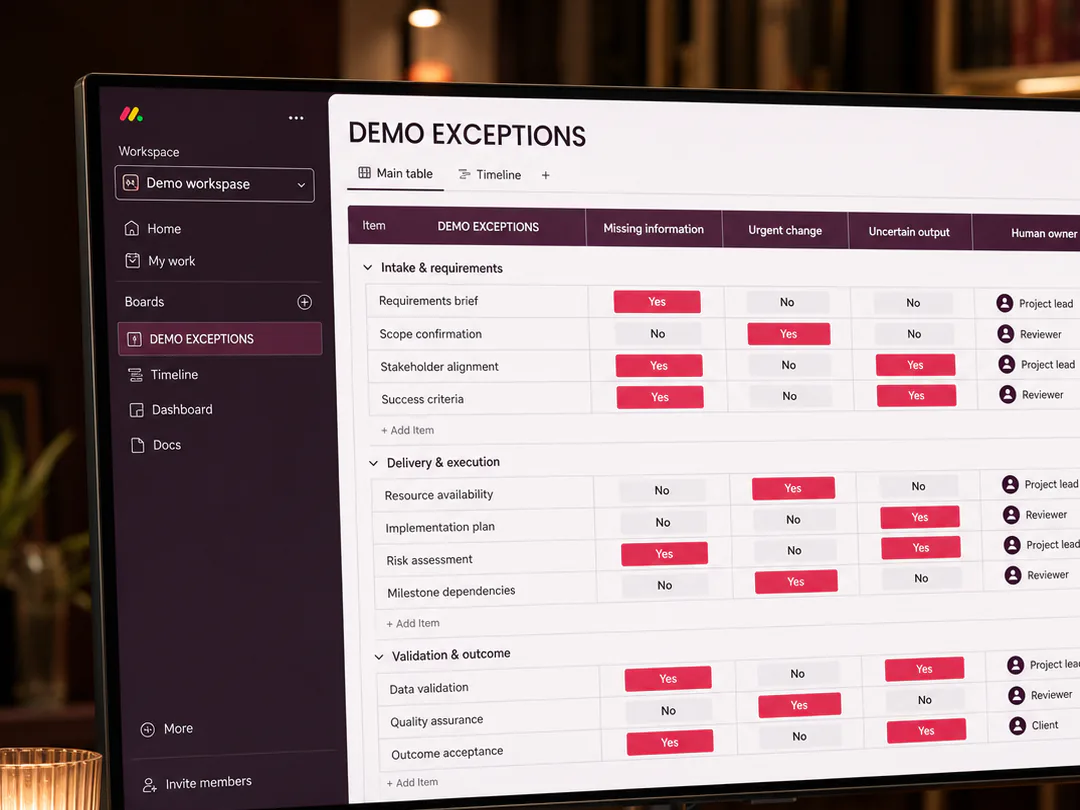
I catalogue exceptions before designing the happy path
The routine case may be easy to automate. Delivery quality depends on what happens when information is missing, feedback conflicts, a deadline changes, a customer needs assistance or the tool cannot complete the task confidently.
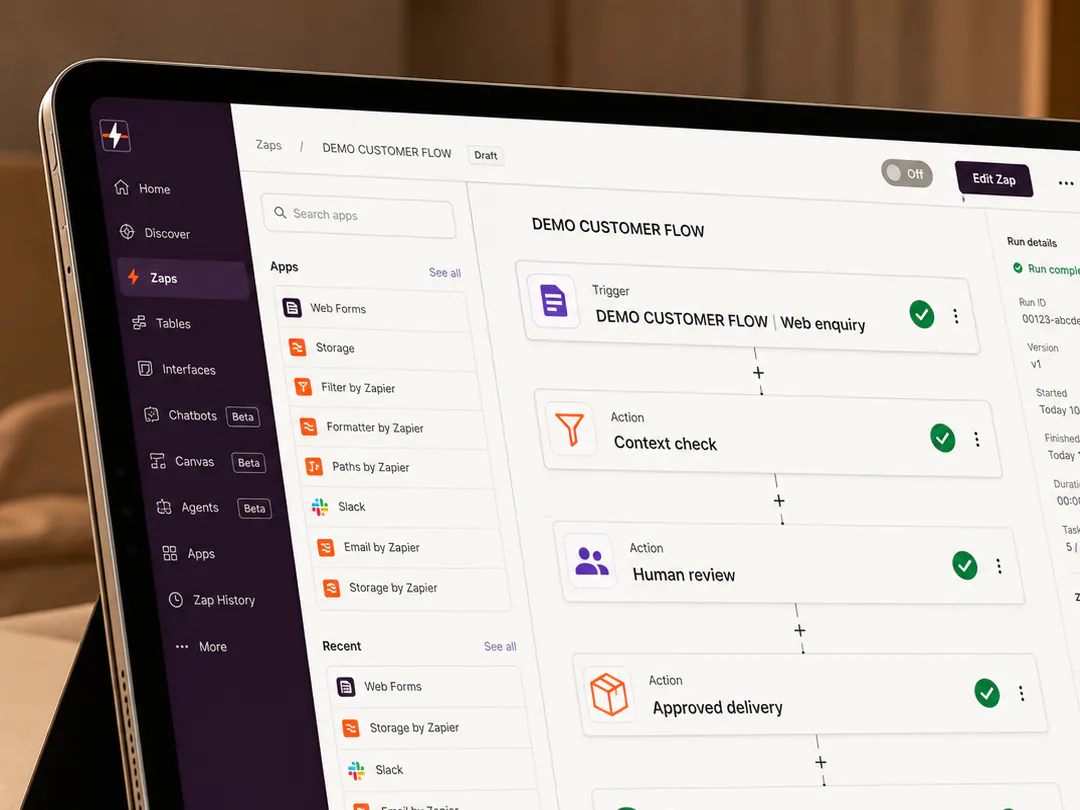
I classify exceptions by impact and frequency, then assign a human route. The team should know when automation stops, what evidence is transferred and who has authority to resolve the case.
Section 05
I separate assistance from decision authority
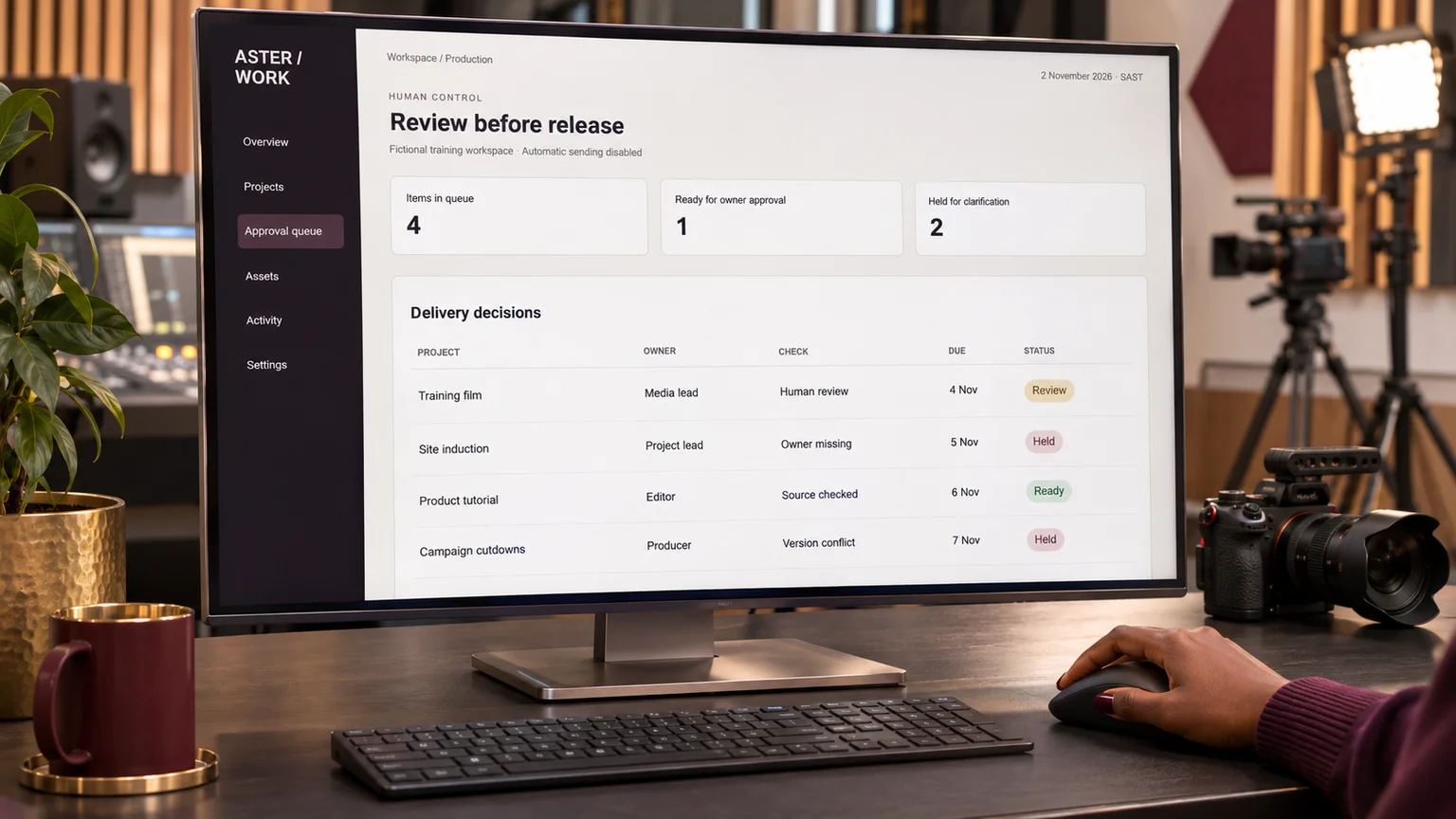
A tool may organise documents, extract actions, prepare options or draft communication. That does not automatically give it authority to approve scope, make a sensitive customer decision, publish a claim or change a contractual commitment.
I define the decisions that remain human-owned and the evidence the decision-maker needs. This protects the customer and prevents convenience from becoming unexamined authority.
Section 06
I map data, permissions and retention
The workflow map includes the information entering each step, where it is stored, who can access it and whether it is necessary for the stated purpose. Personal information should not be copied across tools simply because integration is possible.
For South African work, POPIA responsibility remains with the organisation. The project therefore needs lawful purpose, security, access control, retention and a route for correcting inaccurate information.
Section 07
I pilot a bounded improvement and measure both sides
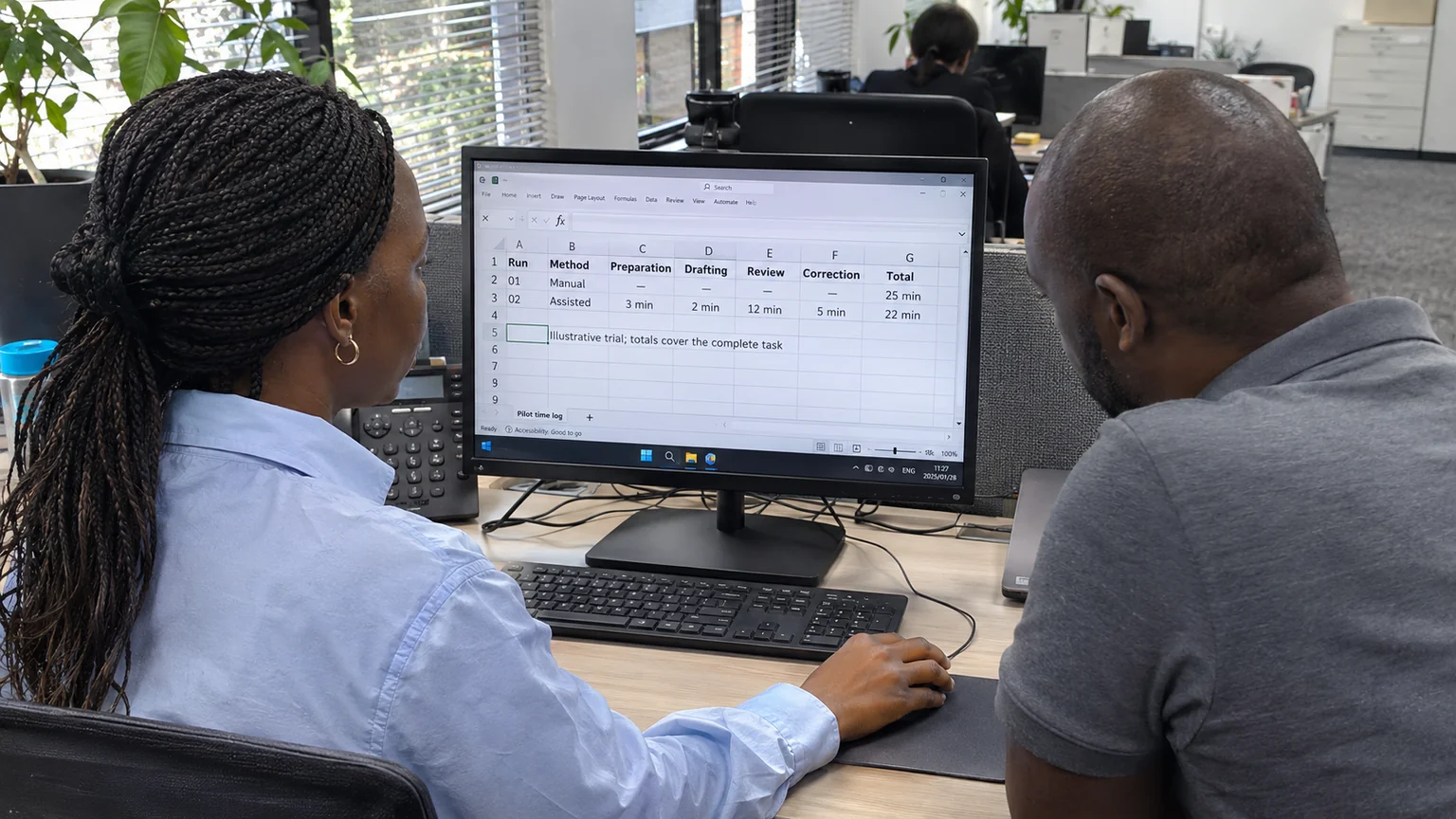
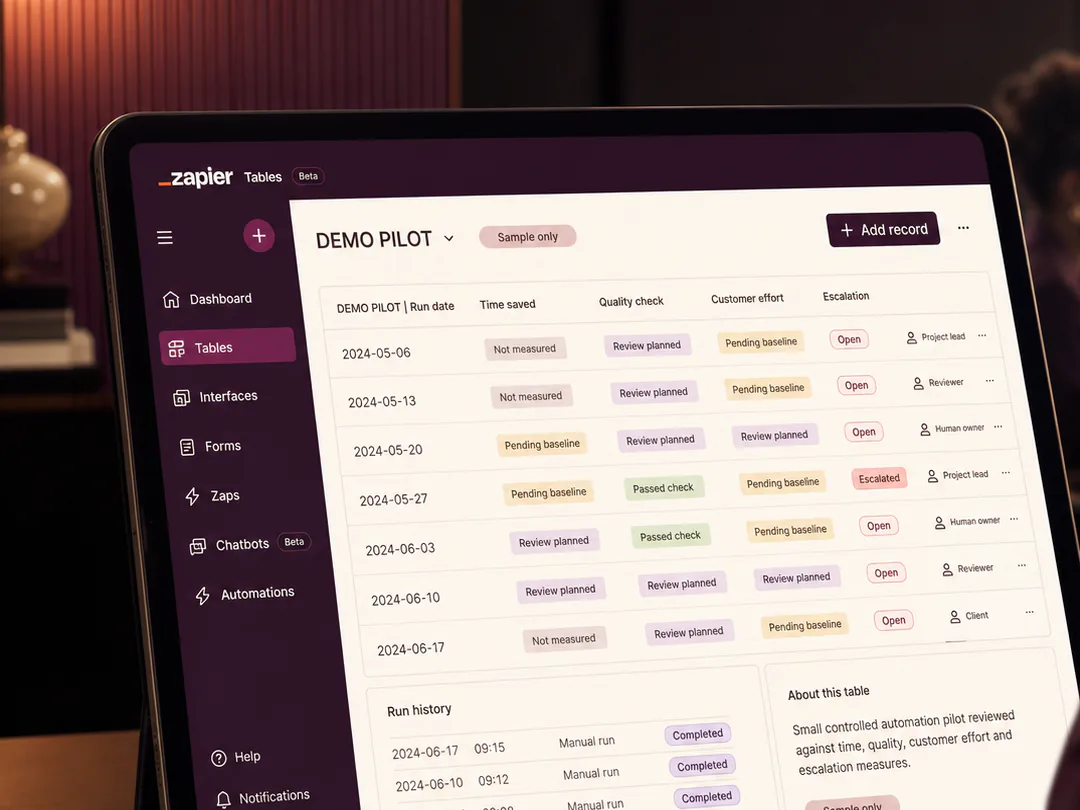
I choose one workflow with a clear owner, manageable risk and measurable baseline. The pilot defines the expected time saving, quality standard, exception route, customer benefit and condition for stopping or revising the automation.
Measurement should include completion time, rework, errors, escalations, customer effort and staff experience. A workflow is not successful merely because more steps were automated.
Turn this insight into an organised next step.
Good automation respects the shape of the real work. It removes repetition while preserving context, customer choice and accountable decisions. The map creates the shared understanding needed to make that distinction.
When a team has several tools but still experiences repeated requests, delayed approvals or confused ownership, I can help make the workflow visible before more technology is added.
Start with the short version: the outcome, intended audience, deadline, available assets, stakeholders and the delivery problem that is currently blocking progress.
Sources and related reading
- Microsoft — 2025 Work Trend Index: The Frontier Firm Is Born — Human-agent teams increase the need for direction, supervision, workflow design and judgement.
- PMI — Step Up: Redefining the Path to Project Success with M.O.R.E. (December 2025) — Project success increasingly depends on ownership, perception management, reassessment and a wider view of value.
- Information Regulator South Africa — POPIA Guidance and FAQs — South African organisations processing personal information remain responsible for lawful, secure and purpose-aligned processing.