Content Quality · 2026-03-16 · 6 min read
Accessibility fails when it is treated as a last-minute compliance layer. I include it in the brief, asset plan, review and acceptance criteria so the content can serve more people from the beginning.
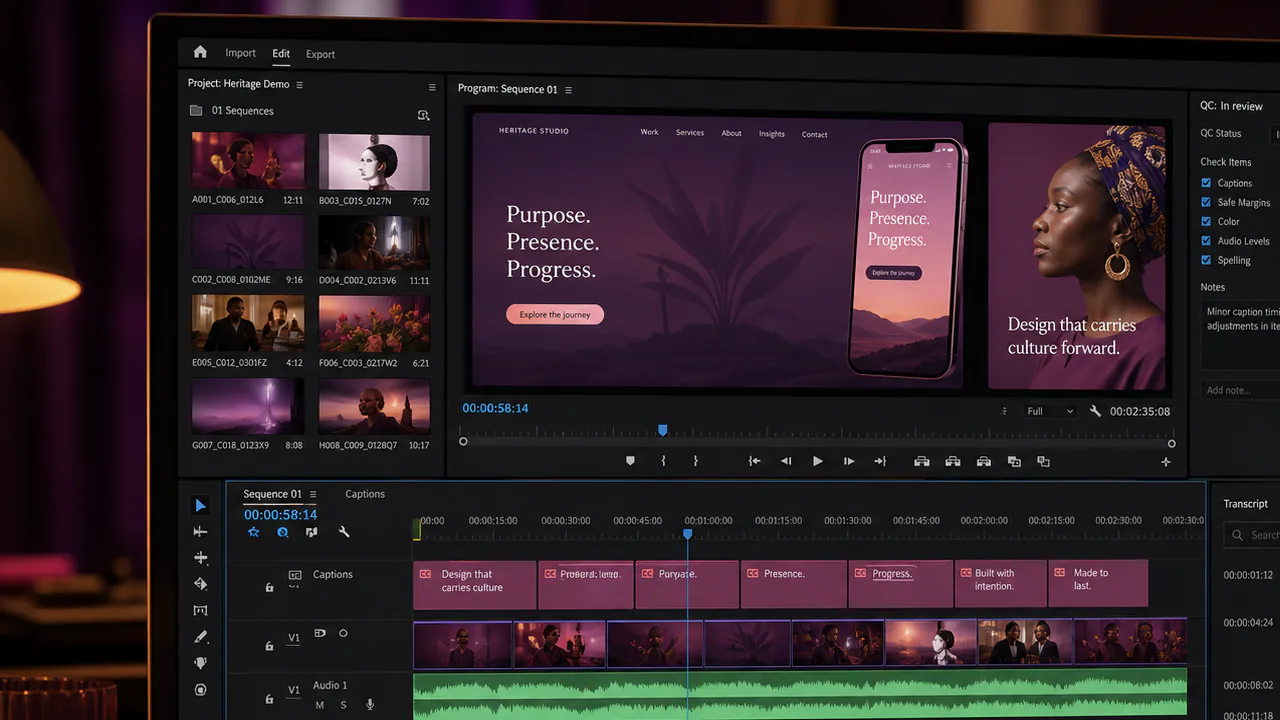
Accessibility is often added to a project vocabulary near the end: write alt text, add captions, check contrast. By that stage, the most important decisions may already be fixed. A complex graphic may have no text alternative, a video may rely on uncaptioned dialogue or a presentation may use an unreadable structure.
WCAG 2.2 offers a durable framework through four principles: content should be perceptible, operable, understandable and robust. I translate those principles into practical project questions from the brief onward.
This is not only a compliance concern. Accessible content is clearer, more flexible and easier to use across devices, environments and human circumstances.
Key takeaways
- Accessibility requirements should appear in the brief and deliverable list.
- Captions, transcripts, alt text and reading order require time and ownership.
- Design, content and technical contributors share responsibility for the experience.
- Review should use the real channel and representative assistive conditions.
- The handover should preserve accessible versions and the information needed to maintain them.
Section 01
I define who may be excluded by the current approach
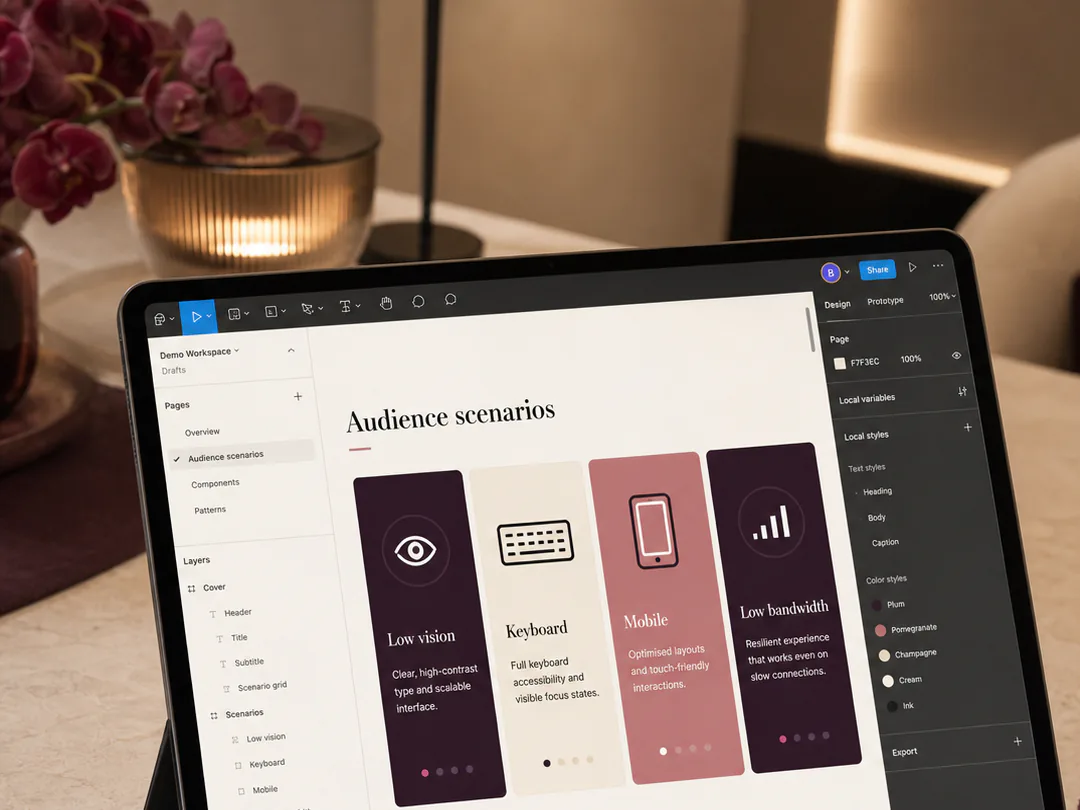
The audience is not one ideal user in a perfect environment. People may have visual, hearing, motor or cognitive disabilities; use a small screen; work in bright light; watch without sound; read in a second language; or have limited bandwidth.
I use those realities to test the proposed format before production becomes expensive.
Section 02
The deliverable list includes accessibility assets
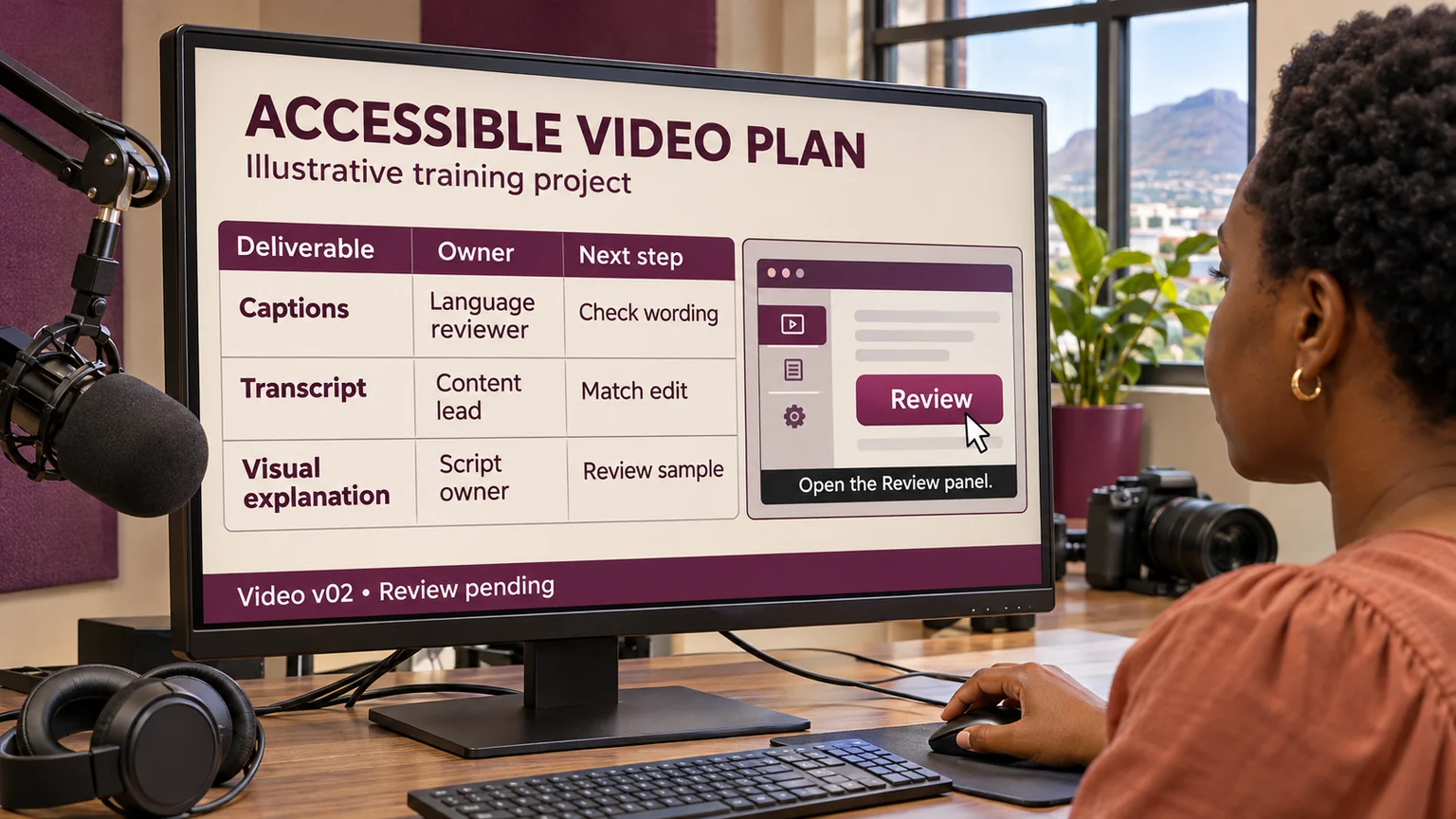
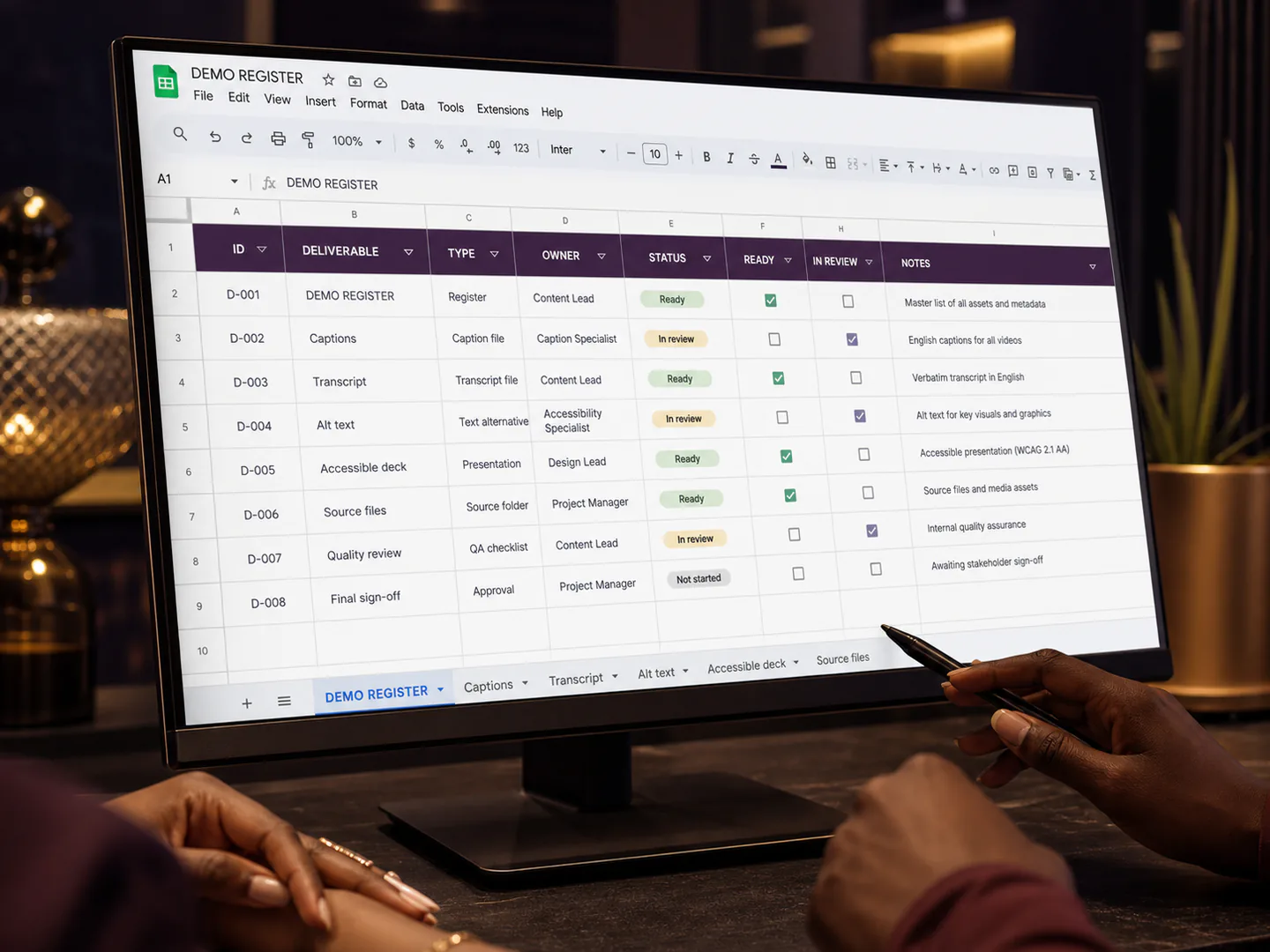
A video deliverable may require captions, a transcript and an audio-description decision. An image may need concise alt text or a longer text explanation. A presentation may need logical headings, readable contrast and speaker material that does not depend on a visual alone.
These are planned outputs with owners and deadlines, not optional extras requested after approval.
Section 03
Content structure is an accessibility control
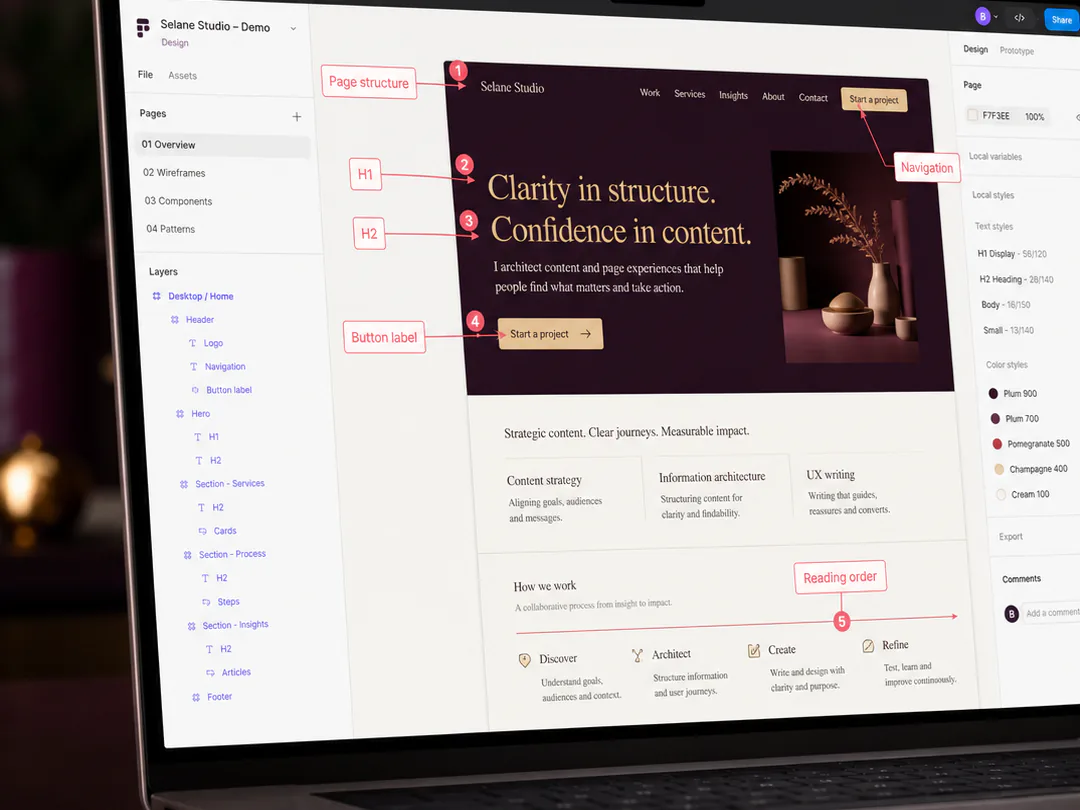
Clear headings, short sections, descriptive links, meaningful labels and a logical sequence help both assistive technology and everyday comprehension. I organise information so the audience can scan, navigate and return to the relevant point.
Good structure also makes content easier to adapt across website, mobile, presentation and campaign formats.
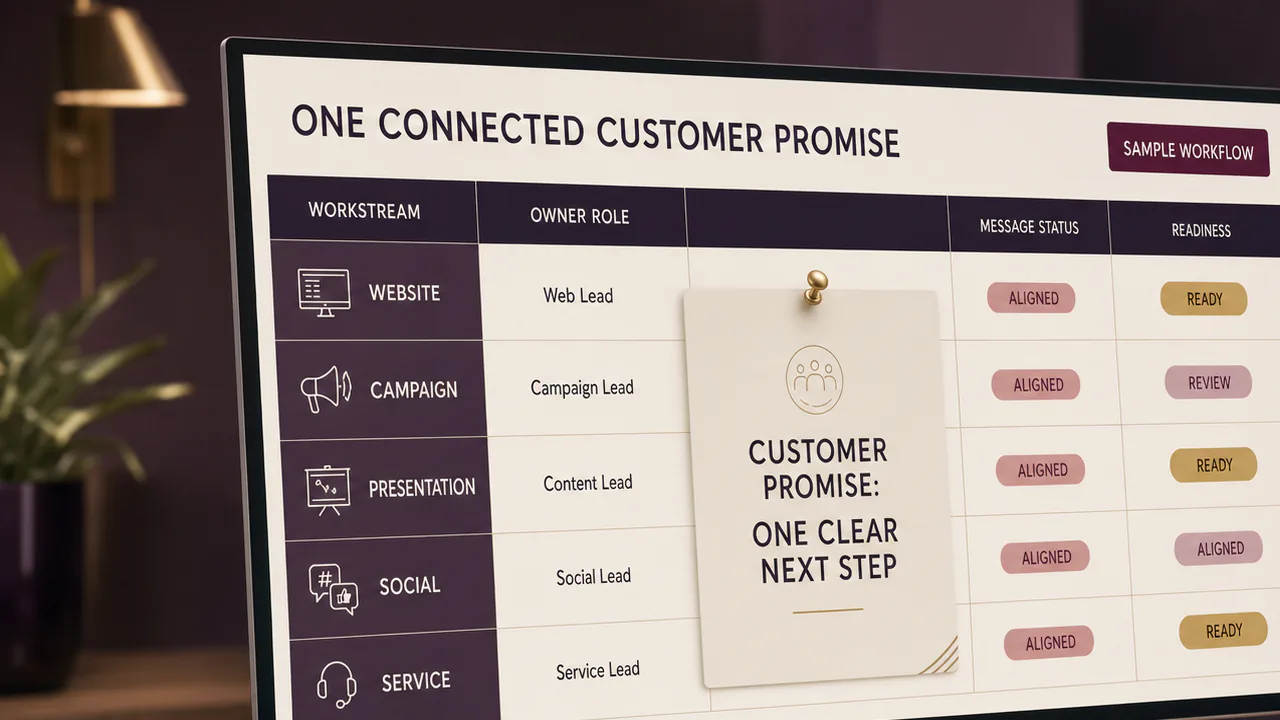
Bring the moving parts into one delivery process.
I can include accessibility in the creative brief, deliverable register, production schedule, review checklist and handover for websites, presentations, campaigns and multimedia projects.
Section 04
Visual communication needs more than colour and style
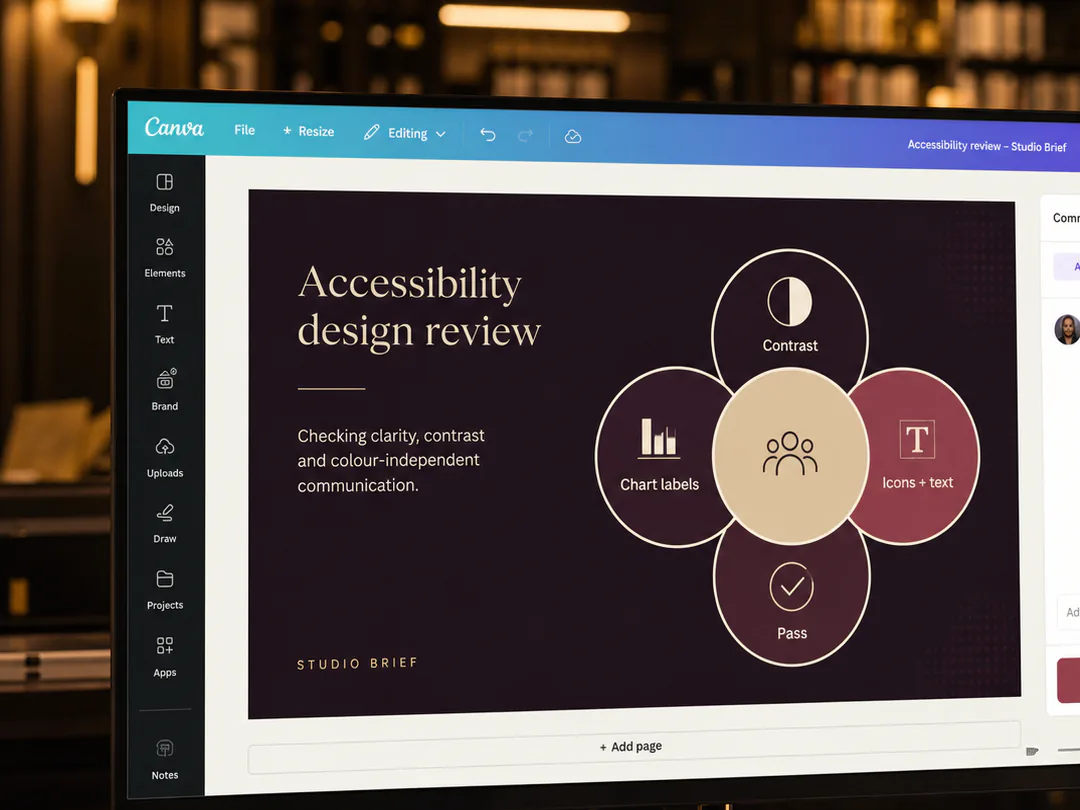
I check contrast, text size, focus visibility, icon clarity, chart labelling and whether colour is the only way information is distinguished. Decorative complexity should not hide the essential message.
Where a visual carries substantial meaning, the project provides an equivalent explanation rather than expecting alt text to compress an entire argument into one sentence.
Section 05
Audio and motion need alternatives and control
Captions should reflect meaningful speech and sound. Transcripts should be usable. Motion, flashing or autoplay should not make the content difficult or unsafe to experience. The audience needs appropriate control over playback.
These decisions influence the creative concept and platform choice, which is why they belong early in the workflow.
Section 06
Review includes practical testing
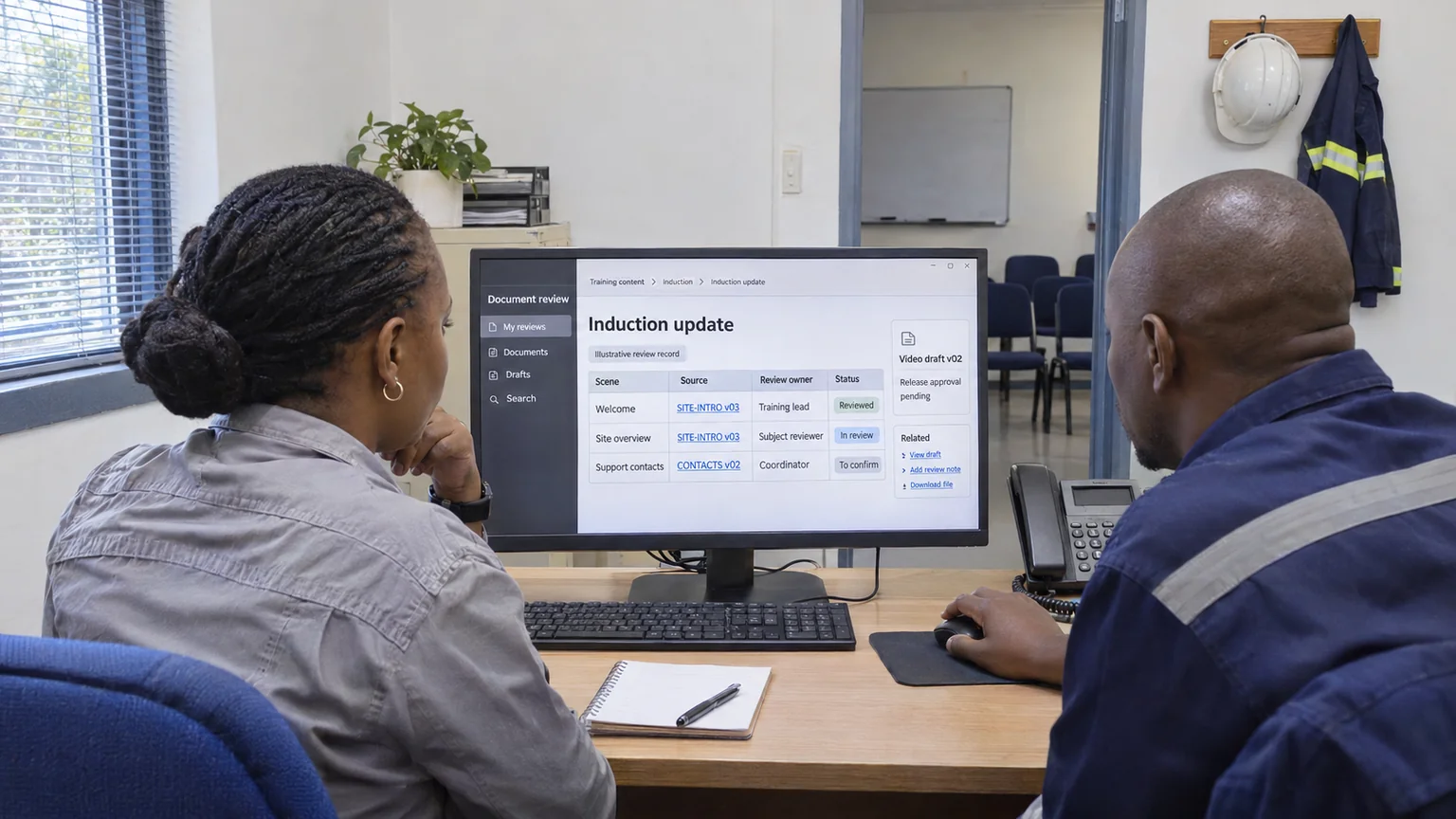
I ask the relevant specialists or contributors to test keyboard access, reading order, captions, mobile layout, zoom, contrast and content clarity. Automated checks can identify some issues, but they do not replace human use and judgement.
Findings enter the same action and approval system as other quality concerns.
Section 07
Handover protects accessible quality
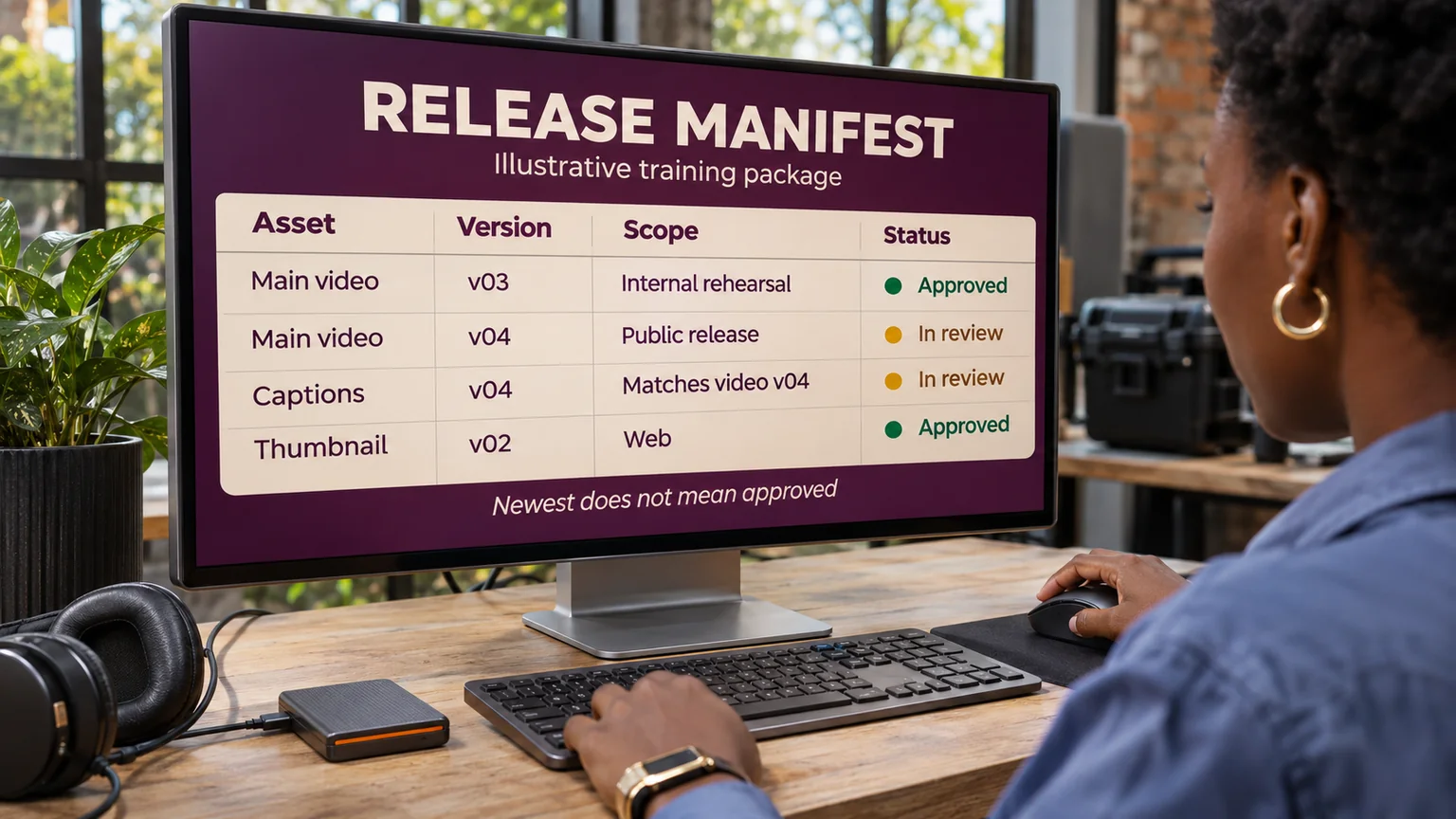
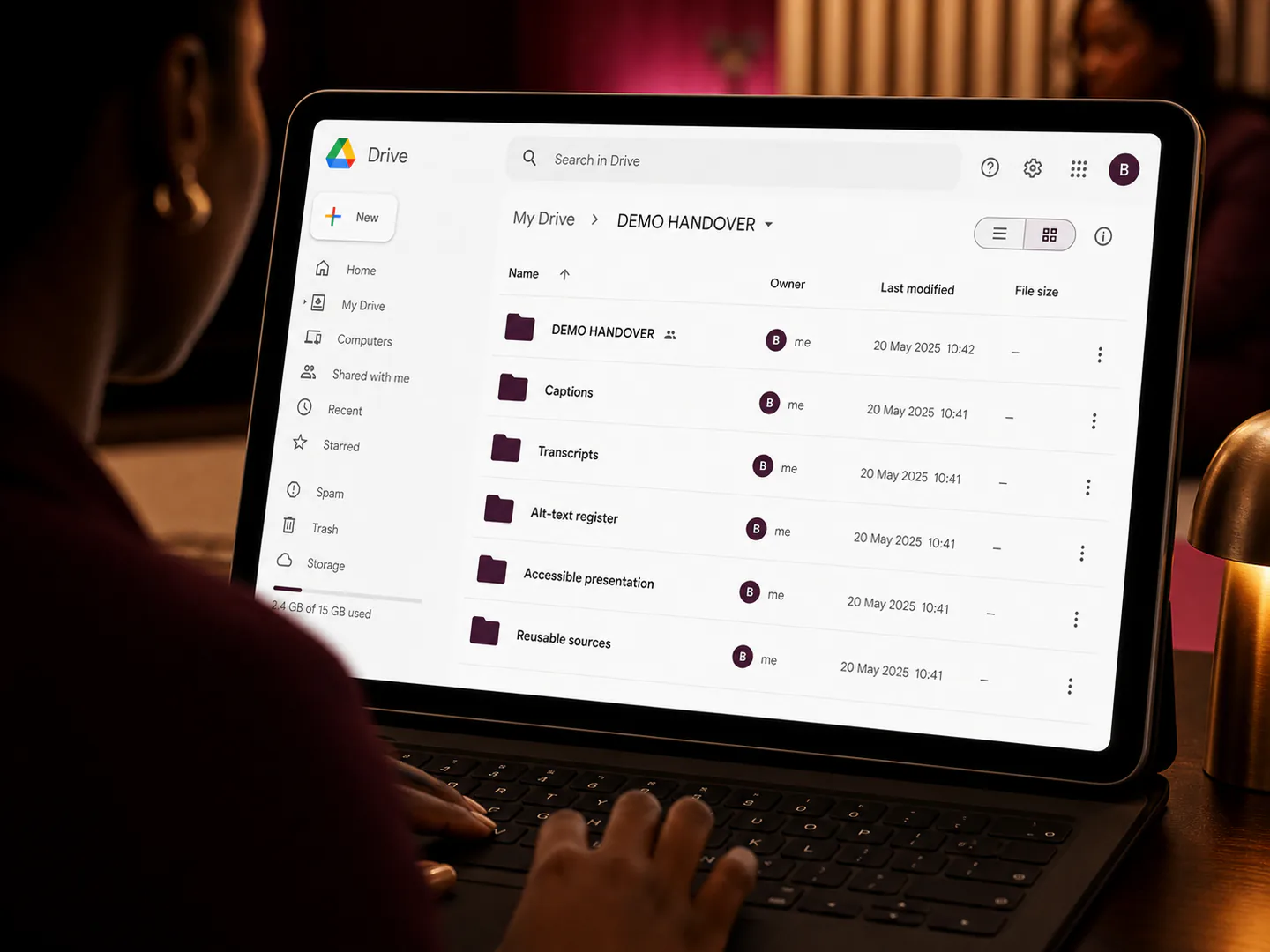
The final package includes caption files, transcripts, alt-text records, accessible source formats and any instructions needed when content is reused or updated.
Without that handover, a future edit can unintentionally remove the accessible version even when the original project was completed well.
Turn this insight into an organised next step.
Accessible content is not a separate creative compromise. It is evidence that the project understood how people will actually encounter and use the work.
When accessibility appears too late or no one owns it, I can help bring the requirements into the project plan and coordinate the actions needed for a more dependable delivery.
Start with the short version: the outcome, intended audience, deadline, available assets, stakeholders and the delivery problem that is currently blocking progress.
Sources and related reading
- W3C — Web Content Accessibility Guidelines (WCAG) 2.2 Overview — WCAG organises accessible content around perceptible, operable, understandable and robust experiences.