The phrase “use the latest file” worries me when a multimedia project reaches delivery. Latest might mean the newest export, the last file somebody downloaded or the version that appeared at the top of a review link. None of those descriptions necessarily means approved for the intended release.
I want the person publishing an asset to answer a more precise question: which file has approval, for which purpose, and where is the evidence? My proposed approach is a small digital release manifest that connects those answers. It complements the editing and review tools rather than trying to replace them.
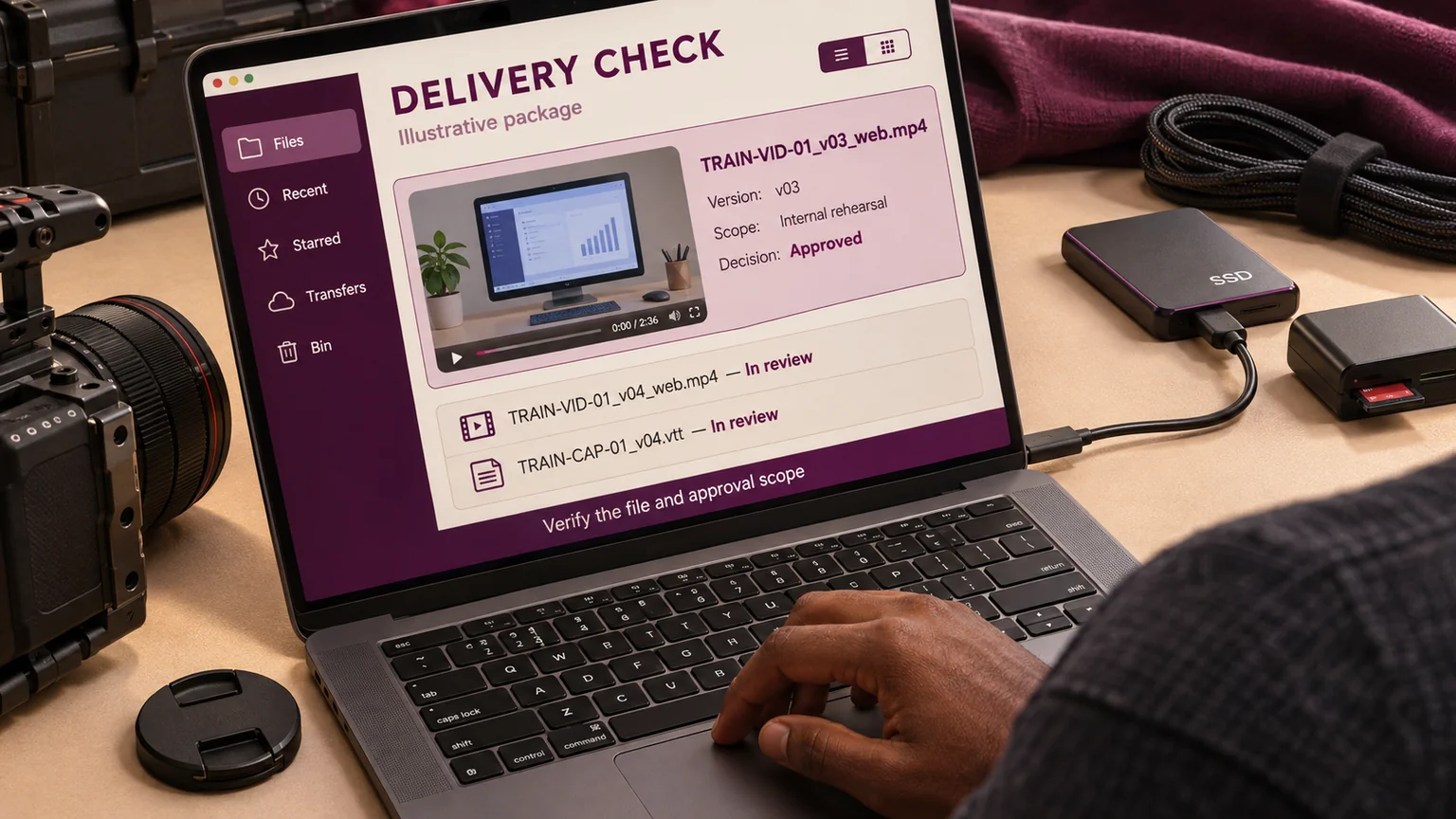
Consider a fictional customer-training package containing a main video, a short social cut, captions and a thumbnail. This is an illustrative workflow, not a claim about a client engagement. The main video has reached version four. Version three was approved for an internal rehearsal, but version four contains a corrected screen demonstration and still needs review. Sending whichever file sorts last would make the approval record unreliable.
I give the asset a stable identity
I would assign the main video a stable identifier such as TRAIN-VID-01. Its purpose stays the same across revisions. A filename can then carry the asset identity, version and intended rendition: TRAIN-VID-01_v04_web.mp4, for example.
The name is a useful signpost, but it is not the complete record. A file can be renamed or copied. I therefore record its location and, where the delivery process supports it, a checksum that identifies its bytes. That lets a later check distinguish the approved export from a similarly named replacement.
I keep the version number separate from the approval status. Calling a file “final” does not make it final, and calling it “approved” does not establish who approved it. Those decisions belong in the record beside the file, with a responsible person and a time.
I distinguish a working save from a review version
An editor may save a project frequently while producing a single review cut. I would not ask stakeholders to approve each working save. Instead, I define when the work becomes a reviewable version: the export is complete, an internal playback check has passed and the review question is clear.
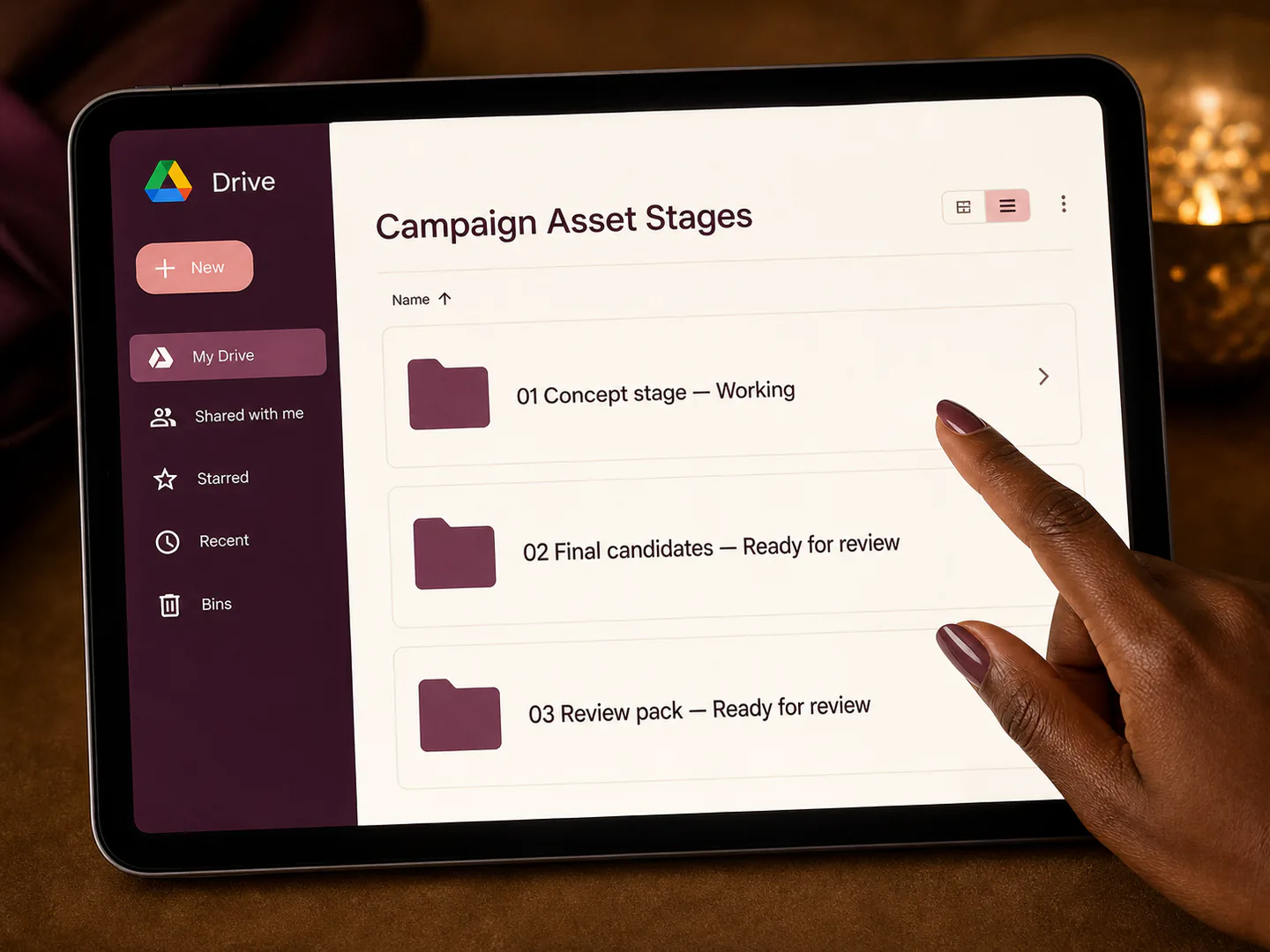
Modern media tools make this distinction worth understanding. Frame.io's September 2026 documentation describes version stacks, access to earlier versions and a separate save-history mechanism for mounted storage. Those facilities can help organise revisions, but the project's approval meaning still needs to be explicit. Frame.io versioning documentation.
For my fictional package, v04 becomes the review version only after the corrected screen sequence and associated audio have been checked together. Its review request identifies the changed time range and asks whether that demonstration is accurate. I would not rely on an old comment thread to communicate the new question.
I make the release manifest small enough to maintain
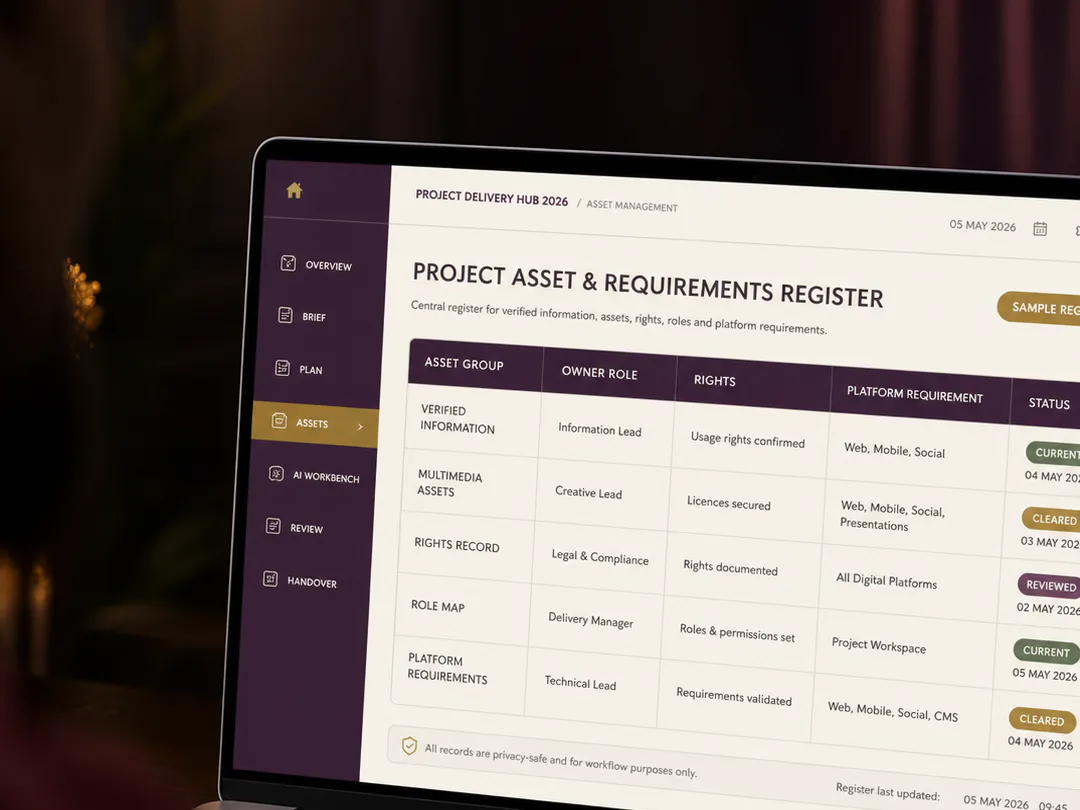
My manifest would contain one row for each delivery item. Each row records the asset identifier, exact version, file location, intended channel, approval scope, approving role, decision date and any dependency. It also identifies who prepares the release package.
For TRAIN-VID-01, the row could say that v03 is approved for an internal rehearsal only, while v04 awaits the subject-matter review. The social cut has its own row because shortening the video may change its meaning. Captions have a separate version linked to the video they accompany. The thumbnail has its own intended channel and review status.
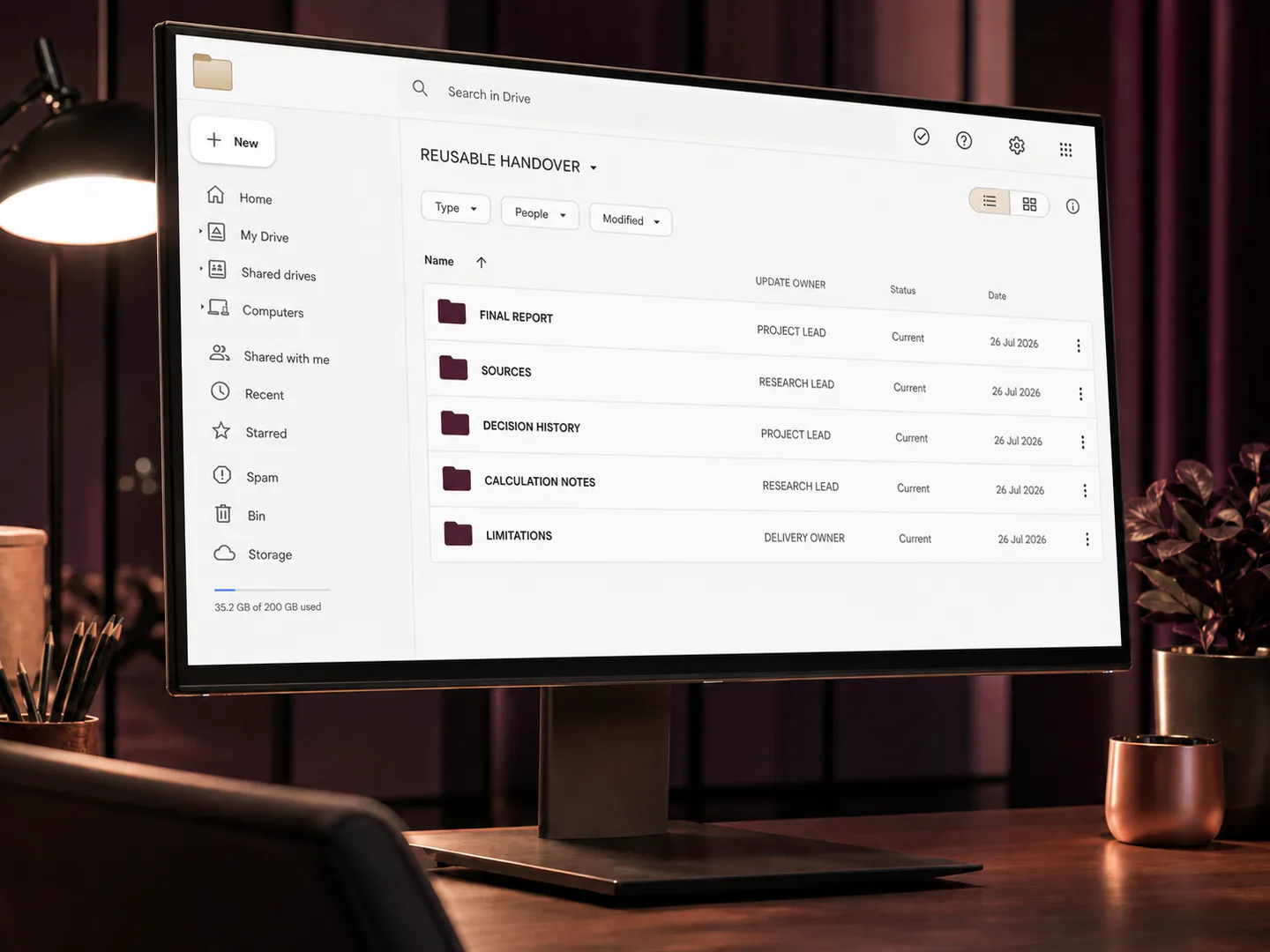
I would use a shared digital record with controlled access, not several private spreadsheets copied into messages. The goal is that the editor, reviewer and release owner can inspect the same current information. If the team already has a suitable asset-management system, I would use its fields and links instead of creating another competing catalogue.
I tie every approval to a defined scope
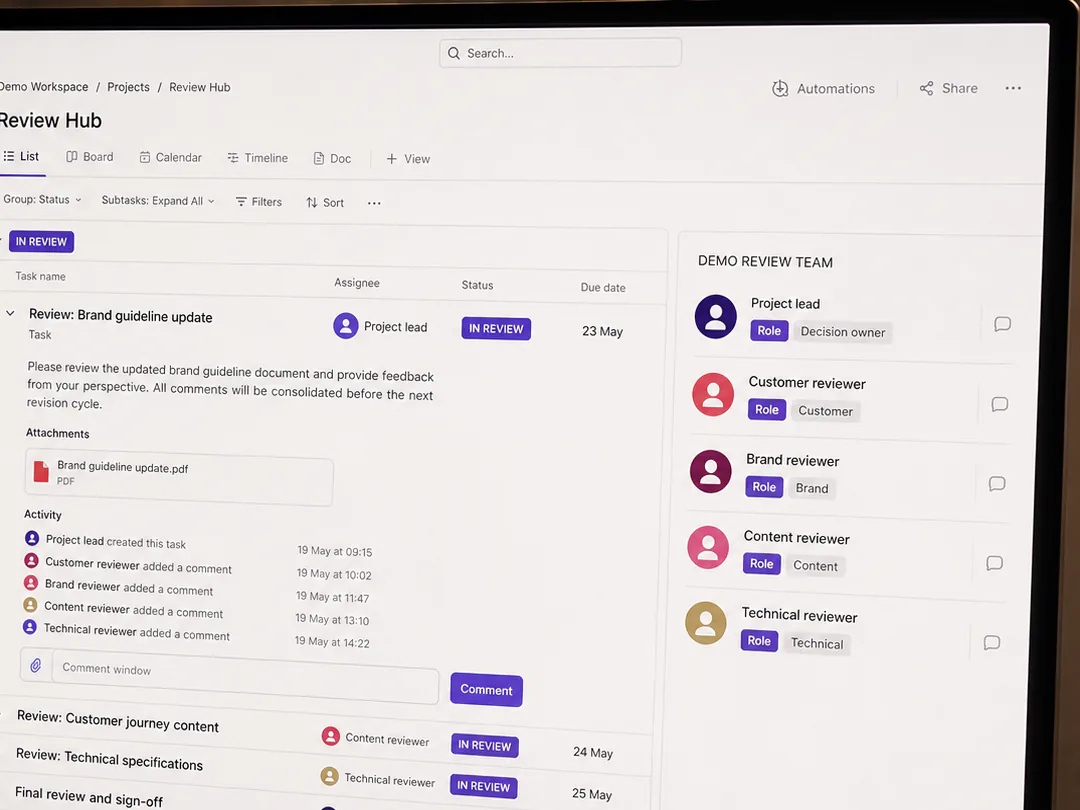
An approval can be narrower than the complete project. A reviewer may accept the factual wording but have no responsibility for branding, accessibility or distribution permissions. I would make that boundary visible rather than treating every positive response as permission to publish.
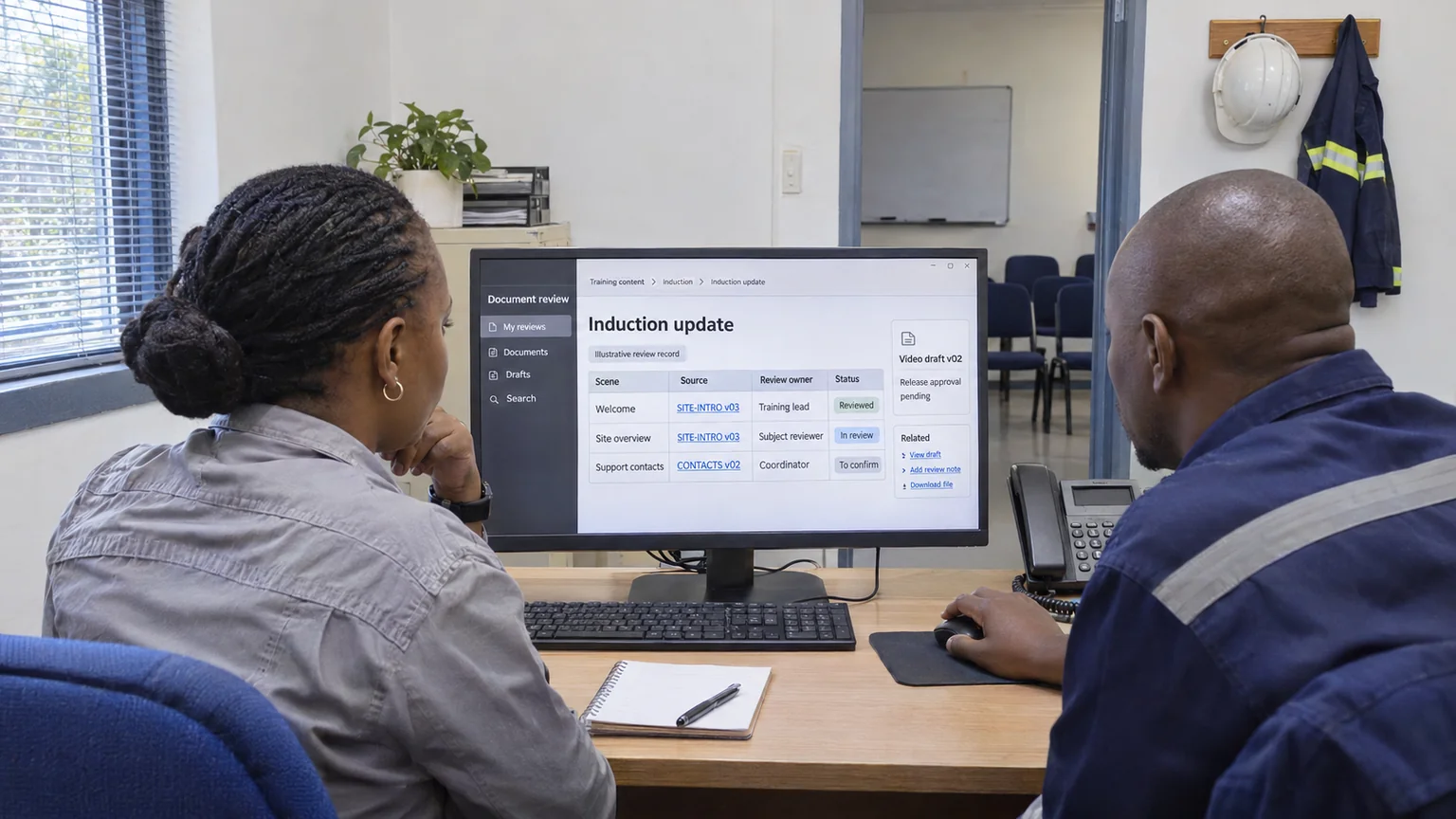
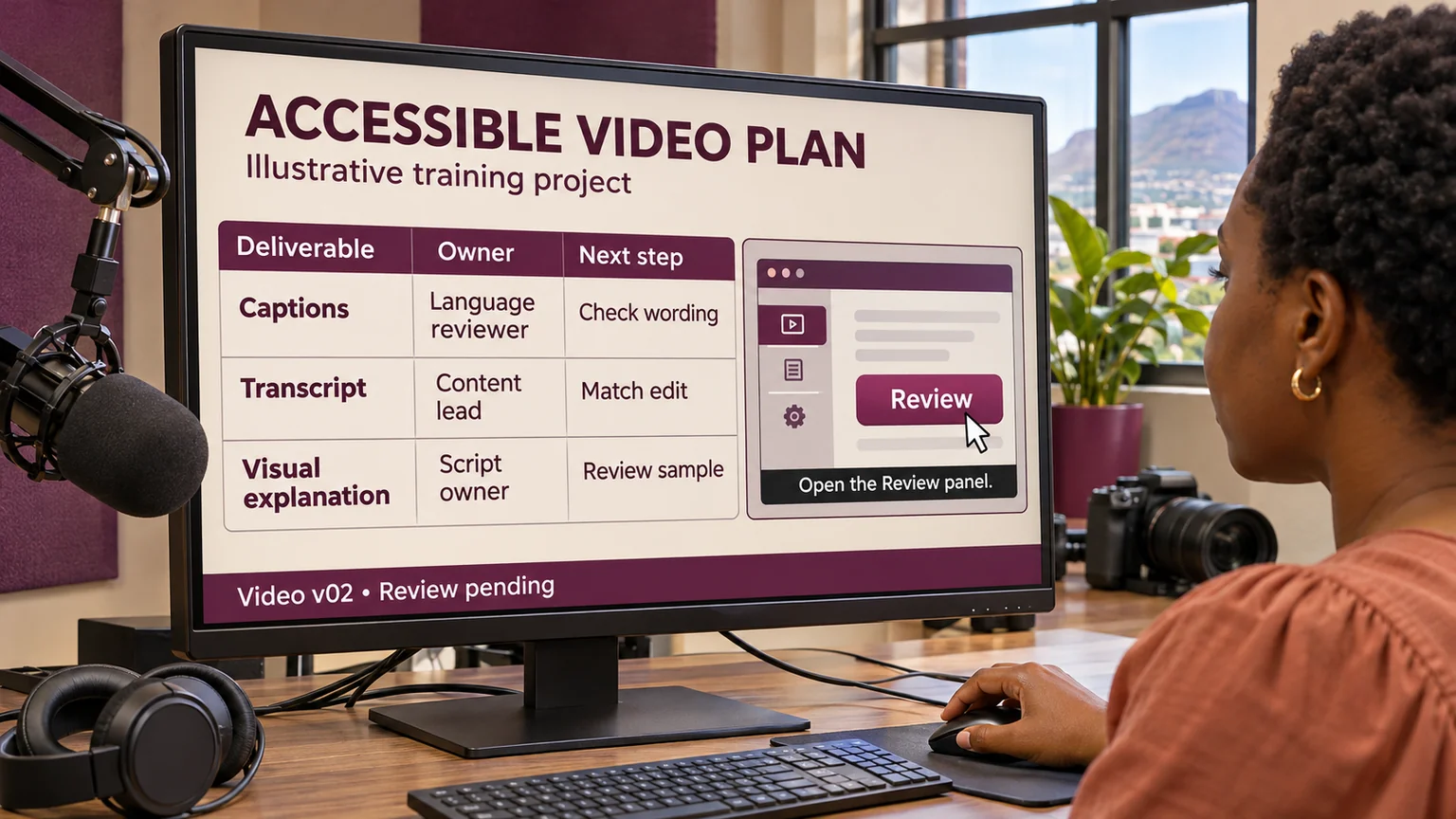
In the training example, the subject-matter reviewer checks the demonstration. A language reviewer checks the captions. The release owner confirms that the complete package meets the agreed delivery requirements. The manifest should show which decisions are complete and which are outstanding.
Where a reviewer asks for a change, I record the affected version and the next decision required. A later export does not inherit approval automatically. I would assess whether the change affects the earlier approval scope and return it to the appropriate reviewer when it does.
I test the package from the receiver's position
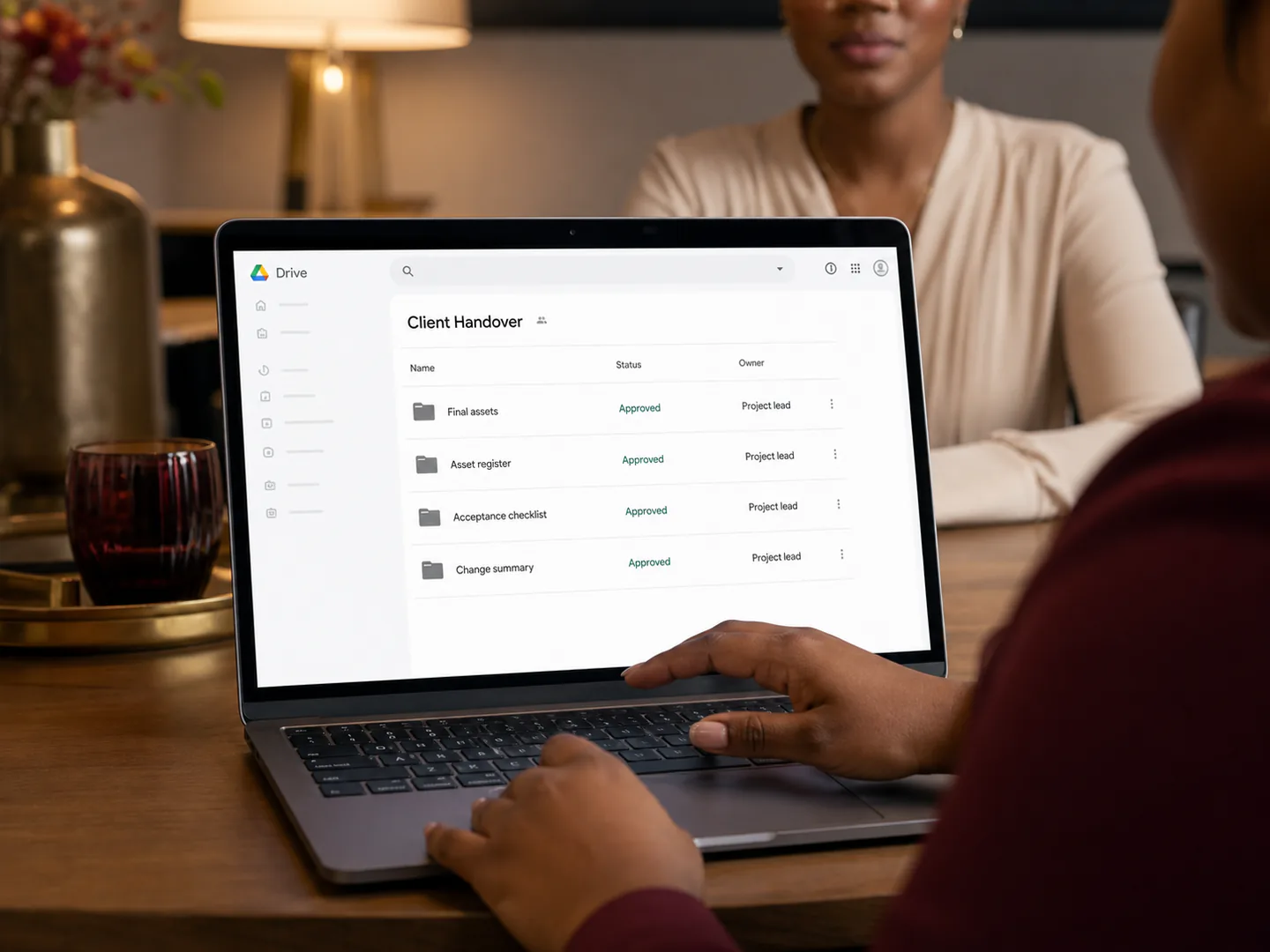
Before handover, I would open the package using the access route provided to the receiver. This catches a common practical gap: a link works for the editor because the editor has broader permissions, while the intended recipient cannot open it.
I then check that the manifest points to the actual delivered files, that the video plays, that the captions match that version and that the thumbnail belongs to the intended channel. For a larger package, a file inventory and checksum comparison can support this check. They do not replace watching and listening to the work.
I also look for ambiguous alternatives. If the delivery folder contains v02, v03 and v04 without a clear release instruction, I have transferred a decision to the recipient. I would make the approved release package unmistakable while retaining earlier versions in the controlled archive.
I keep a correction route after delivery
A delivered asset may need a later correction. My handover would therefore name the contact for changes, the location of the release record and the method for identifying the affected version. I would retain the earlier approval evidence rather than rewriting history to make the new file appear to have been approved originally.
For me, a successful version process ends with a simple outcome: somebody who was not in the editing session can find the right asset, understand its status and use it within the approved scope. More folders and longer filenames are not the objective. A reliable connection between the work, its review and its release is.
Research and editorial note
This is a retrospective guide with a series date of 14 September. It was researched on 2 November 2026, including documentation updated after the series date. Its public publication date must record the actual release. The naming examples and manifest method are my proposed workflow; they are not a vendor requirement or evidence of a completed engagement.