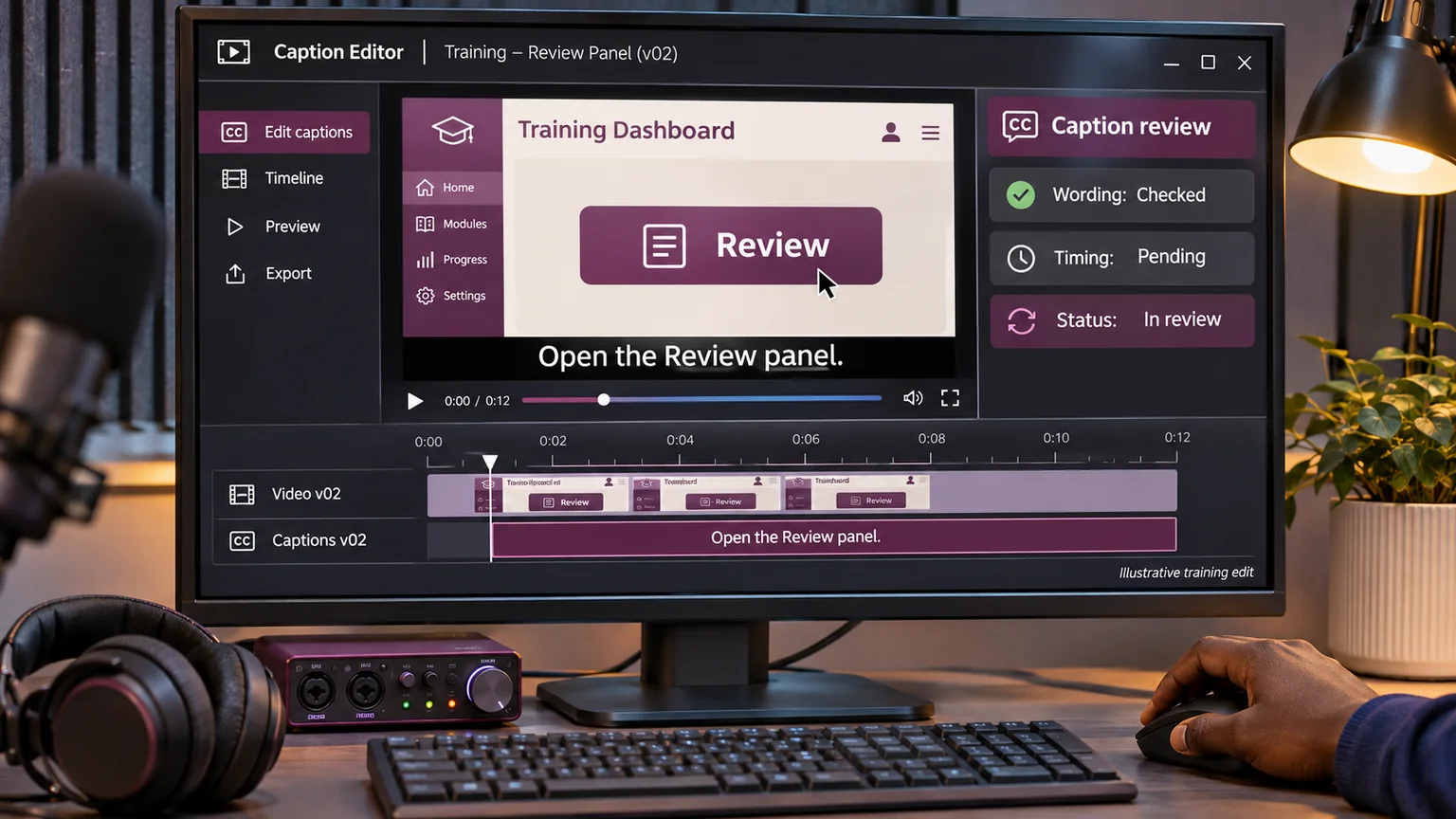
If a training video depends on a viewer noticing a small change on a dashboard, I want to identify that dependency while the script can still change. Discovering it after filming turns a design decision into a repair job. The same applies when a spoken instruction is essential but the intended viewer cannot hear it clearly.
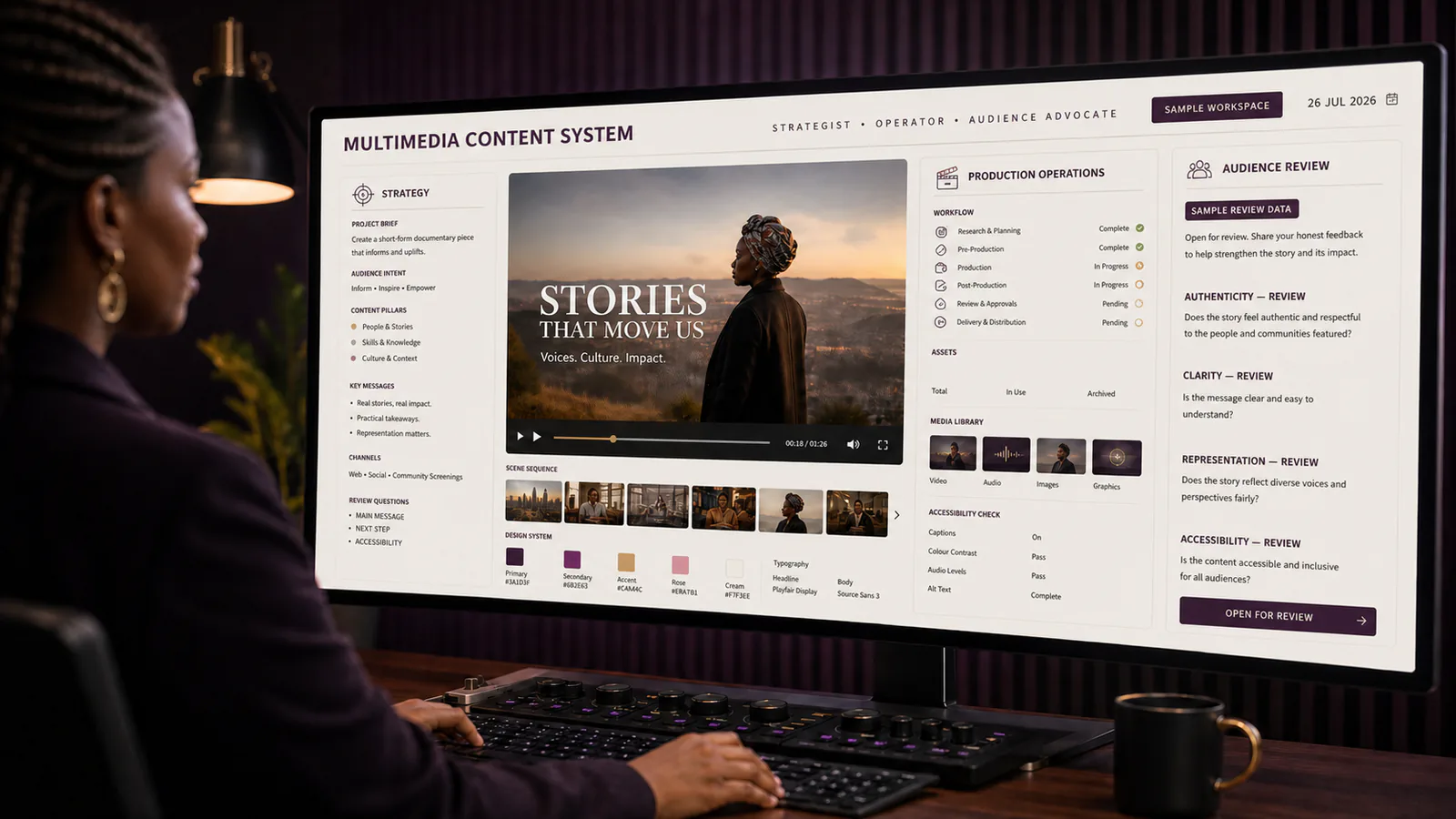
My starting point is the learning task. What must somebody understand or do after watching? Which information is carried by speech, which by the picture, and which by both? I would build the production brief around those questions before deciding how impressive the opening sequence should look.
The example here is a fictional staff-training video demonstrating how to submit a project review. It is a proposed workflow, not evidence of a completed client project or a declaration of accessibility compliance. The audience, delivery platform and agreed accessibility target would determine the final requirements.
I map the information before the shot list
For the review demonstration, I would list the essential actions: find the correct project, identify the version under review, add a specific comment and submit a decision. Beside each action, I note what the viewer needs to perceive. A cursor moving over an interface is not enough if the narration simply says “click here”.
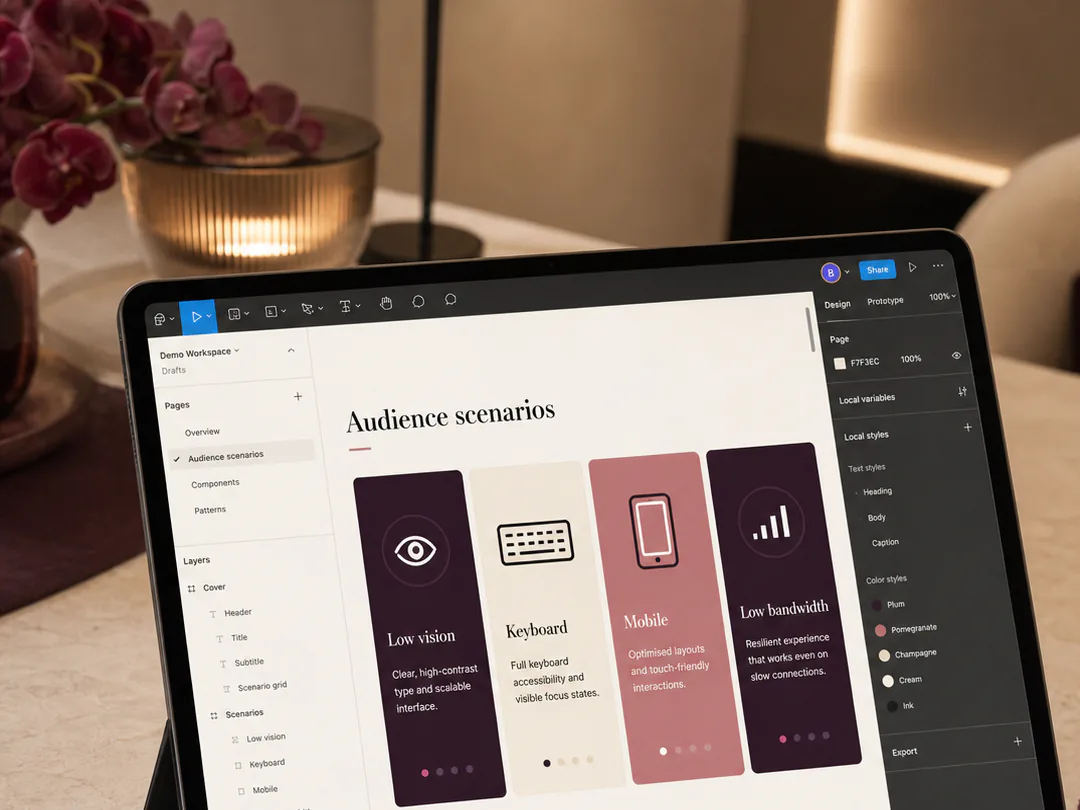
I would ask the script to name the control and explain the outcome. For instance, the presenter could identify the Review panel and the version field before opening them. This is useful for someone following the audio and for someone who looks away briefly and needs to recover their place.
W3C's production guidance describes planning for essential visual information and making audio and video understandable during scripting and recording. That is the basis for considering these needs early; the particular project worksheet and review sequence below are my proposals. W3C audio and video content guidance.
I assign deliverables and owners explicitly
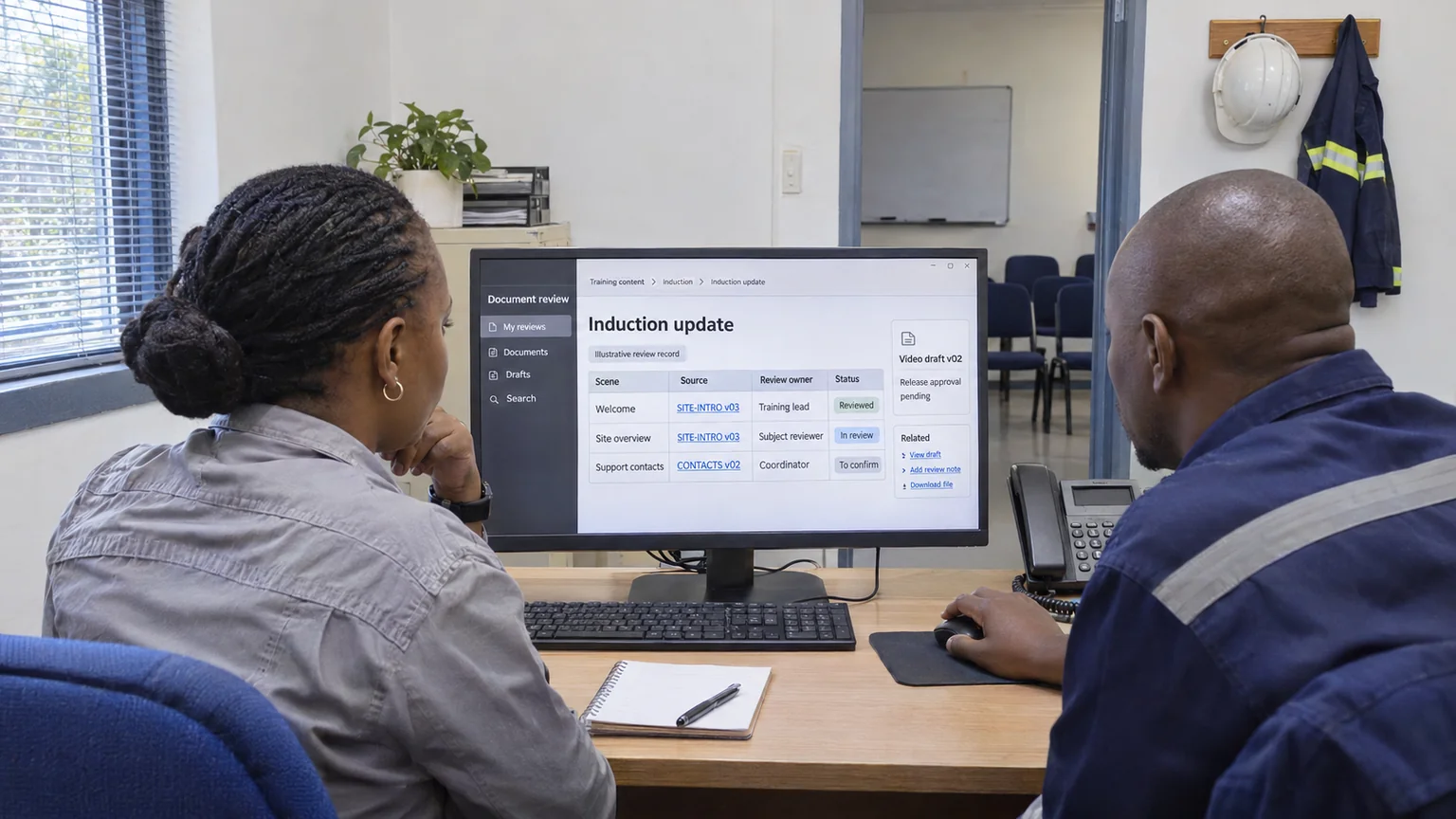
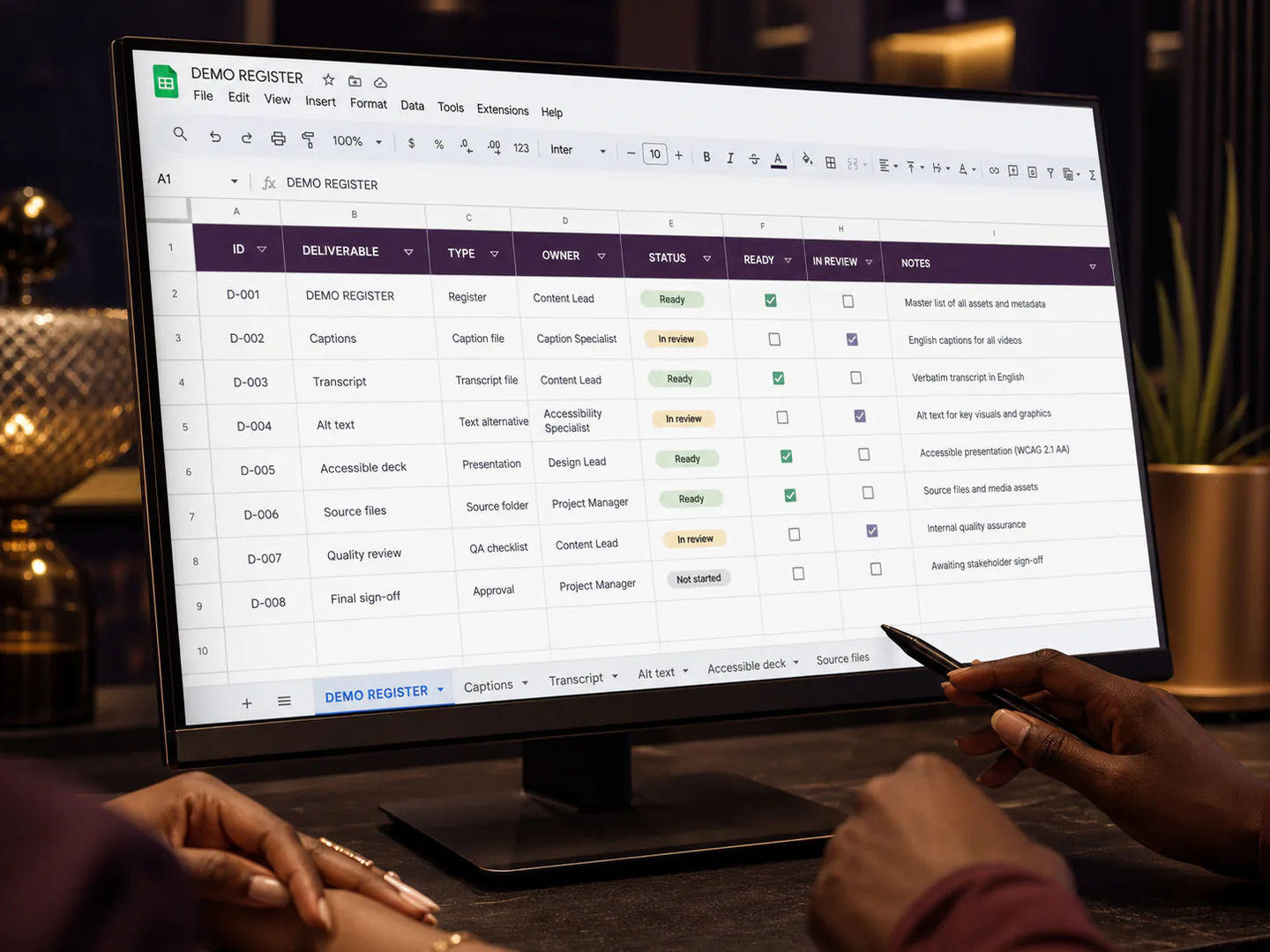
I would give captions, a transcript and any required description their own entries in the delivery plan. Each needs an owner, a review step and a relationship to the approved video version. They should not appear as an unnamed final task called “accessibility”.
The script owner can explain the intended meaning. The editor can check timing and the way text appears on screen. A reviewer familiar with the subject can catch an incorrect project term. Depending on the brief, specialist accessibility review may also be needed. One person might hold several roles, but I would still distinguish the decisions.
My fictional schedule includes an early sample review. The team checks a short demonstration before recording the complete programme. If the screen labels are too small or the narration omits an essential step, that sample gives us a chance to adjust the approach before the problem is repeated across every scene.
I design the screen demonstration for its delivery size
I would capture the interface with synthetic project information and remove irrelevant panels from the demonstration view. A training video does not become clearer simply because the recording includes the entire desktop. The important control must remain recognisable at the size the audience will actually watch.
Before the shoot, I would test a short export in the intended player on a small screen. I would check whether the labels can be read, whether the cursor can be followed and whether an overlay obscures the action. If the viewer needs to pause every second to decipher the interface, I would revisit the framing and pacing.
I would also check that the explanation does not depend on colour alone. A red status can be accompanied by its text label and a spoken explanation. In my example, the presenter names “Changes requested” rather than expecting everyone to infer the meaning from the status colour.
I protect the spoken explanation during recording
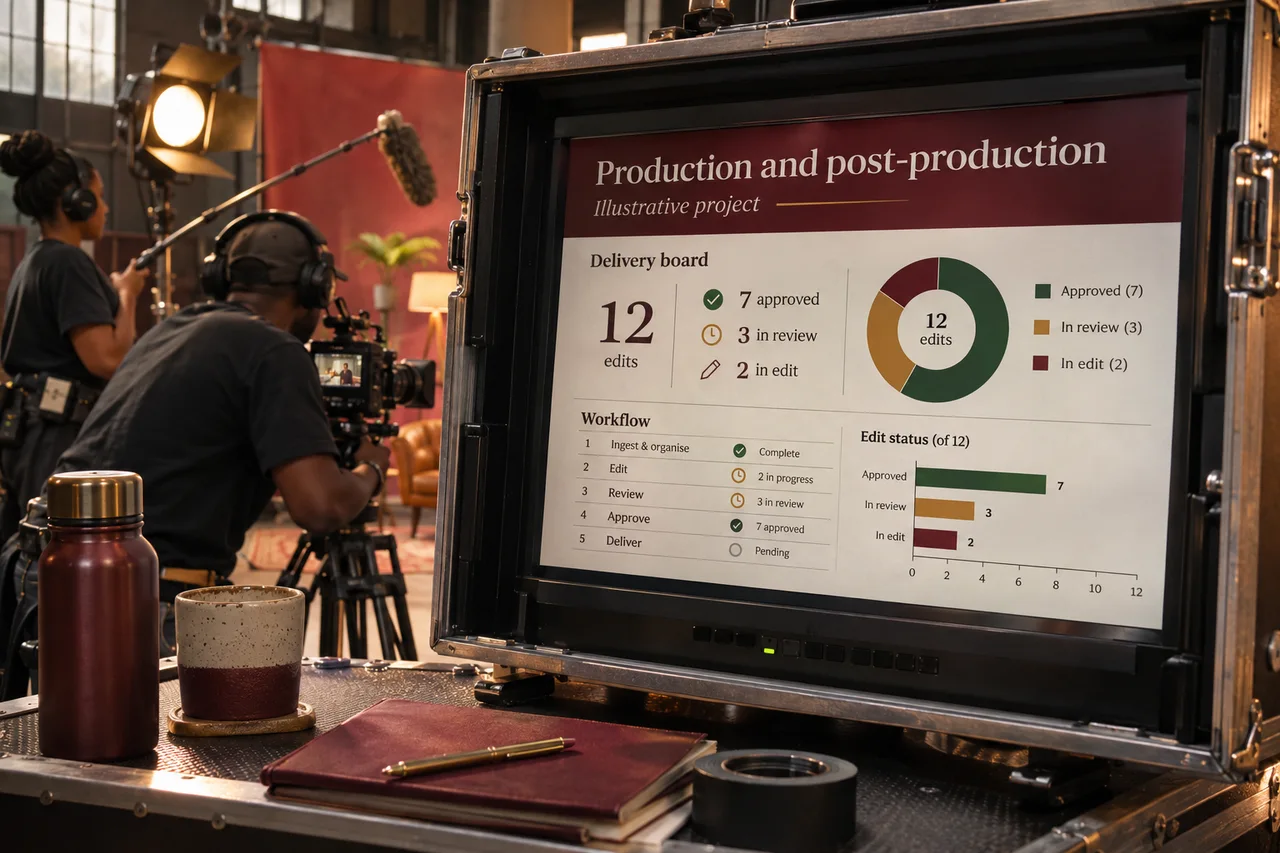
The production plan needs room for clean audio. I would confirm the microphone arrangement, listen to a test recording and identify avoidable noise before the presenter records the full script. A visually attractive room can still be a poor place to capture an instructional voice.
I would also give the presenter space to speak naturally and pause between actions. A script that fits the nominal running time only when read at speed can make the demonstration difficult to follow. If an action takes longer to understand, I would adjust the sequence rather than force the audience to keep up with a fixed duration.
Where music is part of the creative brief, I would check that it supports the piece without obscuring the explanation. This is a production decision to verify with actual playback, not something I would assume from a volume slider or a waveform alone.
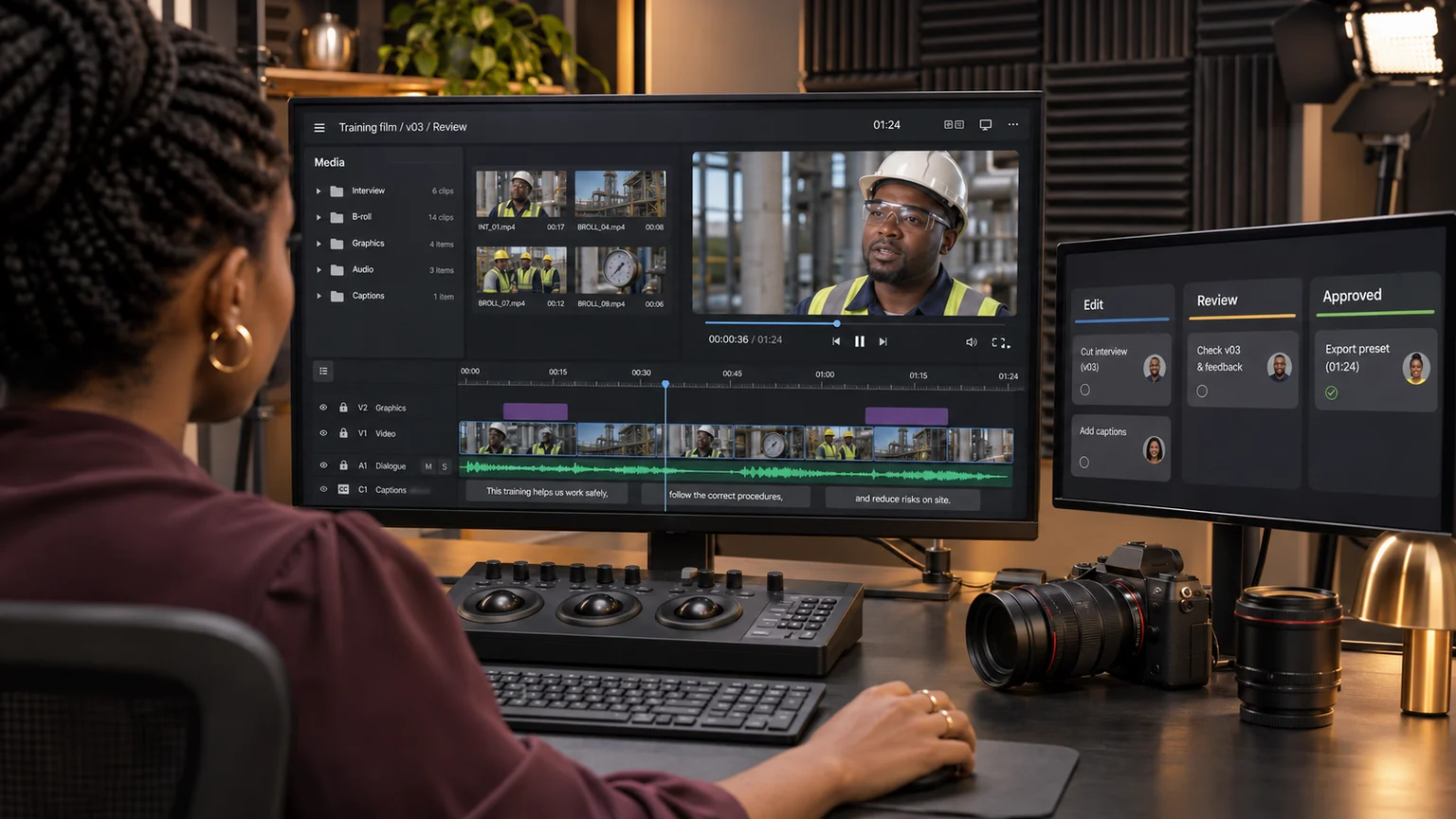
I review captions against the approved edit
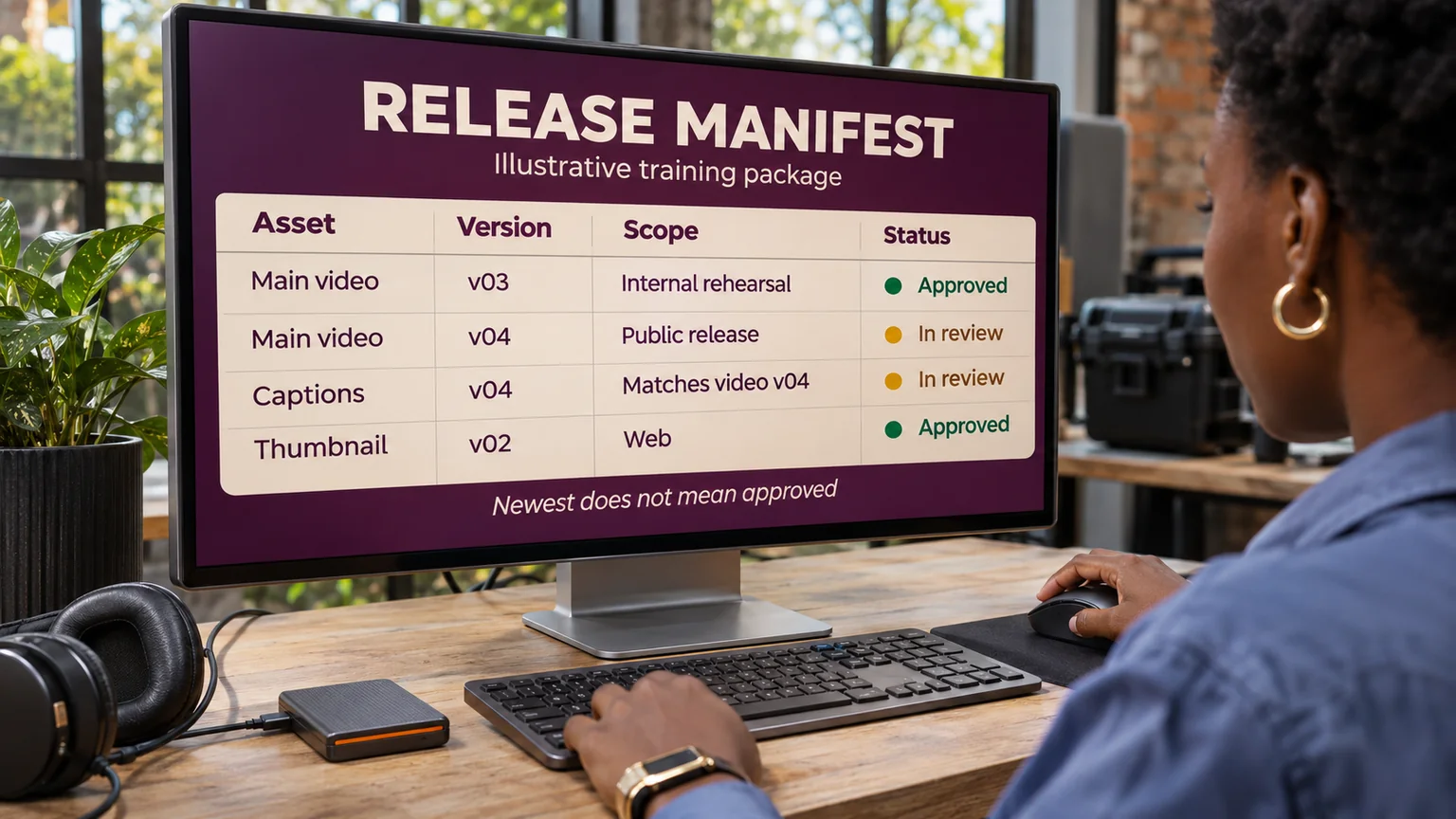
An automatic caption draft can be a useful starting point, but I would not treat its existence as acceptance. Names, specialist terms, punctuation and timing need review. The caption file must also correspond to the version of the video being delivered.
For the fictional review demonstration, I would test the captions with the audio muted and check whether the sequence remains understandable. I would then compare them with the audio and the on-screen actions. That catches different problems: missing information, inaccurate wording and text that appears too early or too late.
If the edit changes after review, the caption and transcript checks need to be reconsidered. Removing a sentence or moving a screen recording can invalidate timing even when the text itself remains correct. I would keep the video version in the caption record so that relationship is visible.
I make acceptance about the complete viewing task
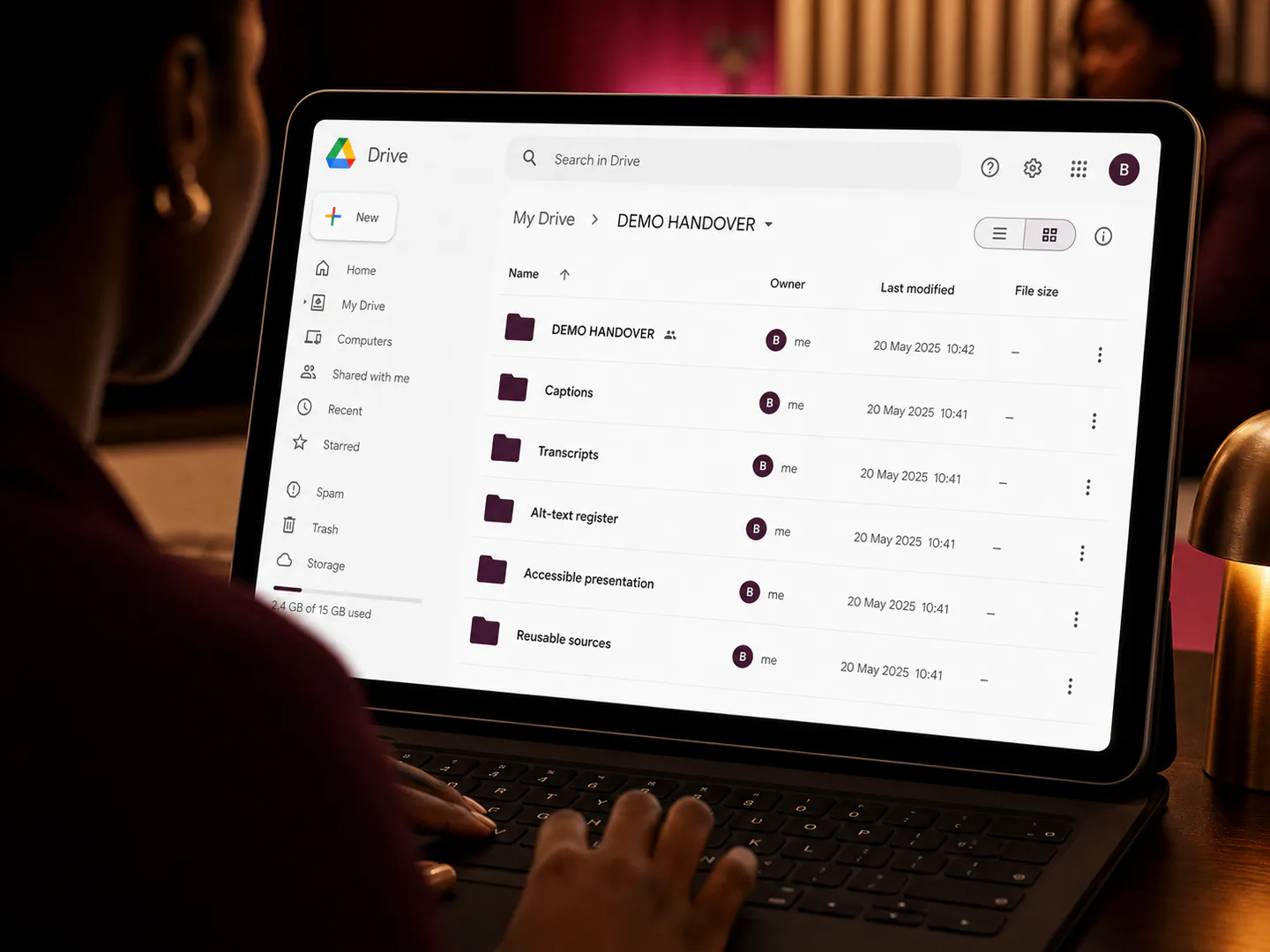
My final review would use the intended delivery route. I would check the player controls, caption availability, associated transcript and the experience on the agreed devices. A good exported file cannot compensate for a player configuration that prevents the audience from using the supporting features.
I would record what was tested, the version, the remaining issues and who accepts the result against the brief. I would not label the work compliant simply because a checklist has ticks. The relevant requirements and evidence need to support that conclusion.
The practical benefit of planning early is that accessibility decisions become part of the production work: the script, framing, sound, edit, review and handover. For me, that is a clearer way to manage the project than asking one person to repair every barrier at the end.
Research and editorial note
This retrospective guide has a series date of 12 October and a research cutoff of 2 November 2026. The actual publication date must remain truthful. W3C's planning resource explains that requirements vary by media type and conformance level. This article offers production planning guidance, not a substitute for assessing a particular website, player or video against its applicable requirements.