Mobile Project Governance · 2026-05-18 · 6 min read
Being able to steer and review agentic work from a phone can reduce waiting. It can also encourage rushed approval unless the project defines what a mobile decision is allowed to mean.
OpenAI’s 14 May 2026 Codex update introduced ways to start, steer and review work from mobile devices. That convenience reflects a wider change in project delivery: long-running work no longer waits for every stakeholder to return to a desk before a question can be answered.
Faster access can be valuable when a project is blocked by a simple clarification. It becomes risky when a small notification is treated as enough context for a customer promise, significant change or final release.
I design mobile check-ins as part of the approval system. The phone is a decision channel, not a replacement for the brief, evidence, reviewer responsibility or project record.
Key takeaways
- Use mobile access to unblock bounded questions, not to compress every decision.
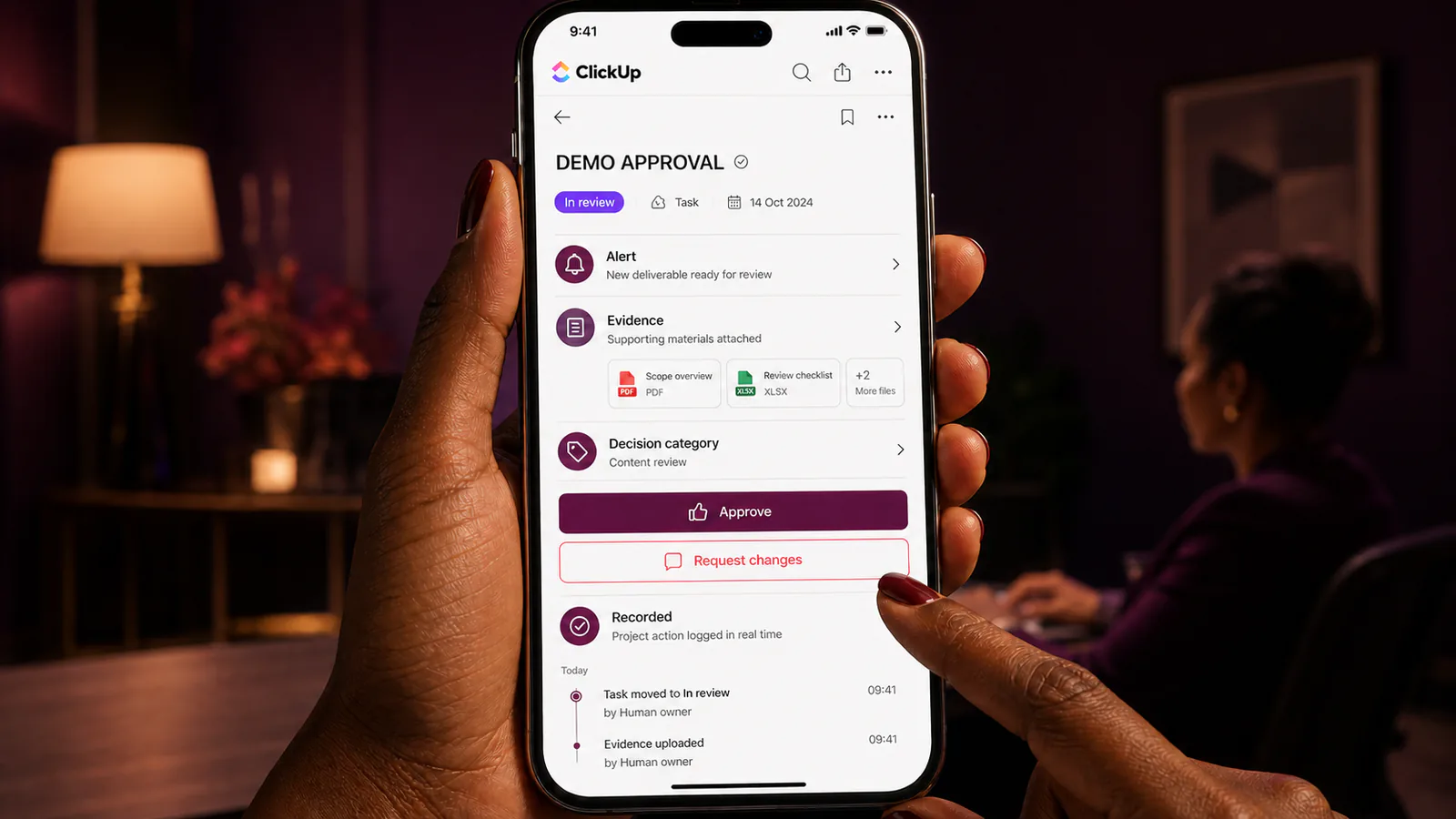
- Every alert should state the decision, effect, evidence and response deadline.
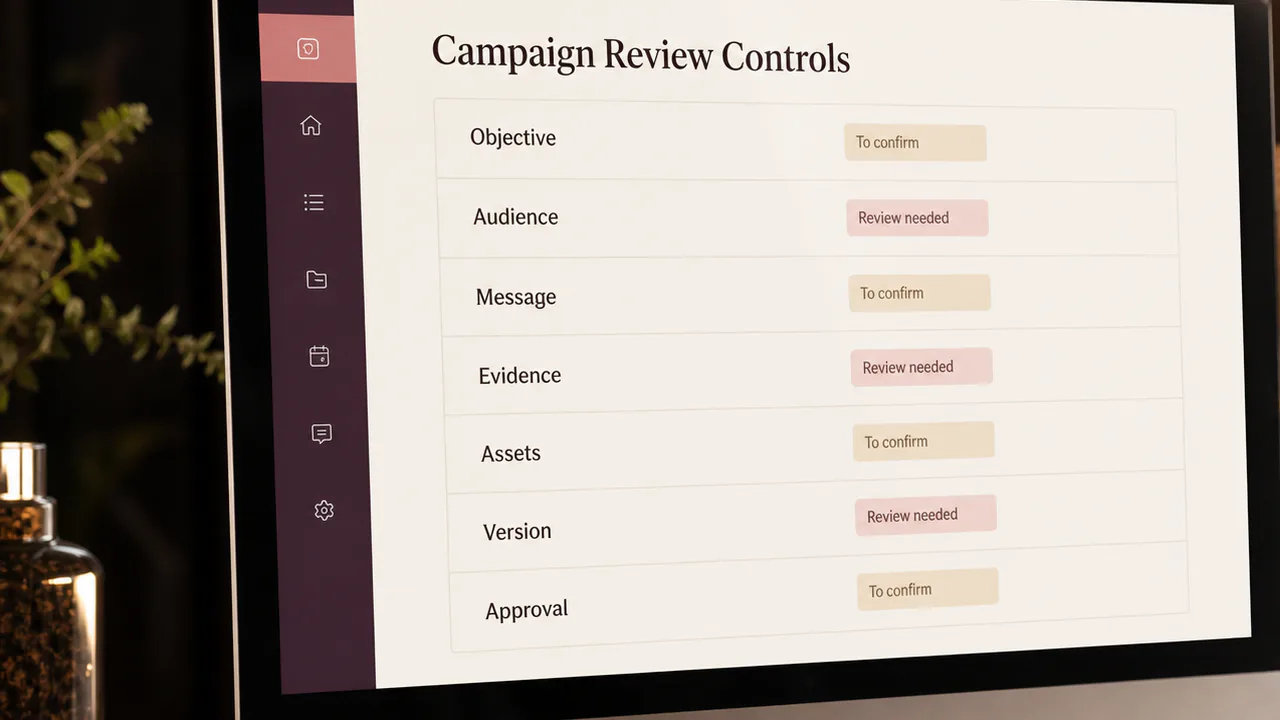
- Define which approvals are suitable for mobile and which require fuller review.
- Record steering and approvals in the main project history.
- Escalate uncertainty rather than rewarding the fastest tap.
Section 01
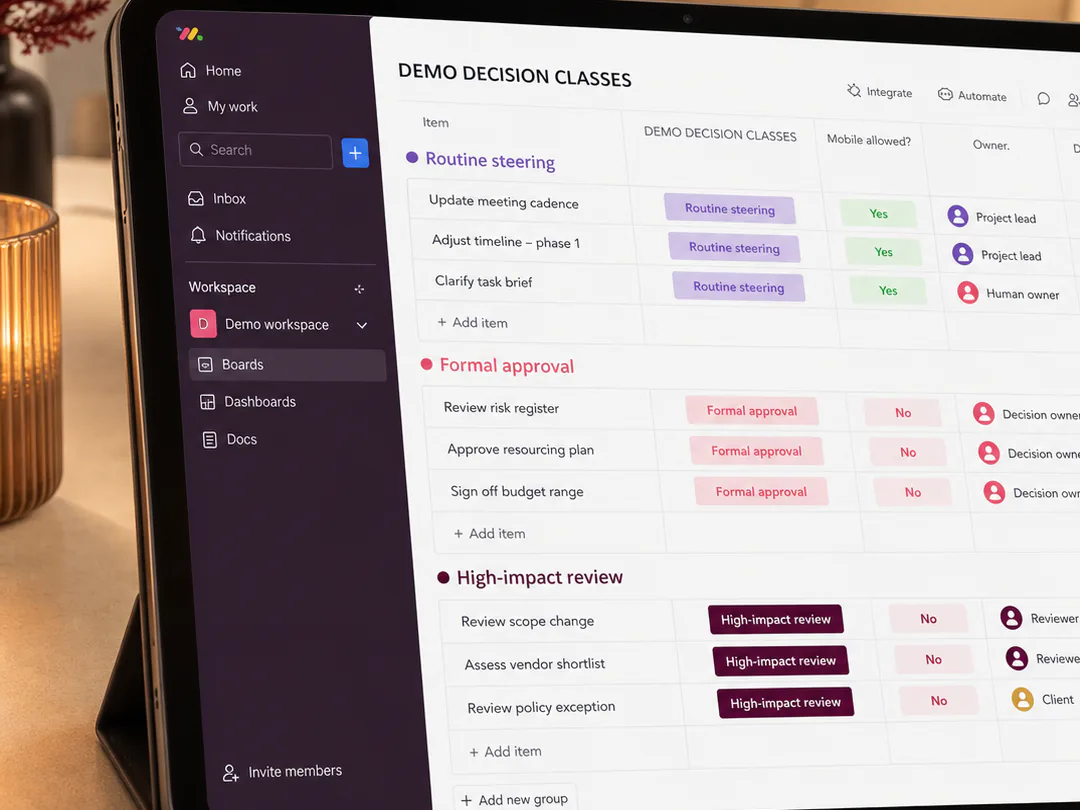
I classify decisions before enabling mobile approval
Routine clarifications, priority changes within scope and acknowledgement of a completed check may suit mobile review. Final publication, sensitive data use, contractual changes, large budget effects or high-impact customer decisions need a fuller evidence and approval route.
The classification should be agreed before urgency appears. Otherwise convenience quietly becomes policy.
Section 02
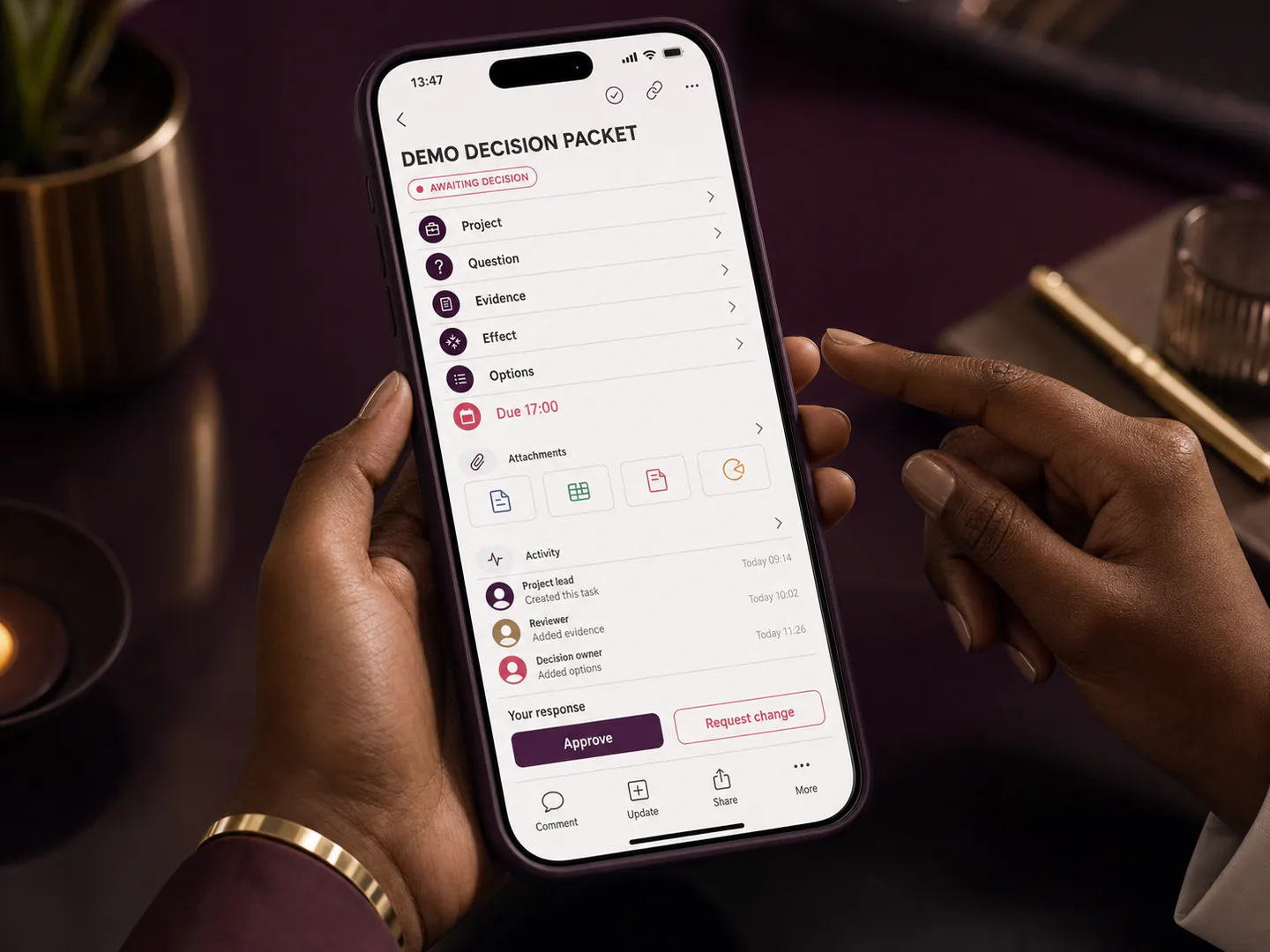
I send a decision-ready alert rather than a vague notification
A useful alert identifies the project, exact question, recommended option, customer or schedule effect, evidence location, alternatives and response deadline. “Please approve” is not enough.
The reviewer should know what will happen after the decision and whether silence creates a delay or triggers escalation.
Section 03
I preserve access to the complete context
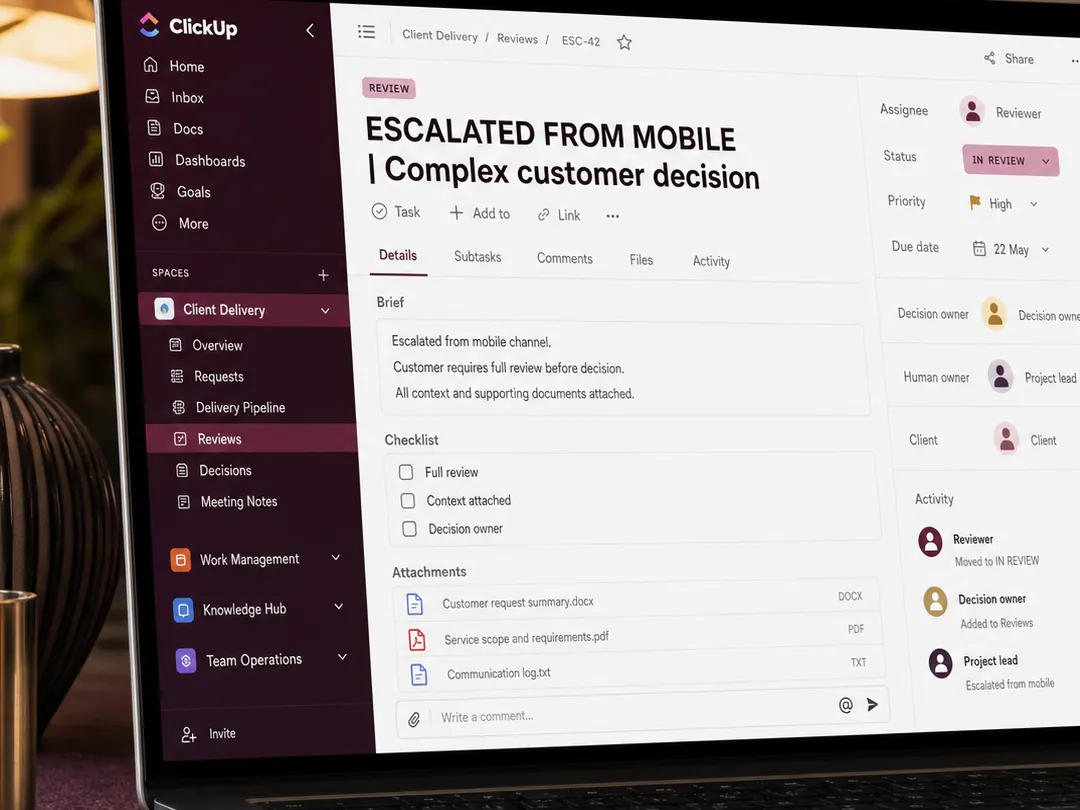
The mobile summary should link to the current brief, relevant file, review notes and unresolved risk. The reviewer must be able to pause and move to a larger-screen or live discussion when the context is too complex.
A concise packet saves time because it is prepared from organised project records, not because essential information is removed.
Bring the moving parts into one delivery process.
I can define a mobile-friendly decision and approval model, prepare the alert template, classify decision levels, connect mobile actions to the project record and establish escalation rules that protect both speed and accountability.
Section 04
I distinguish steering from approval
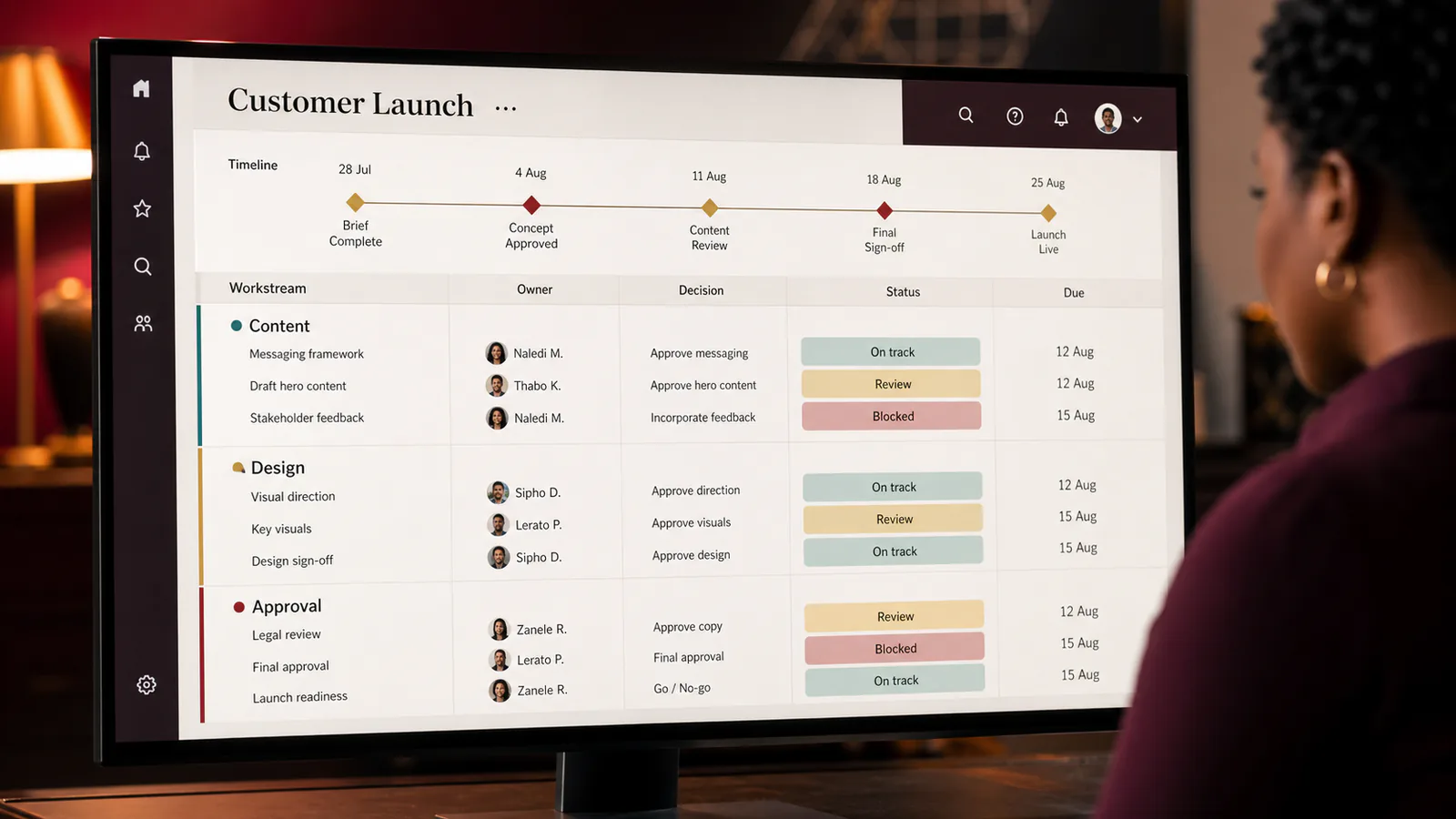
A stakeholder may redirect an agent, ask for another option or clarify a requirement without approving the final output. I label those actions clearly so a steering comment does not later appear as release authority.
The workflow should show which decision changed the task and which person accepted the completed result.
Section 05
I protect the customer boundary
Content, reports, messages or changes that reach a customer should pass the appropriate release check even when the underlying work was monitored from a phone. Accuracy, tone, permissions and final format remain project responsibilities.
Mobile access may reduce waiting, but it should not remove the last responsible person from the chain.
Section 06
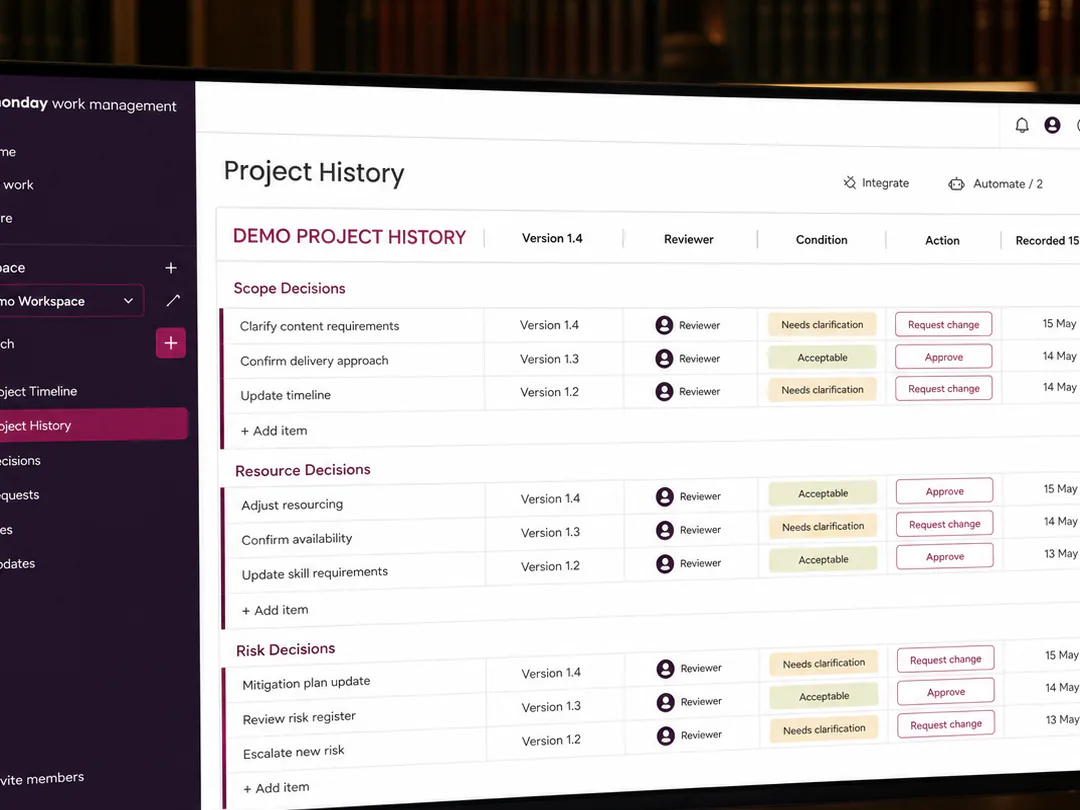
I capture the mobile decision in the main record
The project history should preserve who decided, when, against which version, with what condition and what action followed. A screenshot in a private chat is not a dependable approval record.
This trail supports handover, dispute resolution and learning when a similar decision returns.
Section 07
I measure whether mobile review improves delivery
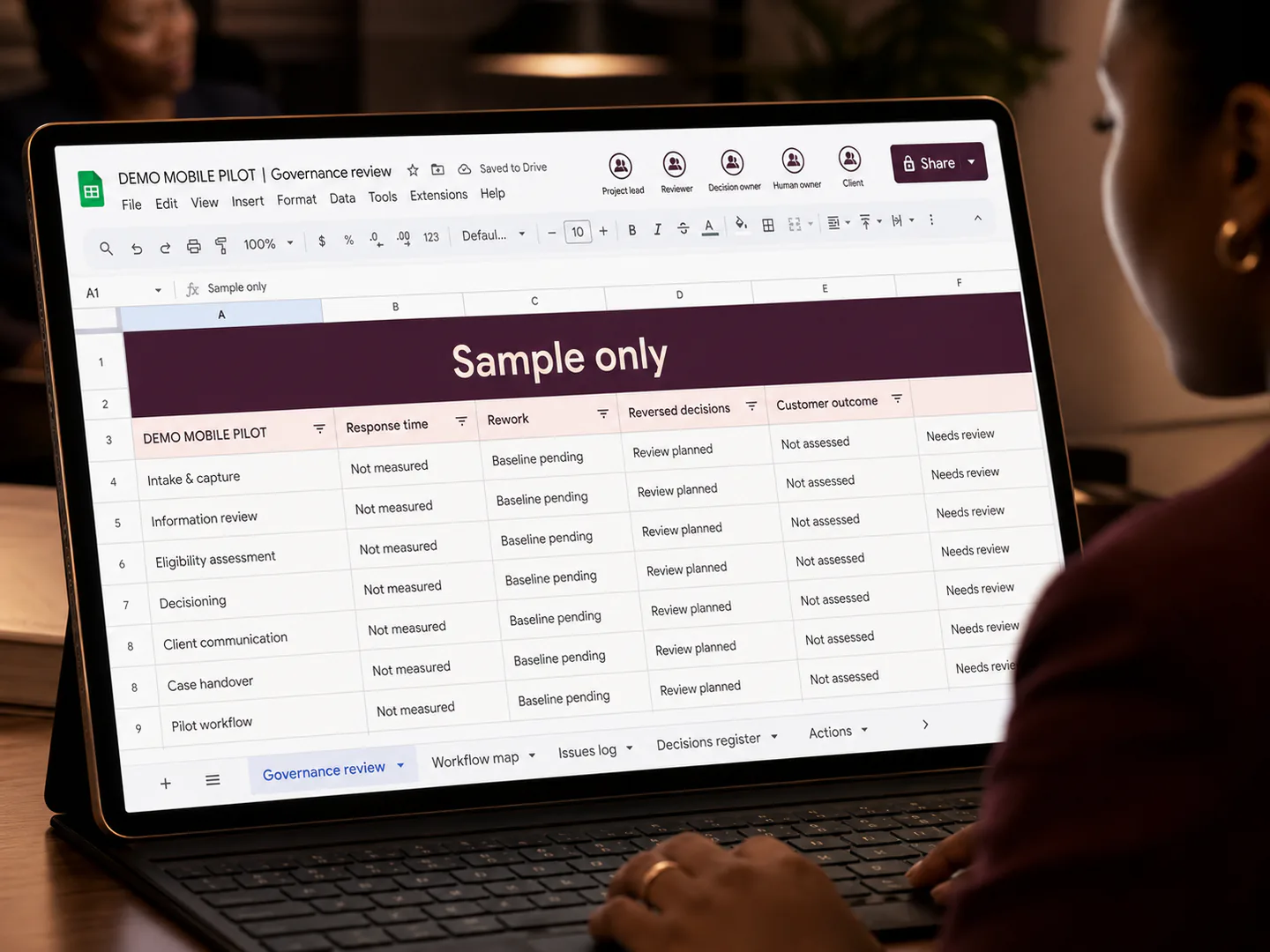
I compare response time, blocked work, rework, reversed decisions, after-hours pressure and customer impact. Faster approval is not an improvement when reviewers later change decisions because the mobile context was incomplete.
The process should create clearer work, not a permanent expectation that every stakeholder is always available.
Turn this insight into an organised next step.
Mobile AI check-ins can make distributed work more responsive. Their value comes from disciplined decision design: the right question, the right evidence, the right person and a record that remains connected to the project.
When approvals are delayed but the organisation does not want rushed or informal release decisions, I can help create a practical route that uses mobile access without weakening governance.
Start with the short version: the outcome, intended audience, deadline, available assets, stakeholders and the delivery problem that is currently blocking progress.
Sources and related reading
- OpenAI — Work with Codex from Anywhere (14 May 2026) — Mobile access supports steering, review and approval of long-running work, making decision design more important.
- OpenAI — Introducing the Codex App (2 February 2026) — The app introduced supervision of multiple agents, parallel tasks, isolated work and reviewable changes.
- PMI — Step Up: Redefining the Path to Project Success with M.O.R.E. (December 2025) — Project success increasingly depends on ownership, perception management, reassessment and a wider view of value.